Newsletter
Join the Community
Subscribe to our newsletter for the latest news and updates

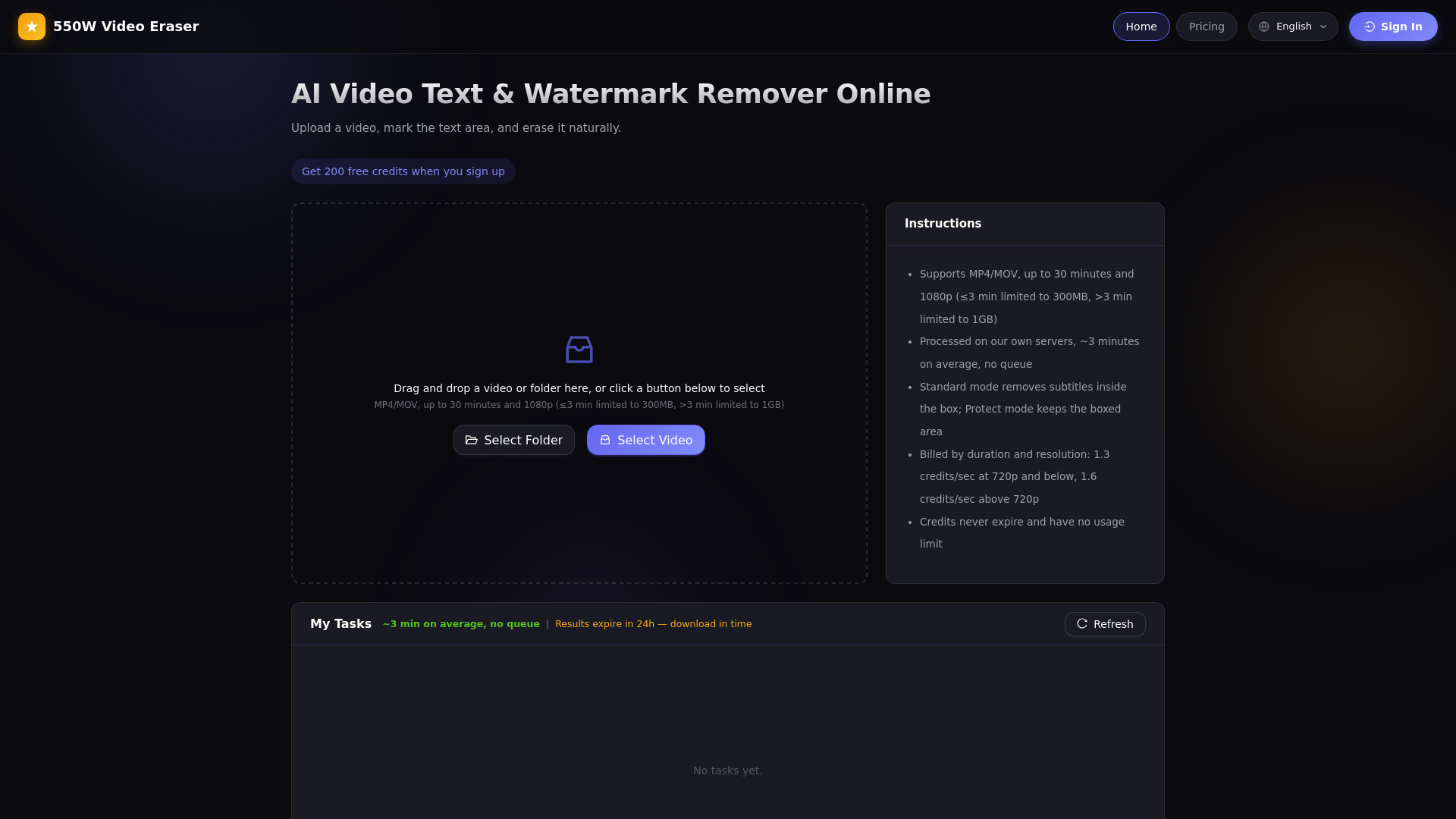
Remove hardcoded subtitles, captions & watermarks from video with AI that rebuilds the background — no blur, no black bars. Batch, no queue, pay as you go.
550W Video Eraser is an AI-powered online tool that removes hardcoded subtitles, burned-in captions, and watermarks from videos. It uses deep learning to reconstruct the background behind the text or logo, producing natural results without blur or black bars. The service runs entirely in the browser with no software installation required and offers pay-as-you-go credits with no subscription.
550W Video Eraser uses a pay-as-you-go credit system with no subscription required. Credits are purchased in packages and spent based on video duration and resolution: 1.3 credits per second at 720p or below, and 1.6 credits per second above 720p. Credits never expire and have no usage-count limit. New users receive a one-time bonus of free credits upon sign-up. Prices range from $2.99 to $39.99.
How do I remove hardcoded subtitles from a video without leaving a watermark? Upload your video, draw a box around the subtitle area, and let the AI reconstruct the background behind the text. The advanced neural network analyzes surrounding pixels and adjacent frames to fill in what was hidden, producing clean results with no blur, black bars, or residual watermarks.
How can I remove a watermark or logo from my video? Select the region containing the watermark using the box-selection tool or switch to fullscreen mode for larger overlays. The AI engine identifies the obscured background content and rebuilds it naturally frame by frame.
What video formats does 550W Video Eraser support? It supports MP4 and MOV containers with H.264 encoding. Videos can be up to 1080p resolution and 30 minutes long. Files under 3 minutes are limited to 300 MB, while longer videos allow up to 1 GB.
How fast is the video processing? A typical video completes text or watermark removal in about three minutes regardless of how many other users are processing at the same time, thanks to dedicated compute resources.
Can I process multiple videos at once? Yes, batch processing is fully supported. Upload an entire folder, then use the batch-mark feature to apply the same text-area selection to all files sharing the same resolution.
What is the output quality after removal? The AI reconstructs the hidden background rather than blurring or painting over it, producing natural, artifact-free results. Original resolution and audio are fully preserved.
How does the pricing and credit system work? You purchase a credit package and spend credits based on video duration and resolution. Credits never expire and have no usage-count limit. New users receive a one-time bonus of free credits upon sign-up.