What is AgentBrush
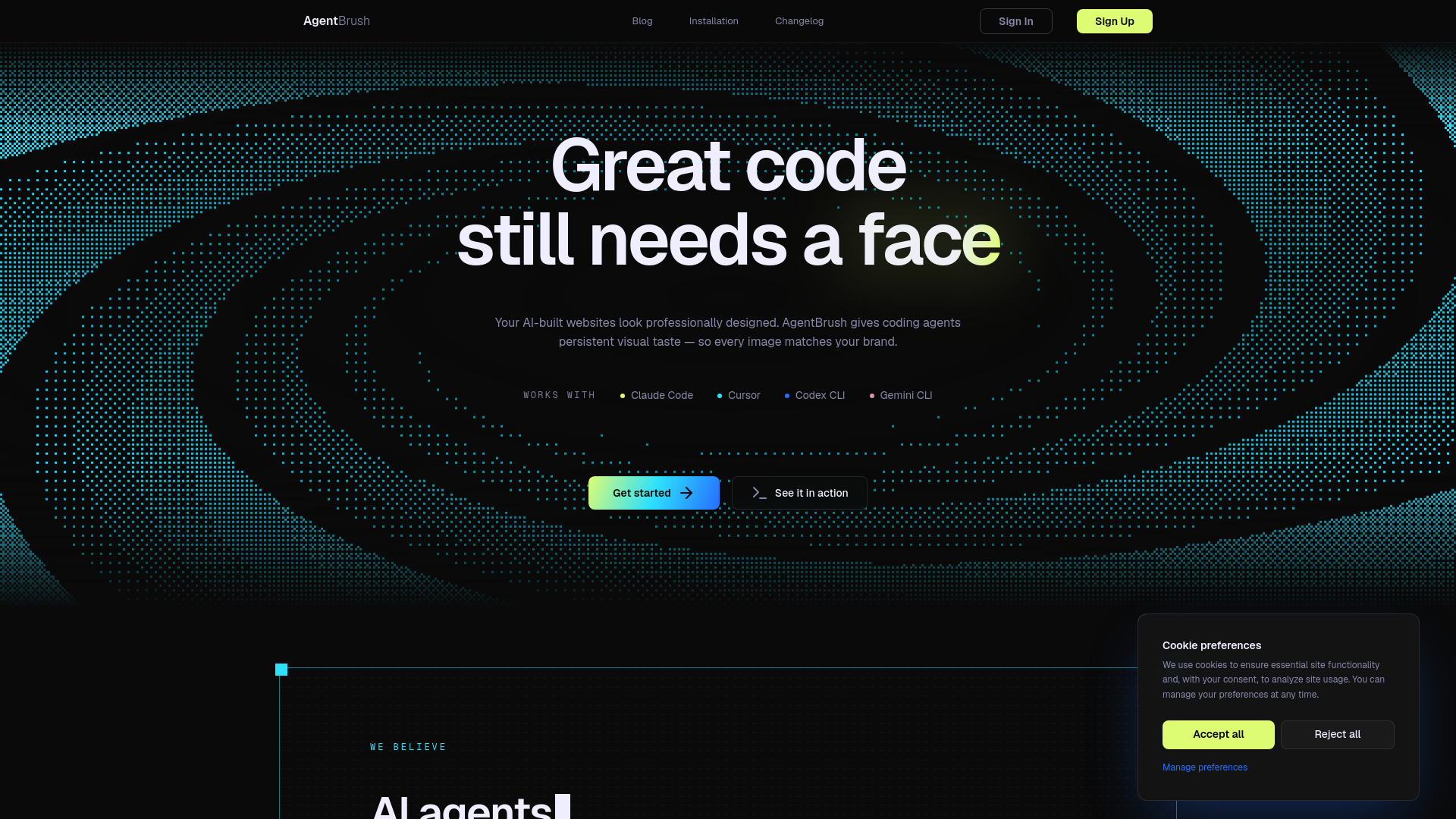
AgentBrush is an image generation tool built specifically for coding agents. It allows AI coding agents to create on-brand visuals for projects directly inside environments like Claude or Cursor.
How to use AgentBrush
AgentBrush works with any MCP-compatible agent. You can use it inside Claude Code, Cursor, Windsurf, or other supported tools. One subscription works across all supported platforms.
Features of AgentBrush
- Presets: Choose from realistic photos, flat illustrations, pixel art, isometric scenes, and logos — each tuned for consistent output.
- Brand identity: Upload your brand colors, fonts, and reference images. Every generation stays on-brand without manual prompting.
- Two-model pipeline: Draft with a fast model, then refine with a premium one. Get photorealistic quality at a fraction of the cost.
- Mask editor: Paint over the area you want to change. The editor handles inpainting so your agent can iterate on specific regions.
- Multi-CLI support: Works with Claude Code, Cursor, Windsurf, and any MCP-compatible agent. One subscription, every tool.
Use Cases of AgentBrush
AgentBrush is designed for developers and teams using AI coding agents to build websites or applications. It ensures that every image generated matches the brand identity, making AI-built websites look professionally designed.
FAQ
What is AgentBrush? AgentBrush is an image generation tool built for coding agents. It gives coding agents persistent visual taste so every image matches your brand.
How does AgentBrush work? AgentBrush provides five primitives (presets, brand identity, two-model pipeline, mask editor, multi-CLI support) that your agent uses on every generation. This ensures every asset lands on-brand, at quality, with zero design decisions left to you.
Which tools does AgentBrush support? AgentBrush works with Claude Code, Cursor, Windsurf, and any MCP-compatible agent.