What is AI Clothes Changer
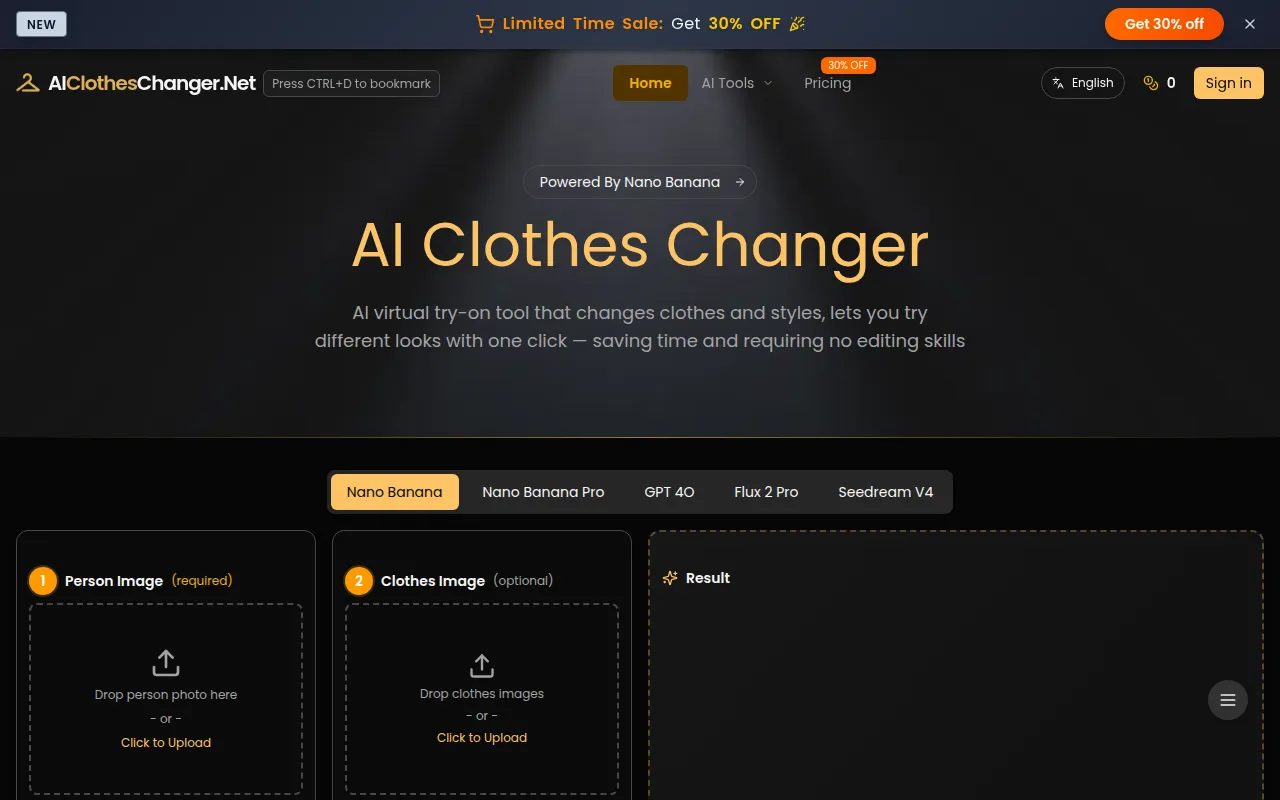
AI Clothes Changer is a smart tool powered by AI Virtual Try-On technology that transforms your photos by swapping outfits with new styles. It uses advanced AI to make clothing changes look natural and realistic, letting you experiment with different looks, explore the latest fashion trends, update your wardrobe visuals, or even create product photos for e-commerce — all quickly and easily.
How to use AI Clothes Changer
- Upload or Choose a Model Photo: Start by uploading your own photo or selecting an official model from the library. This image serves as the base for outfit changes, ensuring accurate fit and realistic AI Virtual Try-On results.
- Upload Clothing Items: Add your clothing images, or accessories. Upload multiple items at once and, if you like, edit prompts for details — all using our AI Clothes Changer to efficiently create complete looks.
- Generate and Download Outfits: Our AI Virtual Try-On will automatically apply the clothing to the model photo. Once generated, Download and share your outfit, or adjust prompts in AI Clothes Changer to explore new styles.
Features of AI Clothes Changer
- Supports multiple AI models, including Nano Banana (Pro), GPT 4O, Flux, Seedream.
- DIY your outfits with editable prompts, letting you change styles and scenes either by description or by uploading clothing images.
- With AI Clothes Changer, your recently generated images are saved for 14 days, so you can easily access, compare different styles, and share or download them anytime.
- Choose from Nano Banana (Pro), GPT-4O, Flux, and Seedream.
- Fine-tune scenes, lighting, poses, and style.
- Batch upload for multiple clothing items.
- Automatically style your accessories with AI.
- Commercial Use Allowed for personal and e-commerce projects.
Use Cases of AI Clothes Changer
- High Cost & Low Efficiency: Models, studios, and reshoots increase costs and slow content production.
- Slow Iteration Speed: Traditional methods make it difficult to quickly test new styles, trends, or product variations.
- Limited Flexibility: Changing poses, lighting, or environments requires new shoots, limiting flexibility.
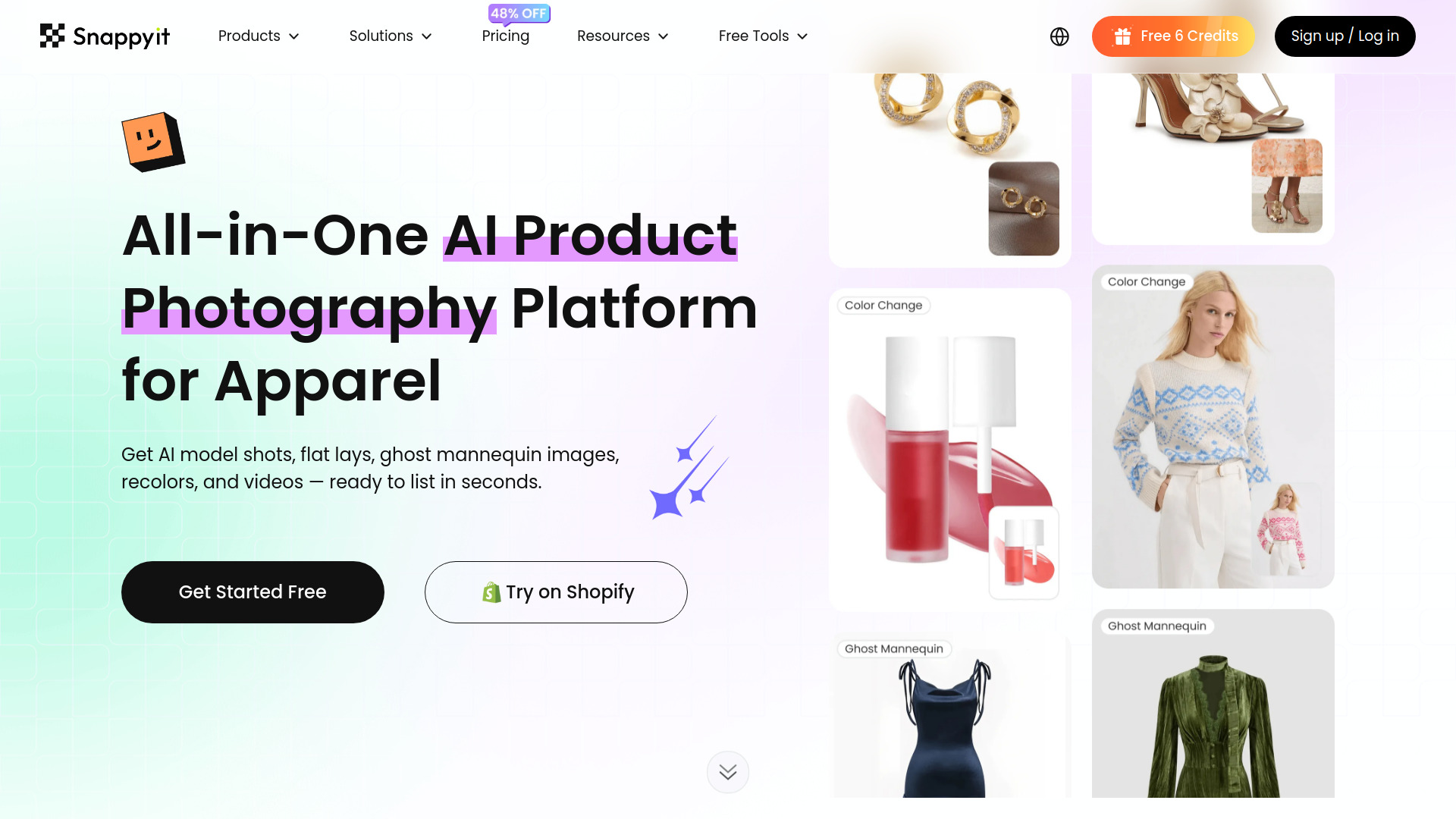
- E-commerce: Showcase multiple outfits on models or product images quickly. Suitable for product images on platforms like Amazon, SHEIN, Shopify, eBay, Lazada, TikTok Shop, and more.
- Personal Styling: Experiment with different looks, explore fashion trends, and update wardrobe visuals.
- Fashion Content Creation: Quickly visualize outfits for social media or blogs.
Pricing
- Standard (Yearly): $28/month ($336/year), includes 9,600 Credits per year (up to 4,800 images), Commercial License, Ads-Free Experience, Faster Generation Speed.
- Basic (Yearly): $8/month ($96/year), includes 2,400 Credits per year (up to 1,200 images), Commercial License, Ads-Free Experience, Faster Generation Speed.
- Free: 3 Credits (up to 1 image), NO Commercial License, NO Ads-Free Experience, NO Faster Generation Speed.
FAQ
- Can I download the outfits generated by AI Clothes Changer? Yes, AI Clothes Changer allows users to download the generated images once the clothing replacement is complete. The results are high-quality and suitable for sharing, posting, or using in fashion presentations.
- Can I use the generated images for product listings on Amazon, SHEIN, or other e-commerce platforms? Yes. AI Clothes Changer is excellent for e-commerce purposes. It allows sellers and designers to showcase multiple outfits on models or product images quickly. The generated images are 1:1 by default and are suitable for product images on platforms like Amazon, SHEIN, Shopify, eBay, Lazada, TikTok Shop, and more.
- Is my uploaded photo safe when using AI Clothes Changer? AI Clothes Changer ensures your privacy. Uploaded photos are used only for AI outfit generation. We do not store, analyze, or publish your images. Generated images are saved for 14 days on servers and 30 days in your browser, then automatically deleted.
- What file format does AI Clothes Changer support? We accept common image formats including JPG, PNG, WEBP and HEIC files. For best results, use high-resolution images that represent garments and the model clearly.
- Can I use AI Clothes Changer on iPhone/Android? Yes, AI Clothes Changer is compatible with mobile devices. You can upload photos and generate outfit changes directly from your iPhone, Samsung or tablet with the same quality as desktop.
- Is AI Clothes Changer free? New users get one free trial upon first login. To earn more free trials, You can earn additional credits by checking in daily for 7 days, receiving 10 points that can be redeemed for free usage (default model: 2 points per image).
- What clothing items can be swapped with the AI? Our AI Clothes Changer app can handle most common garment types including tops, dresses, pants, skirts, and outerwear.
- Can I change clothes in group photos? Currently, AI Clothes Changer works best with individual photos. For best results, use photos featuring a single person with a clear, unobstructed view of their body. If you want to accurately change the photo of a single person in a group photo, please add an accurate description in the prompt.
- Can I use the generated images commercially? Commercial rights are included for Pro users of AI Clothes Changer, allowing you to use the images for your online store, marketing materials, and social media.
- Can I change outfits for a person using only a description? Yes! You can upload just the person’s photo and use prompts with AI Virtual Try-On to change their outfit.
- How many outfit changes can I generate using the virtual try-on tool? The number of outfit changes depends on available credits on your subscription plan. The more credits you have, the more outfits you can try on with our AI clothes changer.