What is AirTouch
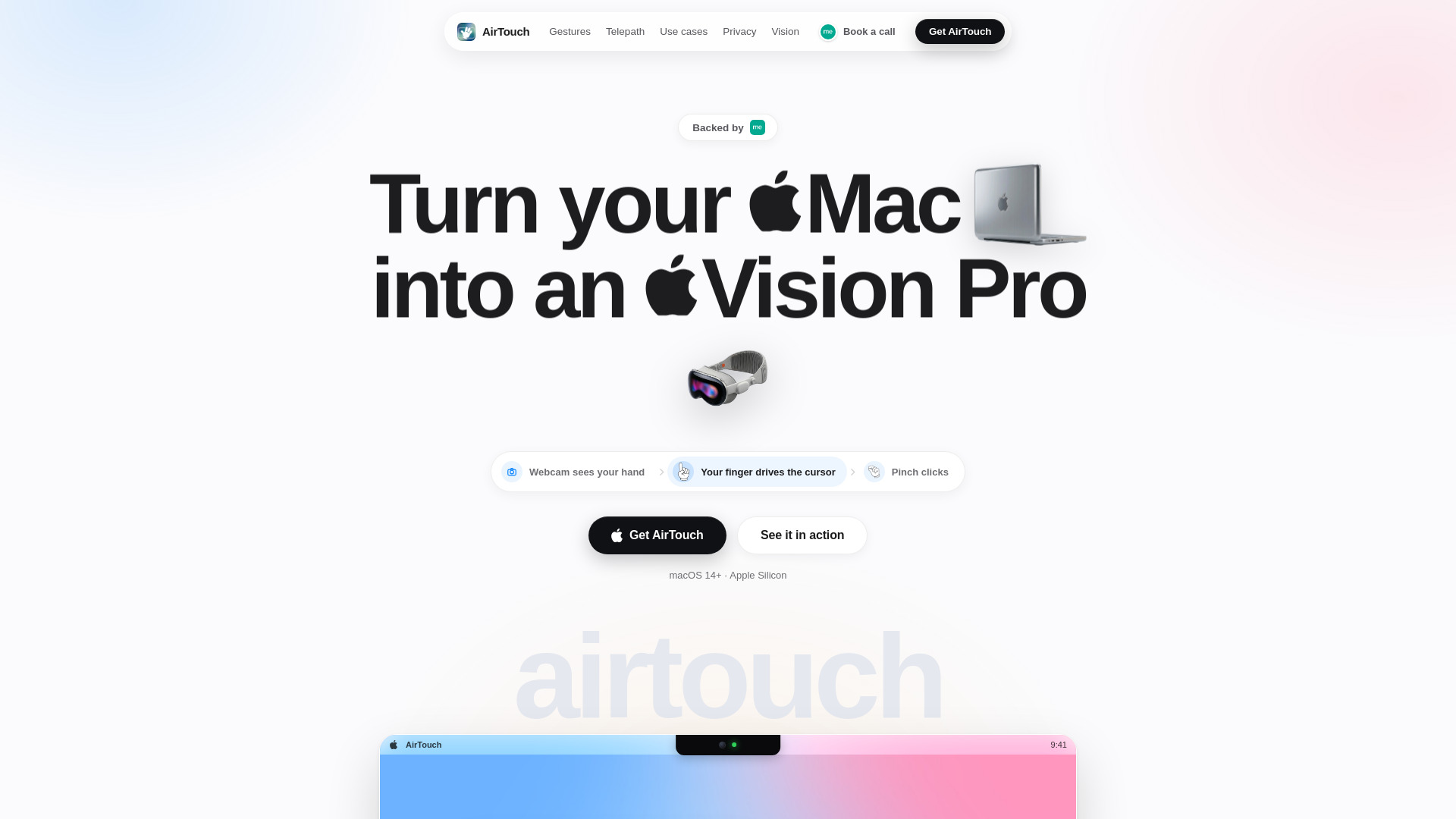
AirTouch is a macOS app that turns your Mac's built-in webcam into a hands-free gesture controller. It allows you to move the cursor with your hand, pinch to click, swipe to switch spaces, and perform ten built-in gestures — all without any extra hardware. All processing happens on-device using the Neural Engine, ensuring privacy.
How to use AirTouch
- Get the app — Download AirTouch from the official website.
- Open it once — Launch the app on your Mac (macOS 14 Sonoma or later, Apple Silicon).
- Raise a hand — Throw a peace sign at the notch and hold for three seconds to start tracking. Your finger then drives the cursor, and pinch performs a click.
Features of AirTouch
- Ten built-in gestures: Wake (peace sign), Point (move cursor), Click (pinch), Scroll (two fingers), Swipe (open hand switches apps), OK (thumbs-up presses Enter), Apps (fist opens Spotlight), Snap (snap fingers to close window), Zoom (two-hand frame), Telepath (two fingers to temple for dictation).
- Custom gestures: Record any pose and bind it to any shortcut, script, or app.
- Telepath dictation: Hands-free dictation at ~220 words per minute, with filler words removed, in any text field of any app.
- System-wide control: AirTouch drives the macOS cursor itself, so it works with every app you already use.
- Privacy by design: Camera feed is processed on-device; only 21 hand landmarks are extracted and discarded within milliseconds. No video, images, or analytics ever leave your Mac.
- Quick release: Tap Esc twice to instantly release the camera.
Use Cases of AirTouch
- Music control: Play/pause with a rock-on gesture, even from the couch.
- Presentations: Swipe to advance slides, run the deck from across the room.
- Cooking: Scroll recipes hands-free — flour stays on the dough.
- Video calls: Pinch to instantly mute before anyone hears the blender.
- Messaging: Thumbs-up sends a tapback reaction without touching anything.
- Video playback: Palm up to pause videos — the doorbell never wins again.
- Morning routine: Fist bump to run a shortcut that opens Mail, Calendar, and starts a focus playlist.
- Screenshots: OK gesture to capture the screen.
Pricing
AirTouch is a paid app with a subscription model. You create an account to manage billing; no personal information or images are stored from your camera.
FAQ
What is AirTouch?
AirTouch is a macOS app that turns your webcam into a hands-free gesture controller. It runs on macOS 14 Sonoma or later on Apple Silicon.
Does AirTouch need extra hardware?
No. It uses your Mac's built-in webcam or any webcam you already own.
Which Macs are supported?
Macs running macOS 14 Sonoma or later with Apple Silicon.
Is AirTouch private?
Yes. All processing is on-device; no video, images, or analytics ever leave your Mac. The account is only for billing.
Is AirTouch free?
No, it is a paid app with a subscription.
What gestures are available?
Ten built-in gestures: Wake, Point, Click, Scroll, Swipe, OK, Apps, Snap, Zoom, and Telepath. You can also create custom gestures.
What is Telepath?
Telepath is hands-free dictation: touch two fingers to your temple and speak. It types clean, punctuated text at ~220 words per minute.