What is Alignear
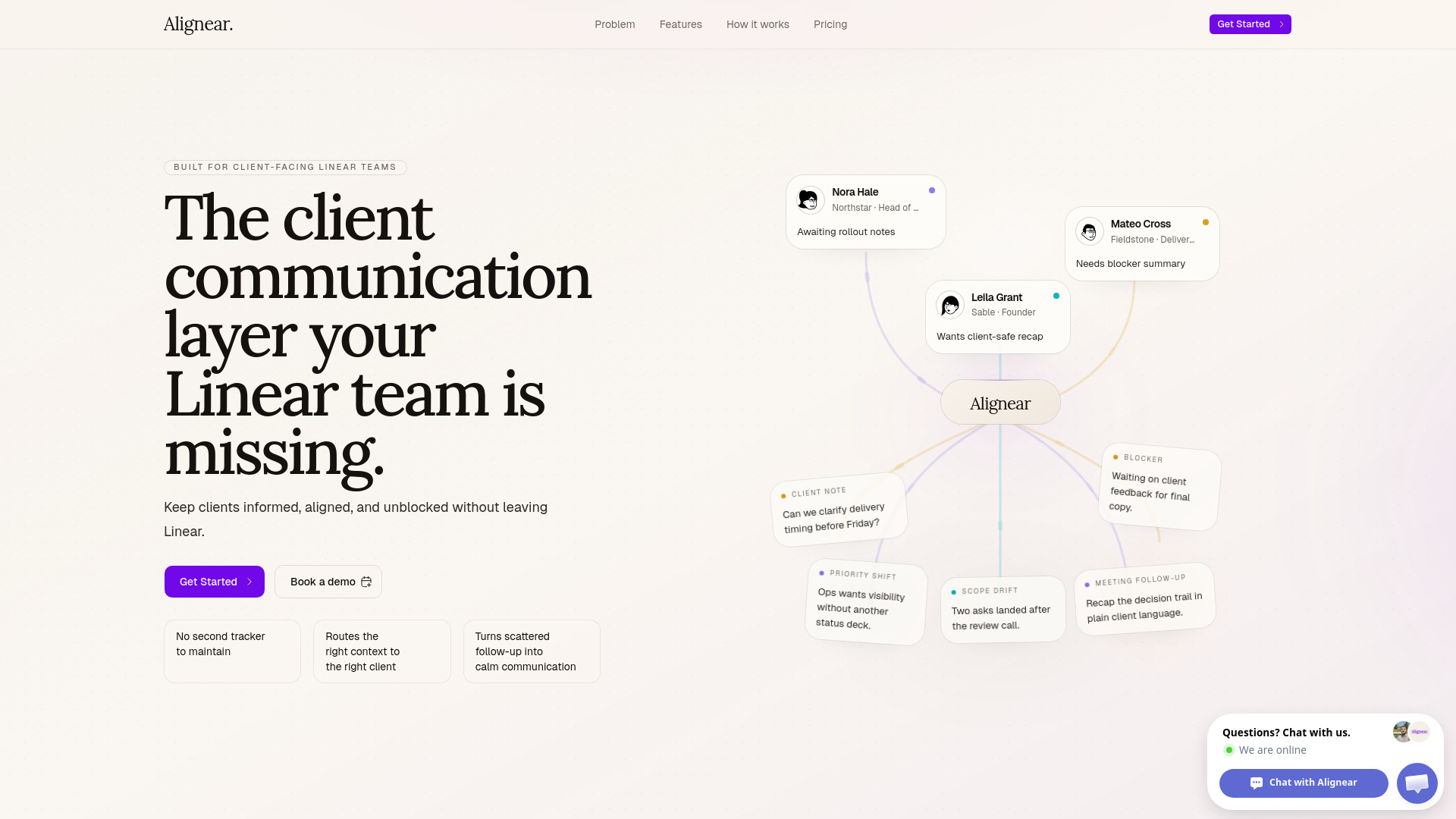
Alignear is a client communication layer designed for teams using Linear. It automates reporting and stakeholder updates, enhancing communication for product and engineering teams by integrating with Linear.
Features of Alignear
- Automated reporting and stakeholder updates.
- Client communication layer for Linear teams.
- Streamlined client portal.
- Linear agent automations.
- Cycle reports that function as client updates.
- Ticket-linked notes for meeting follow-ups.
- Customizable reports with Linear-style filters.
- Auto-send or manual control for report delivery.
Use Cases of Alignear
- Automating reporting for client-facing Linear teams.
- Providing clients with a dedicated portal for updates and history.
- Turning completed work into client-ready updates.
- Managing stakeholder discussions by linking notes to tickets.
- Generating custom reports for different audiences.
Pricing
Alignear is currently in an open testing phase. Pricing is based on organization size, not feature access. Plans include:
- Starter: For small agencies or startups managing a handful of client teams. Includes up to 3 Linear teams, cycle reports, custom reports, client portal, automated/scheduled report delivery, and the Alignear Linear Agent.
- Growth: For growing agencies with multiple product teams. Includes everything in Starter, plus up to 10 Linear teams.
- Scale: For established agencies and consultancies with large, multi-team Linear workspaces. Includes everything in Growth, plus unlimited Linear teams.
FAQ
Q: What is the primary benefit of Alignear? A: Alignear aims to keep clients informed, aligned, and unblocked without requiring teams to leave Linear, by automating reporting and centralizing communication.
Q: How does Alignear integrate with Linear? A: Alignear acts as a layer on top of Linear, using completed work and issue data to generate reports and updates. It also includes a Linear Agent for automations.