Newsletter
Join the Community
Subscribe to our newsletter for the latest news and updates

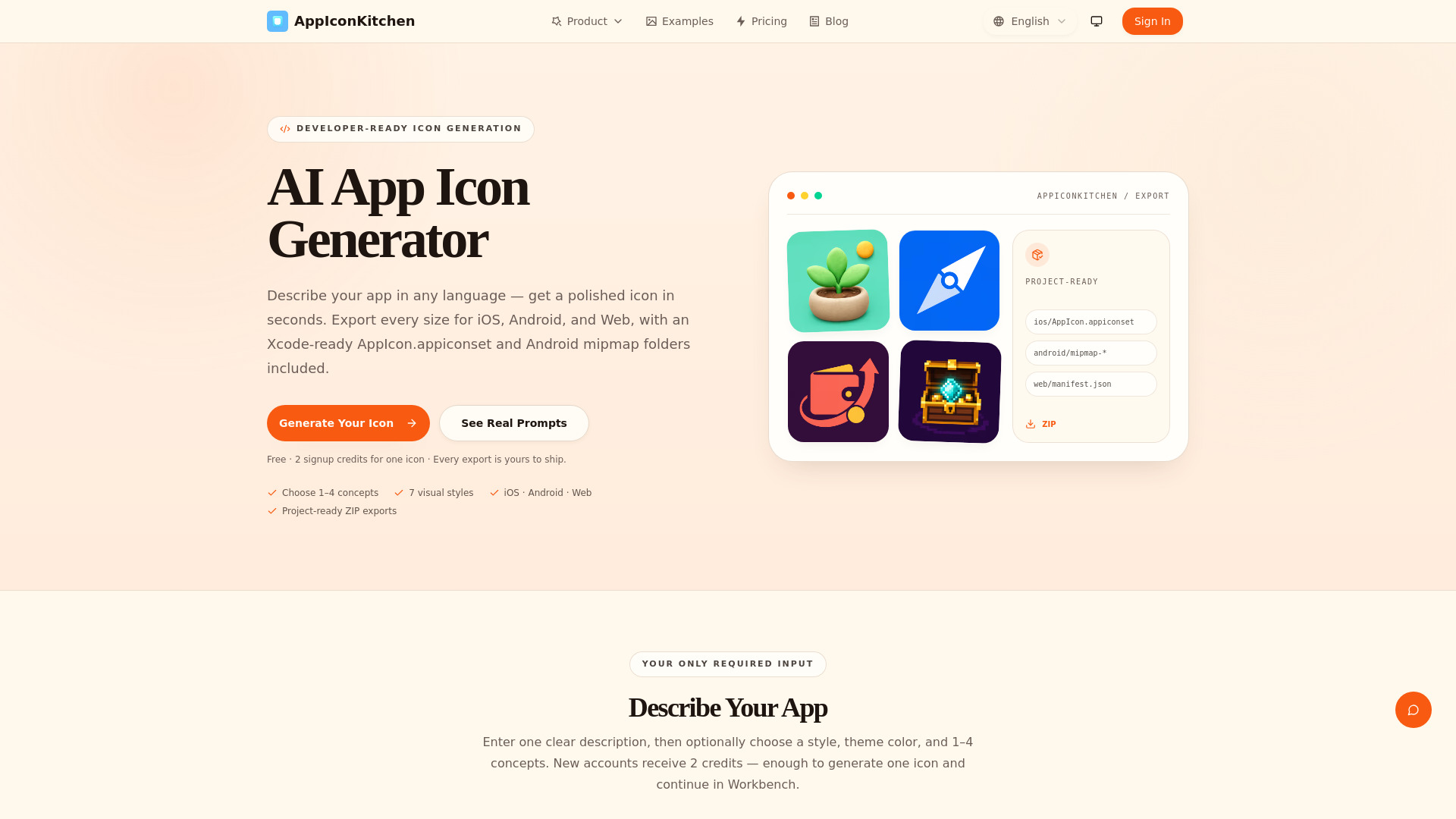
AI App Icon Generator — describe your app in any language and get a polished, production-ready icon in seconds. One-click export for iOS, Android, and Web with all sizes included.
AppIconKitchen is an AI-powered app icon generator that lets you describe your app in any language and receive a polished, production-ready icon in seconds. It exports all required sizes for iOS, Android, and Web, including an Xcode-ready AppIcon.appiconset and Android mipmap folders.
AppIconKitchen offers a free plan. Every new account receives 2 free credits, enough to generate one icon. You can then fine-tune that result and export its platform asset set. Additional credits can be purchased as needed.
How does the AI app icon generator work? Describe your app in any language. Choose 1–4 concepts per run, and AppIconKitchen creates different takes using the same prompt and optional style settings.
What sizes do I get in the export? iOS includes 20 catalog entries covering PNG outputs from 20px through the 1024px App Store icon. Android includes 5 density folders plus a 512px Play Store icon. Web includes favicon, PWA, maskable, and apple-touch-icon assets.
Can I edit the icon after generation? Yes. Continue in Workbench to refine the result before export.
How do I use the icon in Xcode? Extract the ZIP, then copy the AppIcon.appiconset folder into your Xcode project's Assets.xcassets catalog. Contents.json is already included.
How do I use the icon in Android Studio? Copy the mipmap-* folders into app/src/main/res/. Full adaptive icon foreground, background, and mipmap-anydpi-v26 XML resources are included only after you create a separated foreground layer.
Is it really free? Every new account receives 2 free credits, enough to generate one icon. You can then fine-tune that result and export its platform asset set.