What is Carve
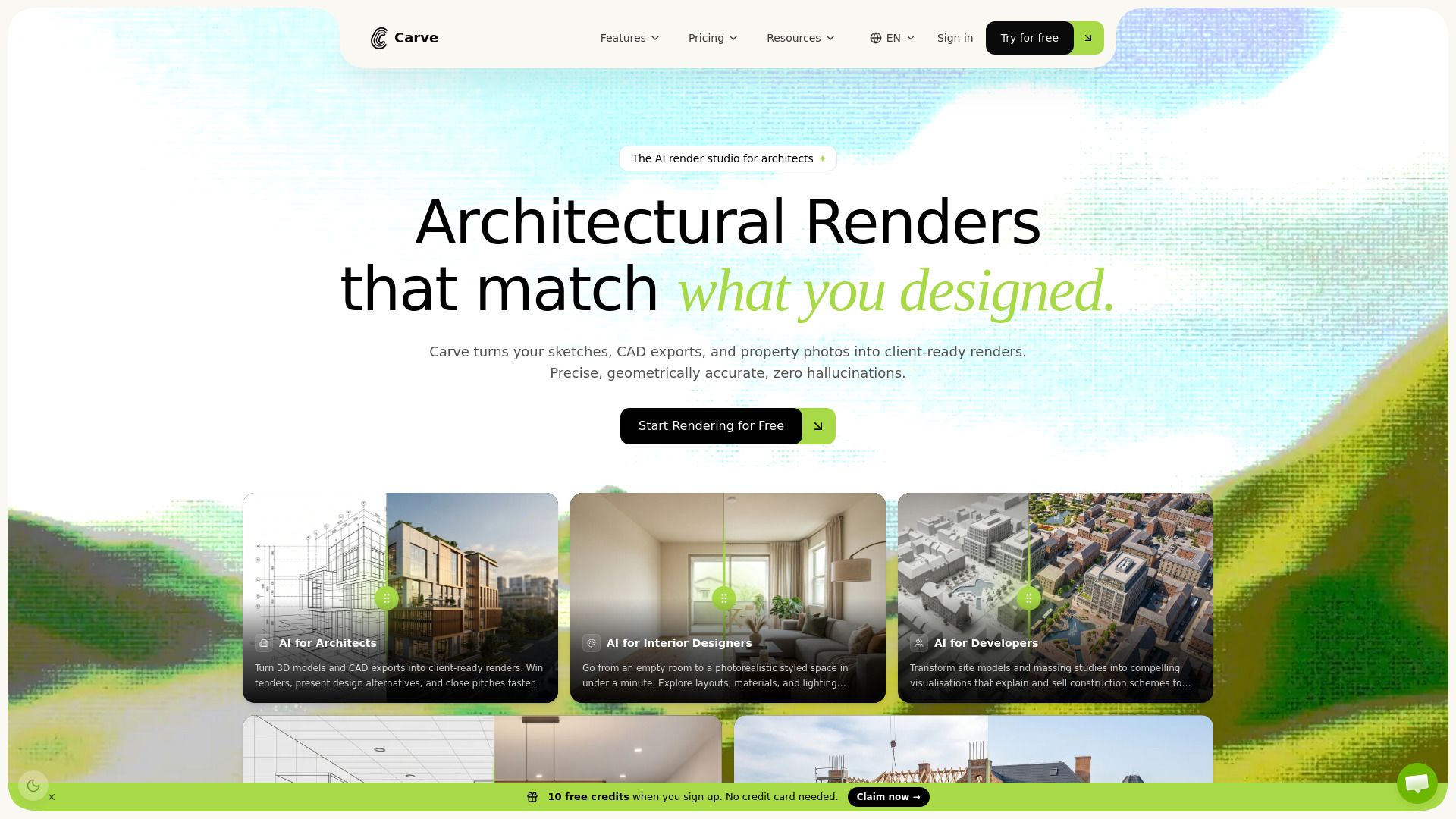
Carve is an AI render studio that turns sketches, CAD exports, and property photos into photorealistic, client-ready renders in under a minute. It is built for architects, interior designers, real estate agents, and developers who need precise, geometrically accurate visualizations without hallucinations.
How to use Carve
- Upload your input – Start with a sketch, CAD export (e.g., from SketchUp, Revit, Blender), or a property photo.
- Choose your scene type – Select from interior, exterior, or other architectural scenes.
- Apply style and settings – Pick a style variant (e.g., photorealistic) and adjust materials, lighting, and layout.
- Generate the render – Carve’s diffusion engine with depth- and edge-aware ControlNet routing produces the final image in seconds.
- Refine and export – Iterate on designs or download the client-ready render.
Features of Carve
- AI-powered rendering – Uses a diffusion engine with ControlNet for depth and edge awareness.
- Multiple input types – Accepts sketches, CAD exports (SketchUp, Revit, Blender), and property photos.
- Photorealistic output – Produces high-quality, geometrically accurate renders.
- Fast turnaround – Generates renders in under a minute.
- Virtual staging – Turn empty rooms into styled spaces instantly.
- Industry-specific tools – Dedicated modes for architects, interior designers, developers, kitchen builders, and real estate agents.
- Before/after comparison – Built-in slider to compare original input with rendered output.
Use Cases of Carve
- Architects – Turn 3D models and CAD exports into client-ready renders to win tenders and present design alternatives.
- Interior Designers – Go from an empty room to a photorealistic styled space in under a minute; explore layouts, materials, and lighting without re-rendering.
- Real Estate Agents – Create virtual staging, listing imagery, and promotional visuals for off-plan developments without a studio or week-long wait.
- Developers – Transform site models and massing studies into compelling visualizations to explain and sell construction schemes to investors.
- Kitchen Builders – Sketch a layout and get a photorealistic kitchen render to show clients exactly what they’re buying before any cabinets ship.
FAQ
What inputs does Carve accept?
Carve accepts sketches, CAD exports (from SketchUp, Revit, Blender), and property photos.
How fast is the rendering?
Renders are generated in under a minute.
Is the output geometrically accurate?
Yes, Carve uses depth- and edge-aware ControlNet routing to ensure precision and avoid hallucinations.
Who is Carve for?
Carve is built for architects, interior designers, real estate agents, developers, and kitchen builders.