Newsletter
Join the Community
Subscribe to our newsletter for the latest news and updates

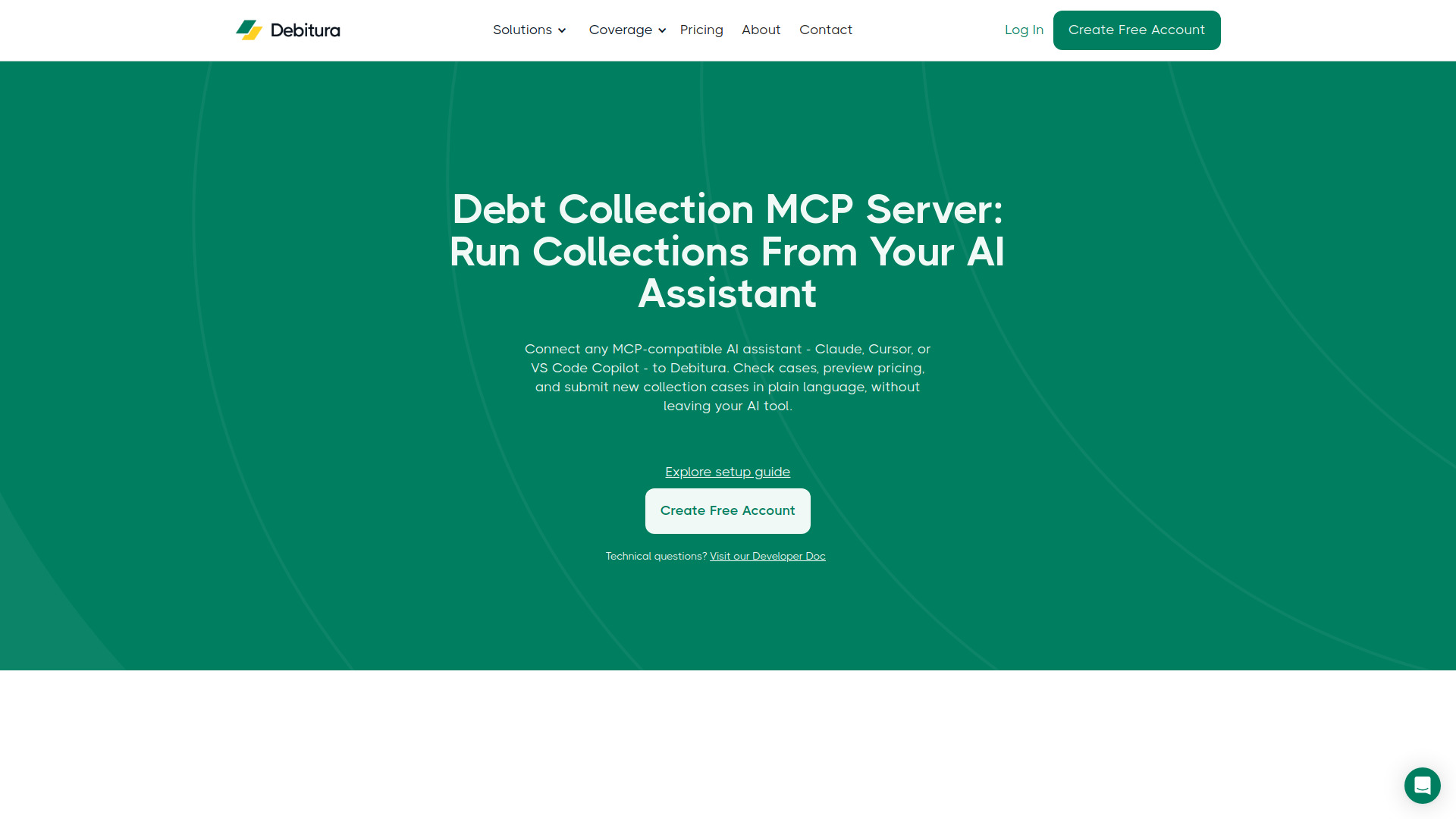
Connect any MCP-compatible AI assistant to Debitura's cross-border debt collection platform. Check case status, read partner conversations, get pricing, and submit new collection cases across 183 countries, directly from Claude, Cursor, or VS Code.
Debitura is a cross-border debt collection platform that connects creditors with vetted local agencies and law firms in 183 countries. It offers a Model Context Protocol (MCP) server that allows any MCP-compatible AI assistant—such as Claude, Cursor, or VS Code Copilot—to interact with Debitura directly. Users can check case status, read partner conversations, get pricing, and submit new collection cases in plain language without leaving their AI tool.
https://mcp.debitura.com/mcp with your API key in the XApiKey header.Debitura operates on a No Cure, No Pay model. There are no setup, subscription, or platform fees. You only pay a success fee if recovery is made, starting at 6% depending on claim size.
Q: What is MCP? A: MCP (Model Context Protocol) is an open standard that AI assistants use to connect to outside tools and data. Instead of switching to a separate app, you give your assistant a secure connection and it can act on your behalf.
Q: How do I connect my AI assistant to Debitura? A: Generate a Debitura API key at app.debitura.com/CreditorApiKey, then add Debitura as a custom MCP connector in your AI client using the endpoint https://mcp.debitura.com/mcp with your key in the XApiKey header. Verify by asking your assistant to "Ping Debitura".
Q: Is my data secure? A: Yes. Authentication is per-account API key. The server is stateless and stores nothing—your key and case data are never written to disk. The key scopes every request to exactly one account, and traffic is protected at the edge by a web application firewall and rate limiting.
Q: What AI assistants are supported? A: Claude (web, desktop, and Code), Cursor, and VS Code Copilot. Per-client setup snippets are available in the public repository.
Q: How many tools does the MCP server expose? A: 14 tools—eleven read-only (cases, timeline, messages, payments, contracts, files, account summary, pricing preview) and three write tools (create case, upload file, send message).