LogoTop AI Hubs
icon of Design In The Browser

Design In The Browser

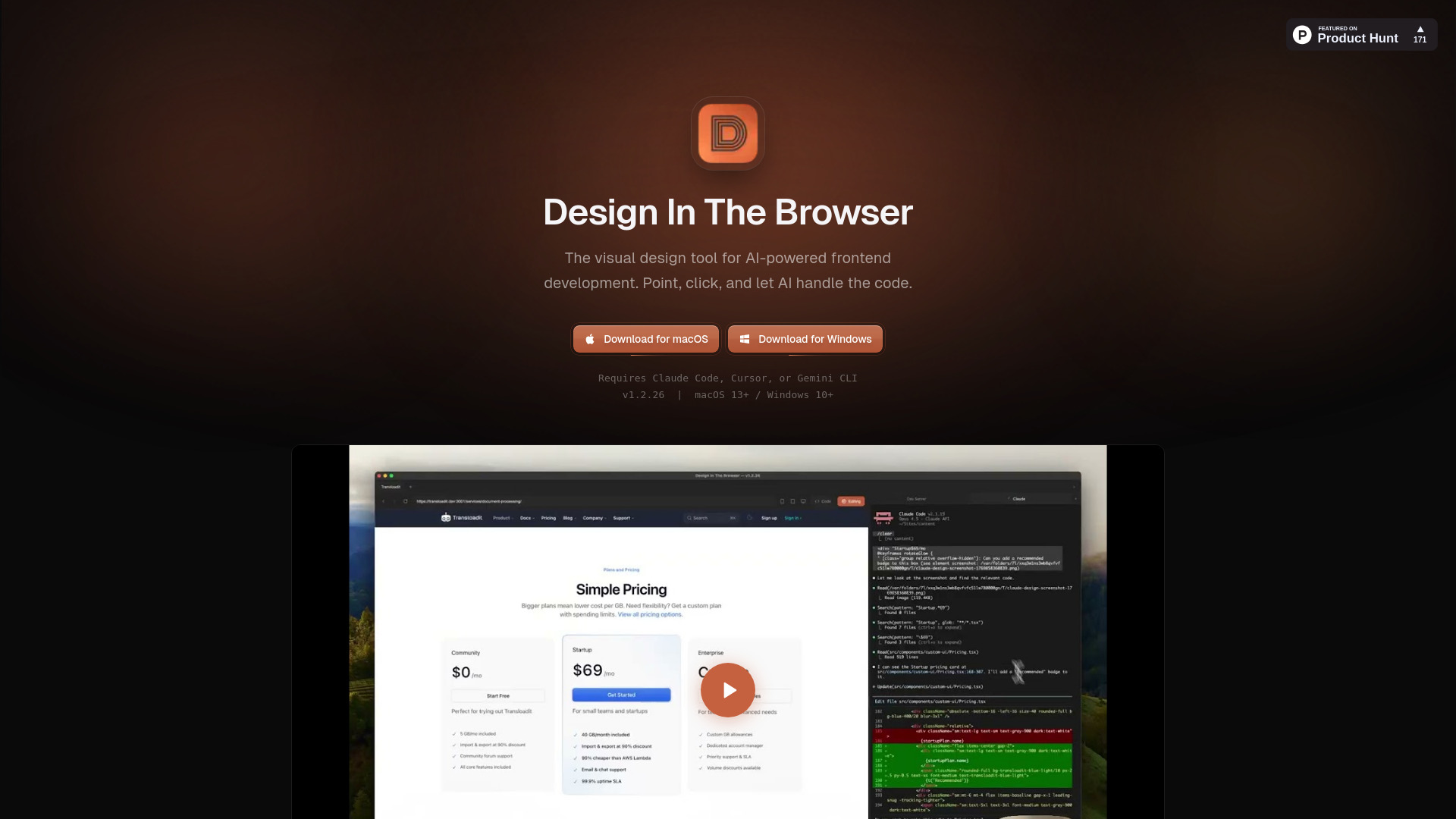
AI-powered visual frontend development tool using point-and-click browser editing.

Introduction

What is Design In The Browser

Design In The Browser is an AI-powered visual frontend development tool that allows users to point and click on elements within their browser. It integrates with AI models like Claude, Cursor, and Gemini CLI to generate code based on visual selections.

How to use Design In The Browser
  1. Point and click on any element in your browser.
  2. Send the selected element to an AI model (Claude, Cursor, or Gemini CLI) to generate code.
  3. Jump directly from a UI element to its source code in your preferred editor.
Features of Design In The Browser
  • Point & Click Editing: Click any element in the browser and send it to AI for code generation.
  • Code Editor Integration: Access the source code of UI elements directly in your editor.
  • Multi-Edit: Select multiple elements and edit them simultaneously.
  • Integrated Terminal: Features a side-by-side terminal with dev server support.
  • Responsive Testing: Includes a viewport switcher for testing different screen sizes and breakpoints.
  • Reference Images: Add reference images to prompts for precise results.
Use Cases of Design In The Browser

This tool is designed for frontend development, enabling users to visually design interfaces and have AI generate the corresponding code. It streamlines the process of translating visual designs into functional code by integrating directly with AI coding assistants and code editors.
Newsletter

Join the Community

Subscribe to our newsletter for the latest news and updates