What is DramaPixel
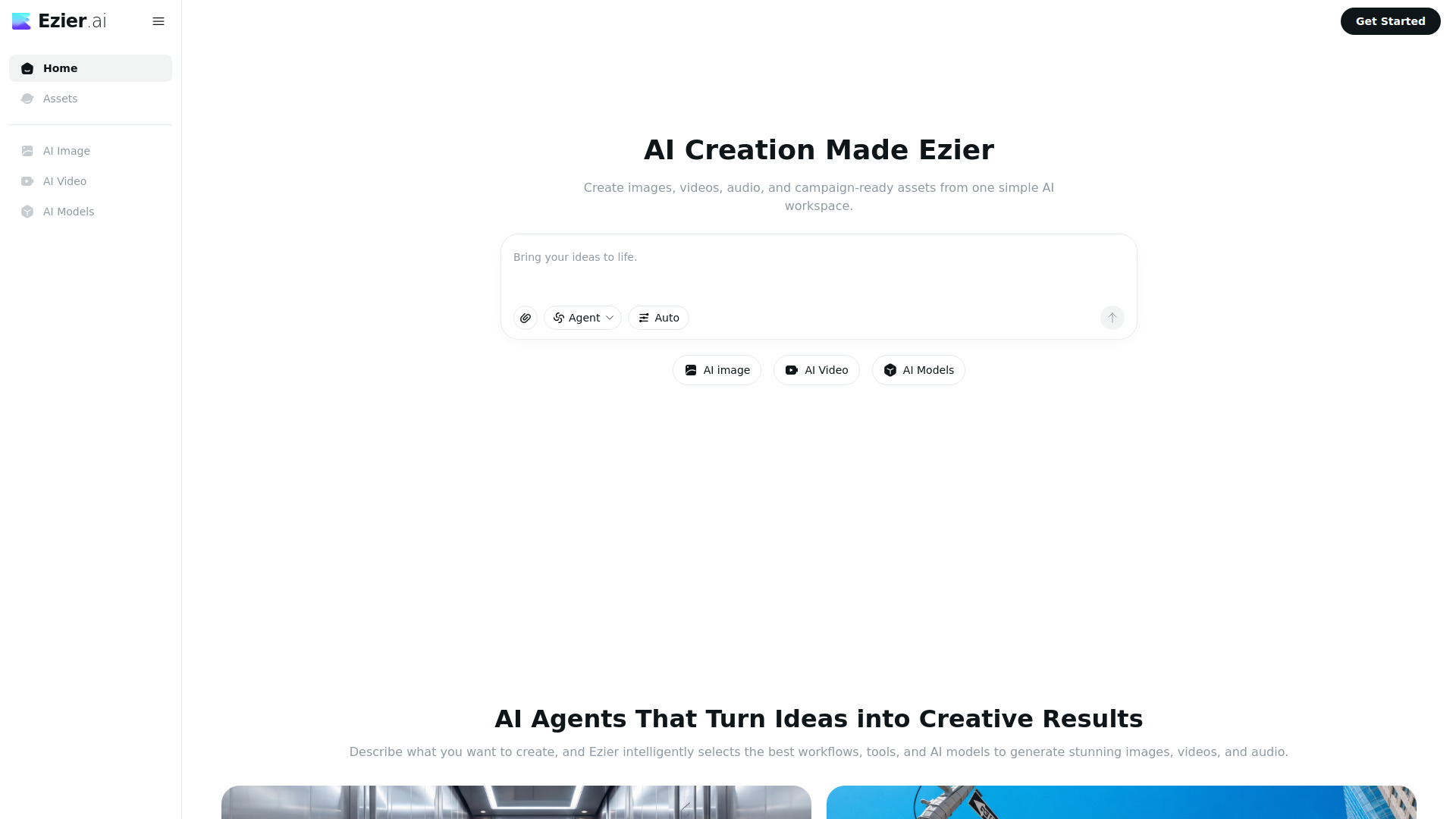
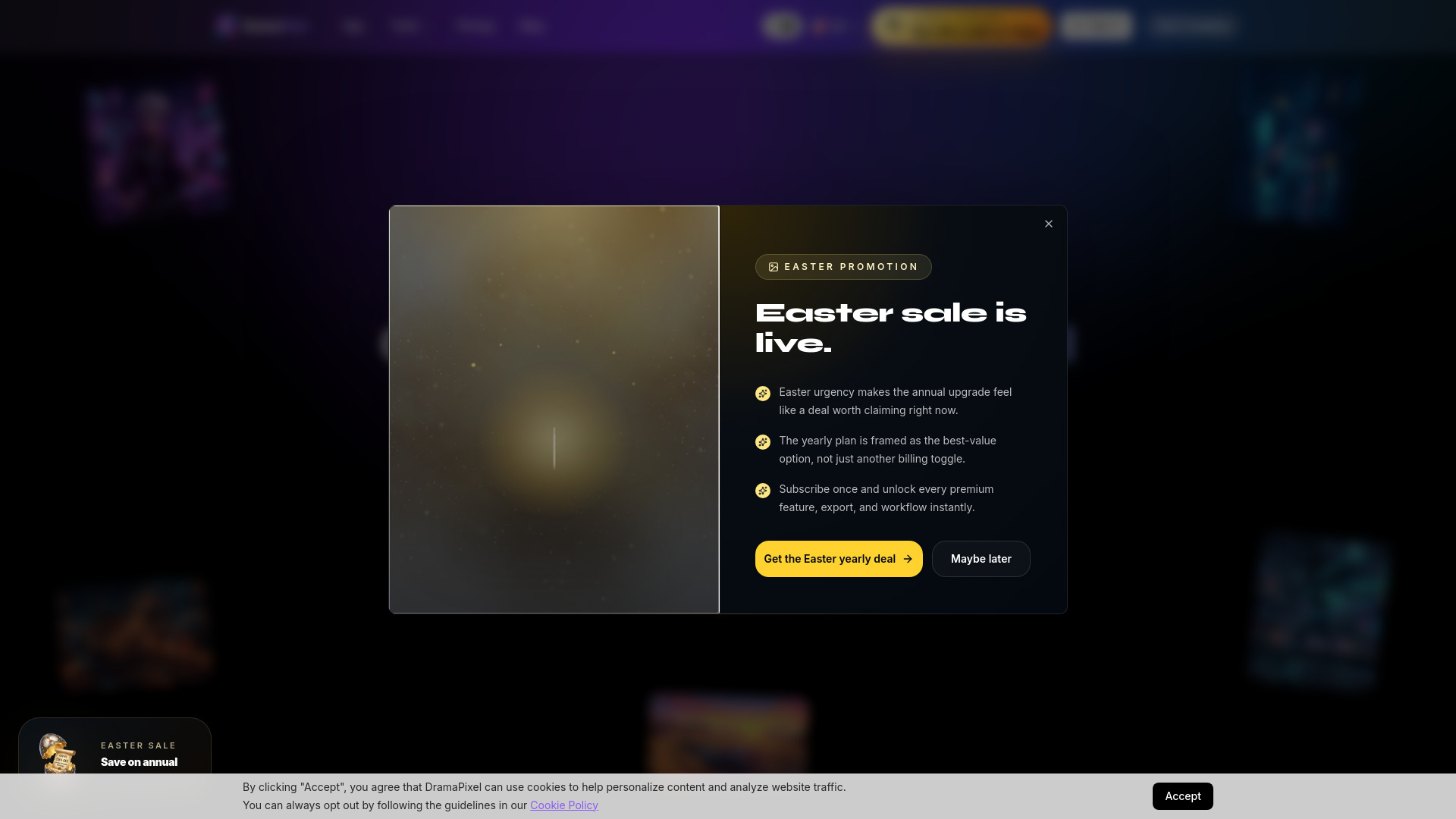
DramaPixel is an all-in-one AI workspace designed for generating images, videos, and music from text and references. It aims to streamline the creative process, allowing users to move from idea to asset in minutes.
How to use DramaPixel
- Choose your medium: Select Image, Video, or Music from the workspace sidebar.
- Describe your vision: Type a prompt, upload a reference image, or pick from templates.
- Generate and refine: Get results in seconds, iterate with edits, and download when ready.
Features of DramaPixel
- Image Generation: Create photorealistic images, illustrations, concept art, and more from text prompts. Supports 1K, 2K, and 4K output.
- Video Generation: Turn ideas into short cinematic clips. Control camera motion, style, and duration up to 30 seconds.
- Music Generation: Compose original tracks by describing mood, genre, and instruments. Export stems or full mixes instantly.
- Unified Workspace: Switch between image, video, and music generation without leaving the platform.
Use Cases of DramaPixel
- Creating photorealistic images, illustrations, and concept art.
- Generating short cinematic video clips from text descriptions.
- Composing original music tracks based on mood, genre, and instruments.
- Prototyping ad concepts and campaign visuals.
- Developing creative assets for marketing and branding.
FAQ
- Do I need design experience? No. You can create with simple prompts, then refine with references and settings inside the workspace.
- What can I generate? You can generate images, short-form video, and music from the same platform.
- How fast is it? Most images generate in seconds, and video jobs typically complete in a short queue depending on load.