LogoTopAIHubs
icon of Emdash

Emdash

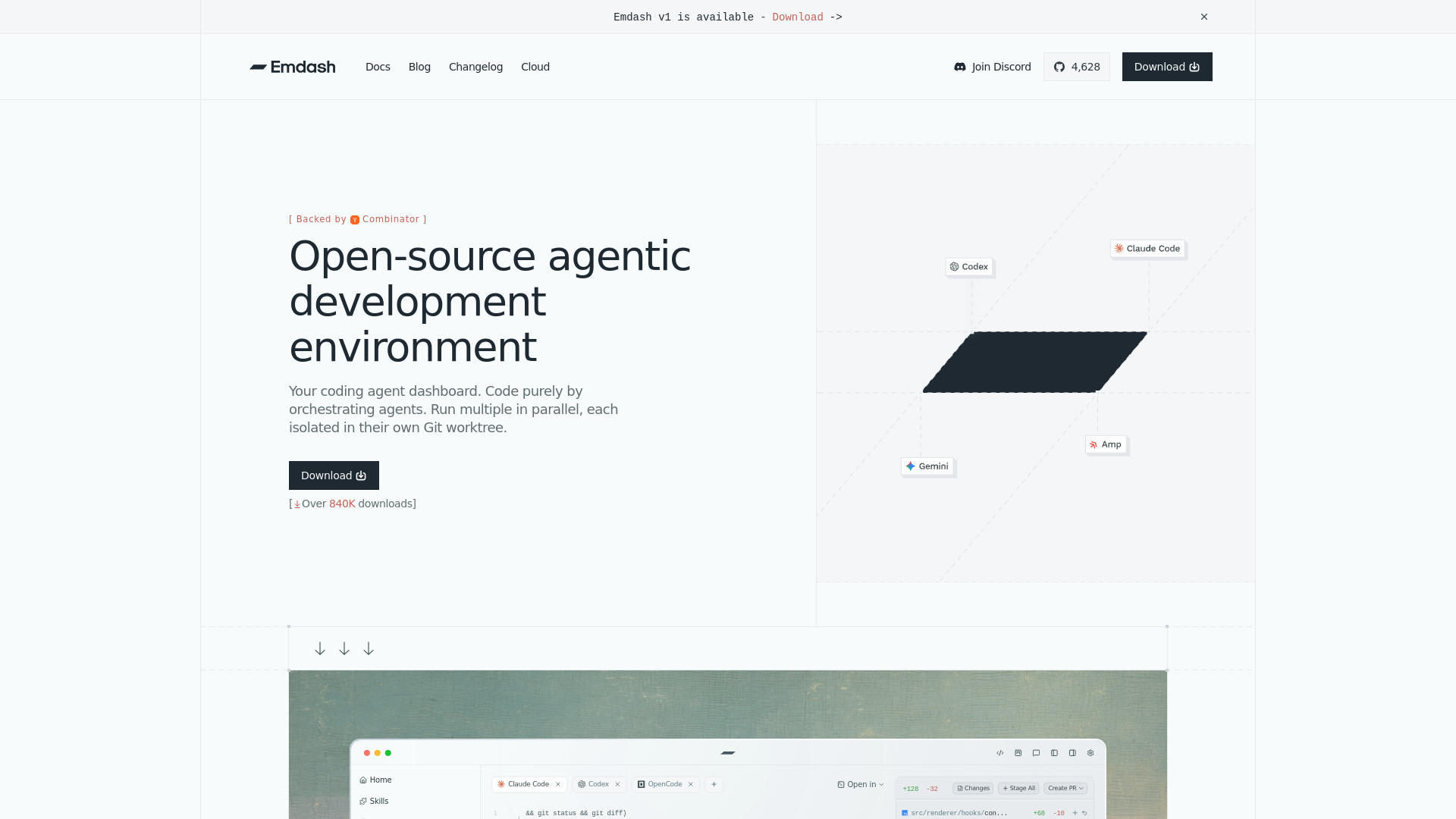
Open-source desktop environment for running multiple coding agents in parallel.

Introduction

What is Emdash

Emdash is an open-source agentic development environment designed for running multiple coding agents in parallel. It allows users to orchestrate agents, with each agent operating within its own isolated Git worktree. The environment supports passing issues directly to agents, pulling context from various project management tools like Linear, Jira, and GitHub.

How to use Emdash

While the webpage doesn't provide explicit step-by-step instructions, it implies a workflow involving:

  1. Orchestrating Agents: Users can manage and run multiple coding agents simultaneously.
  2. Isolated Worktrees: Each agent operates in its own Git worktree for isolation.
  3. Issue Integration: Issues from project management tools can be passed to agents for context.
  4. Infrastructure Provisioning: Ephemeral infrastructure can be provisioned and torn down using scripts, with workspaces created on demand.
  5. Terminal Interaction: The interface shows terminal interactions, suggesting direct command-line usage within the environment.
Features of Emdash
  • Open-Source: Freely available and community-driven.
  • Parallel Agent Execution: Run multiple coding agents concurrently.
  • Isolated Git Worktrees: Each agent has its own isolated environment.
  • Issue Integration: Connects with Linear, Jira, GitHub, and Asana to provide agents with issue context.
  • Ephemeral Infrastructure: Supports on-demand provisioning and teardown of workspaces via scripts.
  • Terminal Interface: Integrated terminal for direct interaction and command execution.
  • Customizable Provisioning: Allows for custom scripts to manage infrastructure.
  • SSH Integration: Facilitates SSH connections to remote servers.
  • Code Editing: Features for refactoring code and managing configurations.
Use Cases of Emdash
  • Streamlined Development: Orchestrate coding agents to handle tasks efficiently.
  • Issue Resolution: Agents can directly work on issues from project management tools.
  • Environment Management: Quickly set up and tear down isolated development environments.
  • Codebase Management: Manage code changes across multiple agents and worktrees.
  • Infrastructure as Code: Utilize scripts for provisioning and managing development infrastructure.
FAQ
  • Q: How does the dashboard-view.tsx work? A: The webpage shows an example of a terminal interaction that suggests a workflow involving checking git status, diffs, and creating pull requests, implying the dashboard-view.tsx is involved in managing these operations.
  • Q: What are the key findings from the investigation? A: Key findings include that certain imports were cleaned up, a specific field is correctly used in habit API routes, and activity type filtering is a feature request rather than a cleanup item.
  • Q: How are changes made and tracked? A: The content shows examples of git commands like git log, git status, git diff, and git pr create, indicating that changes are managed through standard Git workflows, potentially integrated within the Emdash environment.
Pricing

Pricing information is not available on the provided webpage content.
Newsletter

Join the Community

Subscribe to our newsletter for the latest news and updates