
LogoTopAIHubs
icon of Gemini Omni

Gemini Omni

Multi-page AI workspace for generating high-quality videos from text and images.

Introduction

What is Gemini Omni

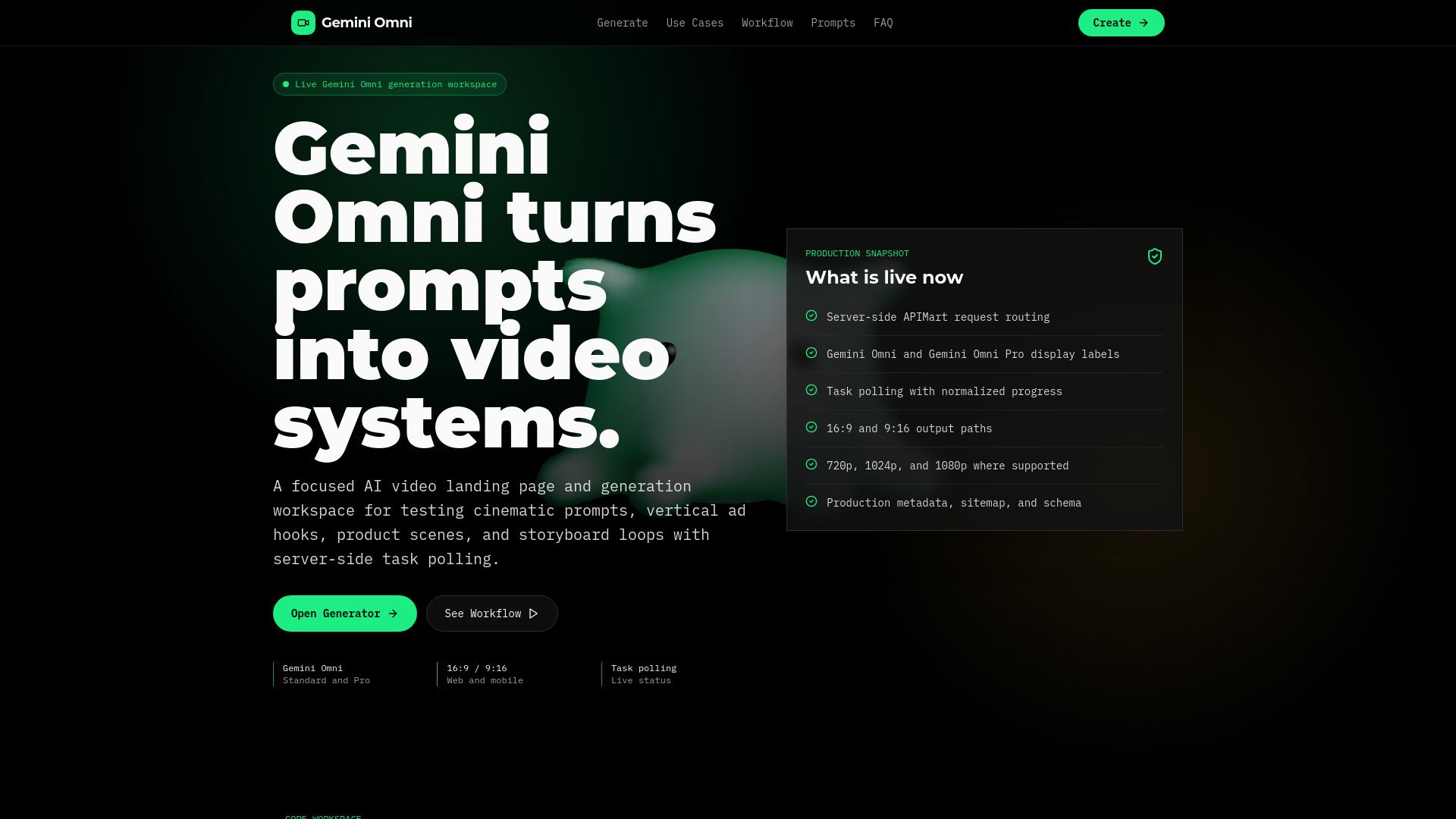
Gemini Omni is a multi-page AI video generation workspace designed for creating high-quality videos from text and images. It offers a dedicated generator, use case examples, prompt guides, APIMart task polling for video generation, and video playback capabilities.

How to use Gemini Omni
  1. Write the scene: Start by describing the subject, setting, camera movement, lighting, visual style, and any specific details you want to include.
  2. Choose the frame: Select either a 16:9 aspect ratio for web embeds and landscape concepts, or a 9:16 aspect ratio for vertical social cuts and mobile-first assets.
  3. Submit and watch: Submit your prompt and settings to receive a task ID immediately. The system will poll for the job status until completion or failure.
  4. Review the video: Inspect the generated output, refine your prompt if necessary, and run variations with the same production settings.
Features of Gemini Omni
  • Multi-page AI video generation workspace
  • Dedicated video generator page
  • AI video use case library
  • Prompt recipe guide
  • Production workflow guidance
  • Server-side APIMart Sora 2 API integration
  • Live task polling for video generation status
  • Supports 16:9 and 9:16 video output
  • Offers Gemini Omni and Gemini Omni Pro display modes
  • Supports 720p, 1024p, and 1080p resolutions where available
  • Generates videos with durations of 4, 8, 12, 16, or 20 seconds
Use Cases of Gemini Omni
  • Short-form ad concepts: Generate variations for product hooks, scroll-stopping openings, launch teasers, and paid social storyboards.
  • Product motion studies: Create camera language for product ideas, including macro passes, clean-room demos, interface closeups, and hero reveals.
  • Narrative scene boards: Explore mood, location, shot size, movement, and continuity for pre-production planning.
  • Educational explainers: Draft short clips for tutorials, classroom visuals, science explanations, process diagrams, and social learning posts.
FAQ

What is Gemini Omni? Gemini Omni is a multi-page AI video generation workspace with a dedicated generator, use case pages, prompt guidance, and task-based video playback.

Where can I generate a Gemini Omni video? Use the dedicated Gemini Omni generator page at /generate to write a prompt, choose output settings, submit a task, and review completed video output.

What AI model powers Gemini Omni video generation? The public interface uses Gemini Omni display labels. The server-side integration routes requests through APIMart Sora 2 and Sora 2 Pro API-compatible endpoints.

What video formats and resolutions does Gemini Omni support? Gemini Omni supports 16:9 and 9:16 aspect ratios with durations of 4, 8, 12, 16, or 20 seconds. Gemini Omni uses the standard 720p path; Gemini Omni Pro also supports 1024p and 1080p where available.

How long does Gemini Omni take to generate a video? Generation time varies based on video length, resolution, and current server load. Typically, an 8-second 720p video takes 1-3 minutes to generate. The progress indicator shows real-time status updates.

What makes a good prompt for Gemini Omni? Effective prompts are descriptive and specific. Include details about camera movement, lighting, subject matter, mood, and style. For example: 'A cinematic drone shot flying over misty mountains at sunrise, golden light breaking through clouds, slow motion.'
Information

Newsletter

Join the Community

Subscribe to our newsletter for the latest news and updates

