
LogoTopAIHubs
icon of Gemini Omni AI Video

Gemini Omni AI Video

Gemini Omni AI Video is an independent AI video generation platform that lets users create videos with the Google Gemini Omni model. It supports text-to-video, image-to-video, reference-guided video creation, and HD AI video workflows from one simple workspace.

Introduction

What is Gemini Omni AI Video

Gemini Omni AI Video Generator is a platform that allows users to create AI-generated videos using the Google Gemini Omni model. It supports various input methods including text, images, and reference-guided creation, all within a single workspace.
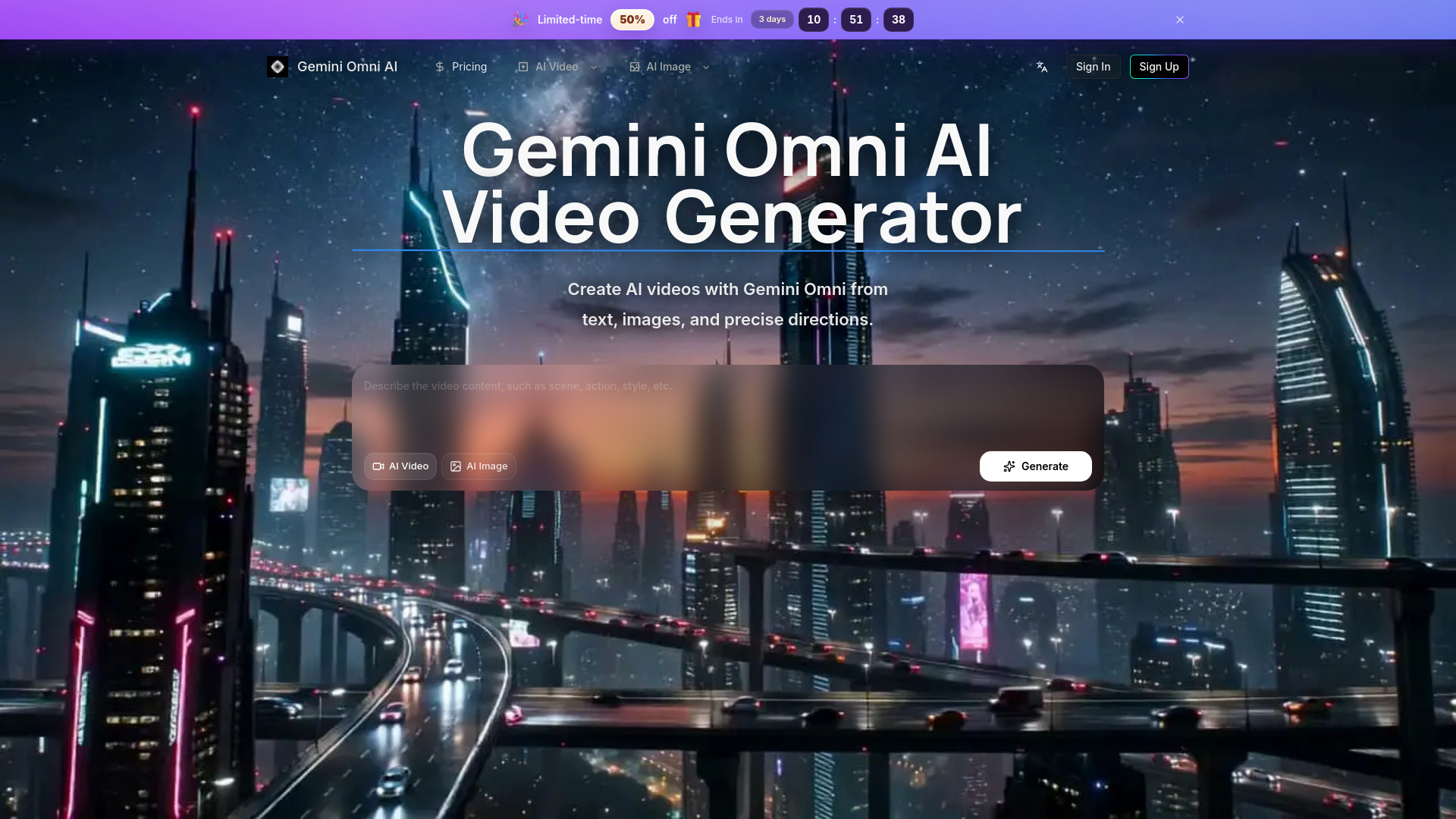
How to use Gemini Omni AI Video
  1. Describe the video content: Enter a description in the provided text area, detailing the scene, action, and desired style.
  2. Select input type: Choose between "AI Video" (text-to-video) or "AI Image" (image-to-video) options.
  3. Generate: Click the "Generate" button to create the AI video.
Features of Gemini Omni AI Video
  • Text-to-Video: Create videos by describing the scene, camera motion, timing, and style.
  • Image-to-Video: Transform reference images into motion, with options for planning direction for products, social clips, storyboards, and visual concepts.
  • Reference-Guided Video Creation: Use still images as visual anchors for subject, style, or composition.
  • HD AI Video Workflows: Supports high-definition output for video creation.
  • Fine-grained Video Control: Allows detailed descriptions for camera movement, subject motion, timing, and transitions.
  • Editing-Friendly Output: Designed for revision-heavy workflows.
  • Example-Driven Exploration: Browse public examples to inspire prompt creation.
  • Integrated Workflow: Manages prompts, references, and exports within a single platform.
Use Cases of Gemini Omni AI Video
  • Creating cinematic motion from reference images for products and social clips.
  • Developing storyboards and visual concepts.
  • Generating videos based on detailed text descriptions including camera movement and subject action.
  • Producing marketing assets with HD clarity.
  • Testing visual concepts and generating matching clips.
Features of Gemini Omni AI Video
  • Gemini Omni video workflow
  • Text, image, and reference inputs
  • Fine-grained video control
  • Editing-friendly HD output
  • Example-driven exploration
  • Credits and history in one place
Testimonials
  • Users appreciate the unified workflow, avoiding the need to switch between multiple tools for prompts, references, and exports.
  • The platform allows for easy comparison of motion, stills, and image-based work without reconfiguring workflows.
  • It streamlines the process from exploration to delivery, keeping generation history and pricing accessible.
  • Users find it efficient for generating product visuals and testing ideas within a single environment.

Newsletter

Join the Community

Subscribe to our newsletter for the latest news and updates

