Newsletter
Join the Community
Subscribe to our newsletter for the latest news and updates

AI platform for professional image generation, editing, and high-resolution upscaling.
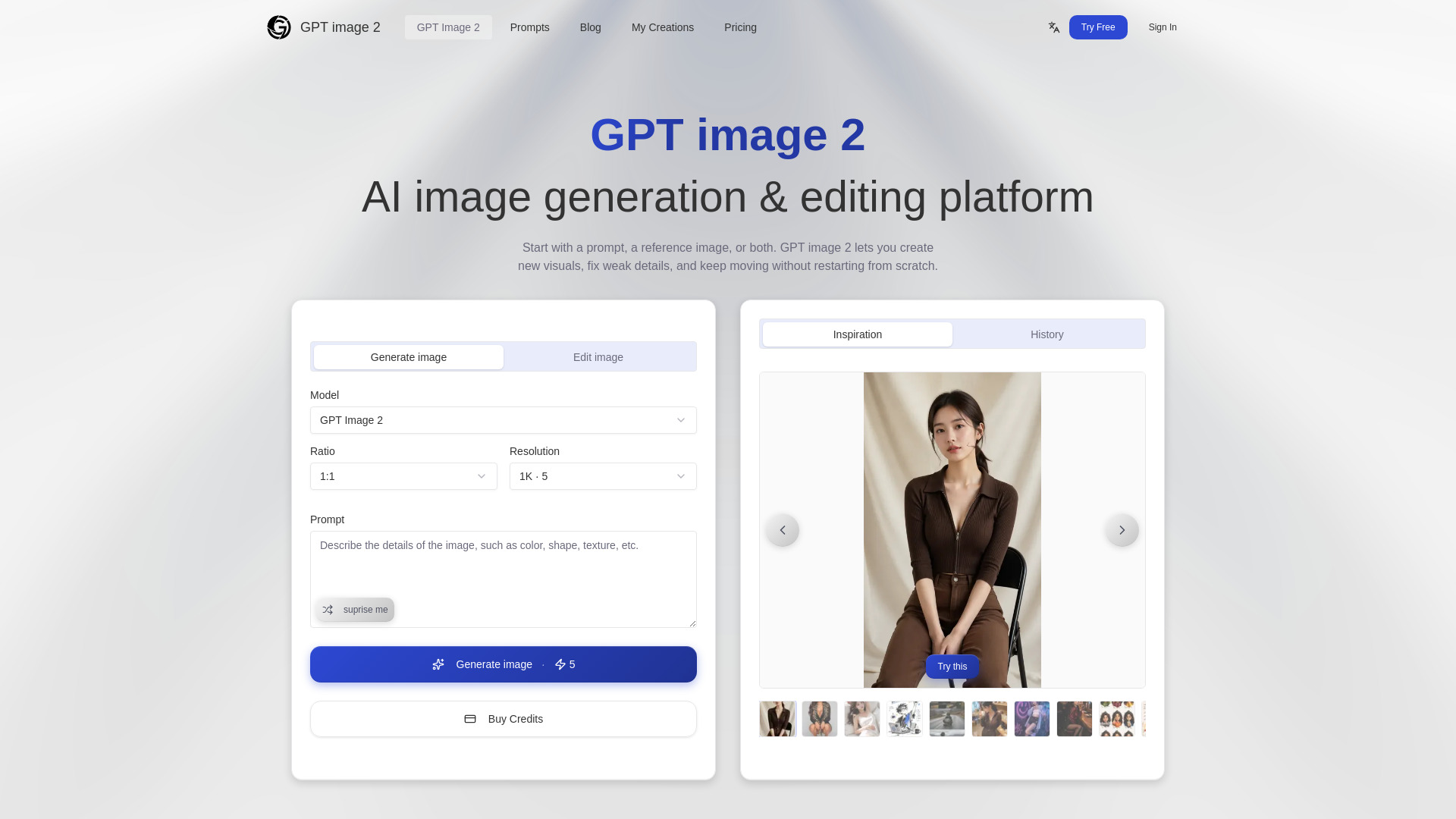
GPT image 2 is an AI platform designed for professional image generation and editing. It allows users to create new visuals, refine existing ones, and iterate on designs within a single workflow, starting with a prompt, a reference image, or both.
Lite Plan:
Pro Plan:
Max Plan:
What is GPT image 2? GPT image 2 is an AI platform that generates new images and edits existing ones in a single workflow. You can start with a text prompt, a reference image, or both. Instead of jumping between separate tools for creation, retouching, and iteration, you do everything in one place and refine until the image is ready to publish.
How is this different from ChatGPT's image generator? ChatGPT generates images from prompts, but editing and refining usually means starting over or switching to another tool. GPT image 2 is built around the full cycle: generate, edit specific parts, blend references, and iterate - all without leaving the page. With GPT image 2, the focus is getting to a finished, usable image faster.
Can I edit part of an image without regenerating the whole thing? Yes. Describe what you want to change - swap an object, clean up the background, adjust the composition - and only that part gets updated. The rest of the image stays exactly as it was. This means you keep the parts that already work instead of losing them to a full regeneration.
Do I need a prompt and a reference image together? No. You can start with just a text prompt, just a reference image, or both. A prompt alone works well for new ideas. A reference image helps when you already have a specific look, layout, or style in mind. Using both together gives you the most control over the final result.
What kinds of images can I make? Social media posts, ad creatives, thumbnails, product photos, landing page visuals, blog illustrations, and presentation graphics. GPT image 2 works well anywhere you need a polished image quickly and want to iterate without switching tools or starting from scratch each time.
How do credits work? Each generation consumes credits based on the model and mode you choose. Subscription credits give you the best price per credit, while credit packs are one-time top-ups for temporary extra volume.
What export formats and sizes are available? You can export images in PNG and JPEG formats. Multiple size options are available to fit common use cases like social media, web pages, and print-ready files. Specific size and format options may vary by plan. Check the pricing page for full details on what each tier includes.
How do I get help? Email us at [email protected] . We typically respond within 24 hours on business days. For common questions about prompts, editing, and export, check the docs section - most answers are already there.