What is GPT Image 2 - 5
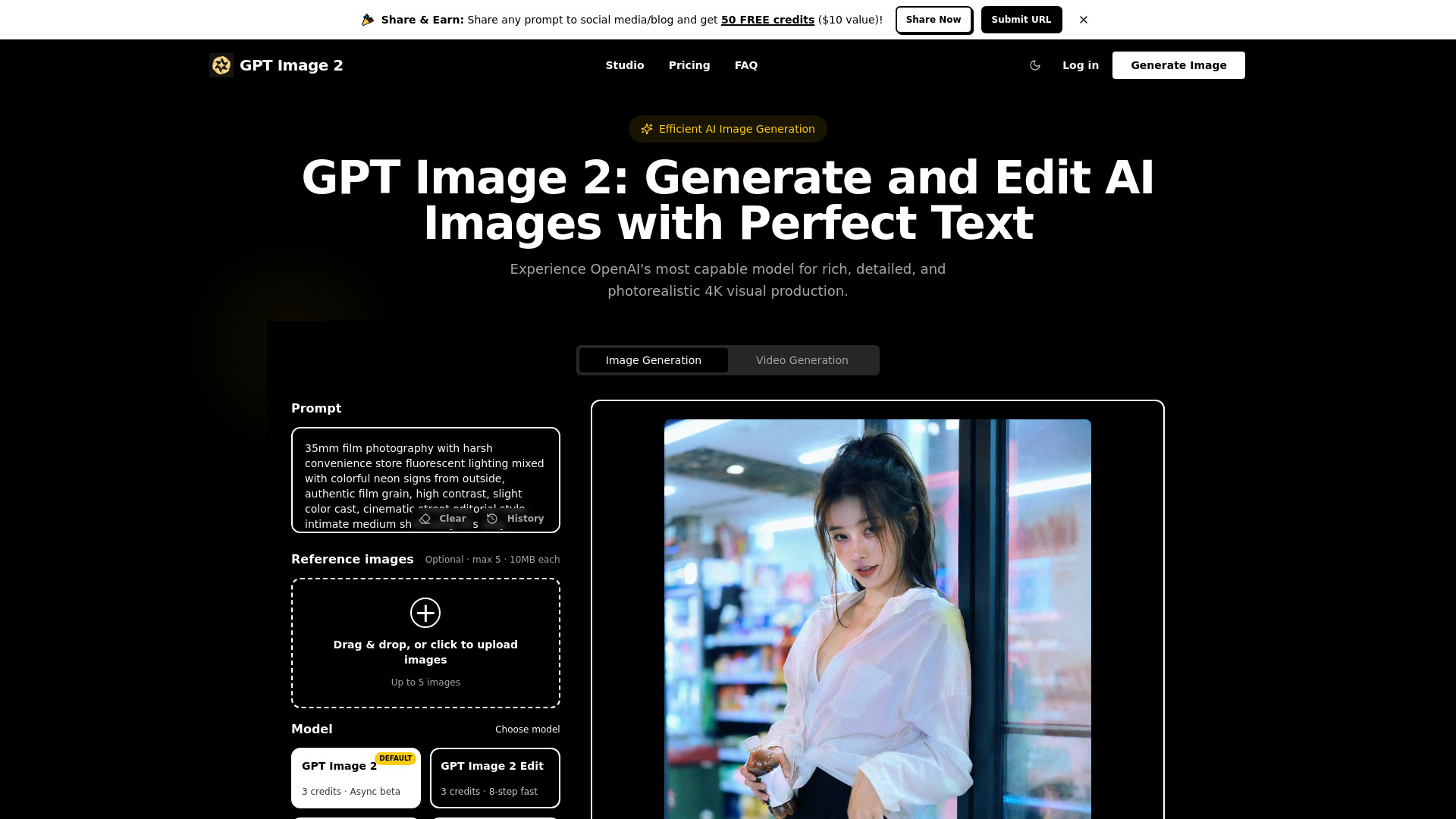
GPT Image 2 is an advanced AI image generation tool that leverages OpenAI's most capable model for high-fidelity visual production. It is designed to generate and edit AI images with a focus on perfect text accuracy and intelligent reasoning, producing rich, detailed, and photorealistic 4K visuals.
How to use GPT Image 2 - 5
- Describe Your Vision: Enter your prompts in natural language. GPT Image 2 understands complex instructions.
- Fine-Tune Details: Utilize features like subject locking, precision text rendering, or web search functions for logical deduction and visual optimization.
- Generate & Export: Create 4K industrial-grade assets and export them in compliant formats with built-in C2PA metadata.
Features of GPT Image 2 - 5
- Advanced 4K AI Image Generation: Produces rich, detailed, and photorealistic visuals.
- Perfect Text Accuracy: Solves the text rendering challenge with excellent support for various languages.
- Intelligent Reasoning: Employs an "o-series reasoning stack" for understanding complex instructions and performing logical deduction.
- Thinking Reasoning Mode: Supports web search and document analysis for frame-to-frame consistency.
- Instant Mode: Provides fast responses with natural color rendering for quick iterations.
- Native 4K Industrial Output: Supports output up to 4000px, meeting professional needs.
- C2PA Compliance: Includes built-in C2PA metadata and invisible watermarking.
- Image Editing: Supports conversational editing and mask-based local inpainting.
Use Cases of GPT Image 2 - 5
- Professional Design & UI Modeling: Generate UI prototypes, logo concepts, and poster templates with clear copy.
- Narrative Creation & Storyboarding: Create continuous storyboards for manga and film pre-production.
- Brand Marketing & Ad Creatives: Generate product labels and ad materials meeting 4K industrial print specifications.
- Enterprise API Integration: Integrate for large-scale visual content production and workflow automation.
FAQ
- Who can access GPT Image 2? Instant mode is available to all users. Thinking mode and 4K features are for paid subscribers and API partners.
- Does GPT Image 2 support transparent backgrounds? Currently, it does not. For transparent PNG exports, use GPT Image 1.5.
- Are there still physical logic limitations in GPT Image 2? Yes, the model may face challenges with complex origami, specific reflections, and very dense repeating textures.
- Can I use GPT Image 2 for image editing? Yes, it supports conversational editing and mask-based local inpainting.
- What is GPT Image 2 Reasoning Mode? Thinking mode performs logical deduction before rendering, supporting web search and document analysis for high logical consistency.