What is GPT Image 2 Free online ai image editor
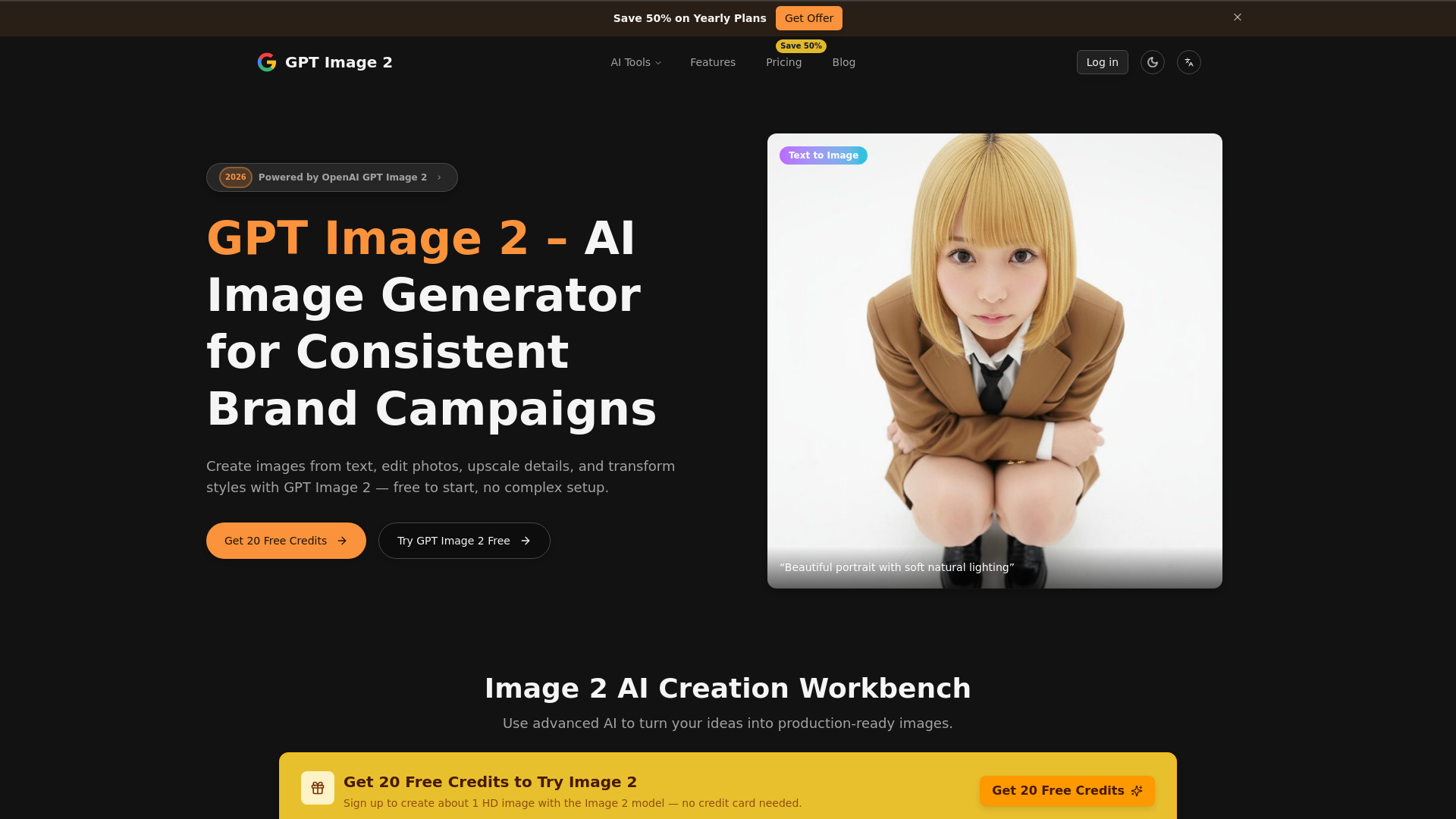
GPT Image 2 is an AI platform designed for generating, editing, upscaling, and transforming high-quality images from text or reference images. It offers a free online tool to create and modify images quickly, with features like instant examples, reference-image support, and commercial-ready outputs.
How to use GPT Image 2 Free online ai image editor
- Upload Reference Images: Drag and drop product shots, faces, or environments (up to 12 images) or click to upload.
- Describe the Brief: Type natural-language prompts to specify the desired changes, such as lighting, camera angles, wardrobe, or typography.
- Start Generation: Initiate the image creation or editing process.
- Download: Review the generated previews and export the final image.
Features of GPT Image 2 Free online ai image editor
- AI Image Generation: Create images from text descriptions.
- AI Image Editing: Modify existing images with text prompts.
- Upscaling: Enhance image resolution, with options for 2K and 4K outputs.
- Image Transformation: Change styles, colors, lighting, and more.
- Reference Image Support: Use existing images as a basis for generation or editing.
- Background Replacement: Replace image backgrounds using natural language prompts.
- Lighting Adjustment: Control exposure, rim light, and color temperature.
- Style Conversion: Switch between various artistic styles.
- Color Change: Modify hue, saturation, and accent colors.
- Age Transformation: Apply lifelike aging or de-aging effects.
- Image to Figure Conversion: Transform photos into collectible-style renders.
- Posture Change: Re-stage characters using skeleton poses or reference scans.
- Viewpoint Switching: Orbit cameras, push zooms, and reframe scenes.
- Storyboard Creation: Generate sequential frames with consistent elements.
- Free Trial: Start with 20 free credits upon sign-up.
Use Cases of GPT Image 2 Free online ai image editor
- Generating images for consistent brand campaigns.
- Editing product photos for e-commerce.
- Creating posters and campaign assets.
- Developing product mockups.
- Exploring brand palette variations.
- Applying lifelike aging or de-aging effects to portraits.
- Converting photos into collectible-style renders.
- Re-staging characters for gaming or animation.
- Generating sequential frames for storyboards.
FAQ
- What resolution can GPT Image 2 generate? GPT Image 2 generates images at a native 2K resolution by default, with optional upscaling to 4K for hero visuals and print-style assets. Ultra mode targets up to ~4 megapixels.
- Can I edit or refine existing images? Yes. You can start from an uploaded image or from a generated result, then adjust the background, lighting, color, style, or framing with prompt-based edits.
- Is commercial use allowed? Eligible paid plans are intended for commercial workflows such as product visuals, ads, posters, and campaign assets, subject to Terms of Service and provider policies.
- How are credits used and billed? Each generation, upscale, and advanced edit consumes credits. The exact credit cost is shown next to each mode inside the app. Failed jobs are automatically refunded.
- Are my uploads private? Images and prompts are used only to process requests and deliver results. Content is not sold or used for training without explicit consent.
- Do you add watermarks or AI tags? By default, exported images do not include visible watermarks. Some platforms may still detect AI generation.
- Does GPT Image 2 support API access? The current focus is the web app workflow. Contact for API access inquiries.
- How do I get help or ask a question? Email support@gptimage2.dev with your account email, a description of the issue, and screenshots if needed.