LogoTopAIHubs
icon of GPT Image Generator

GPT Image Generator

AI tool for fast text-to-image generation and professional image editing using GPT and Nano models.

Introduction

What is GPT Image Generator

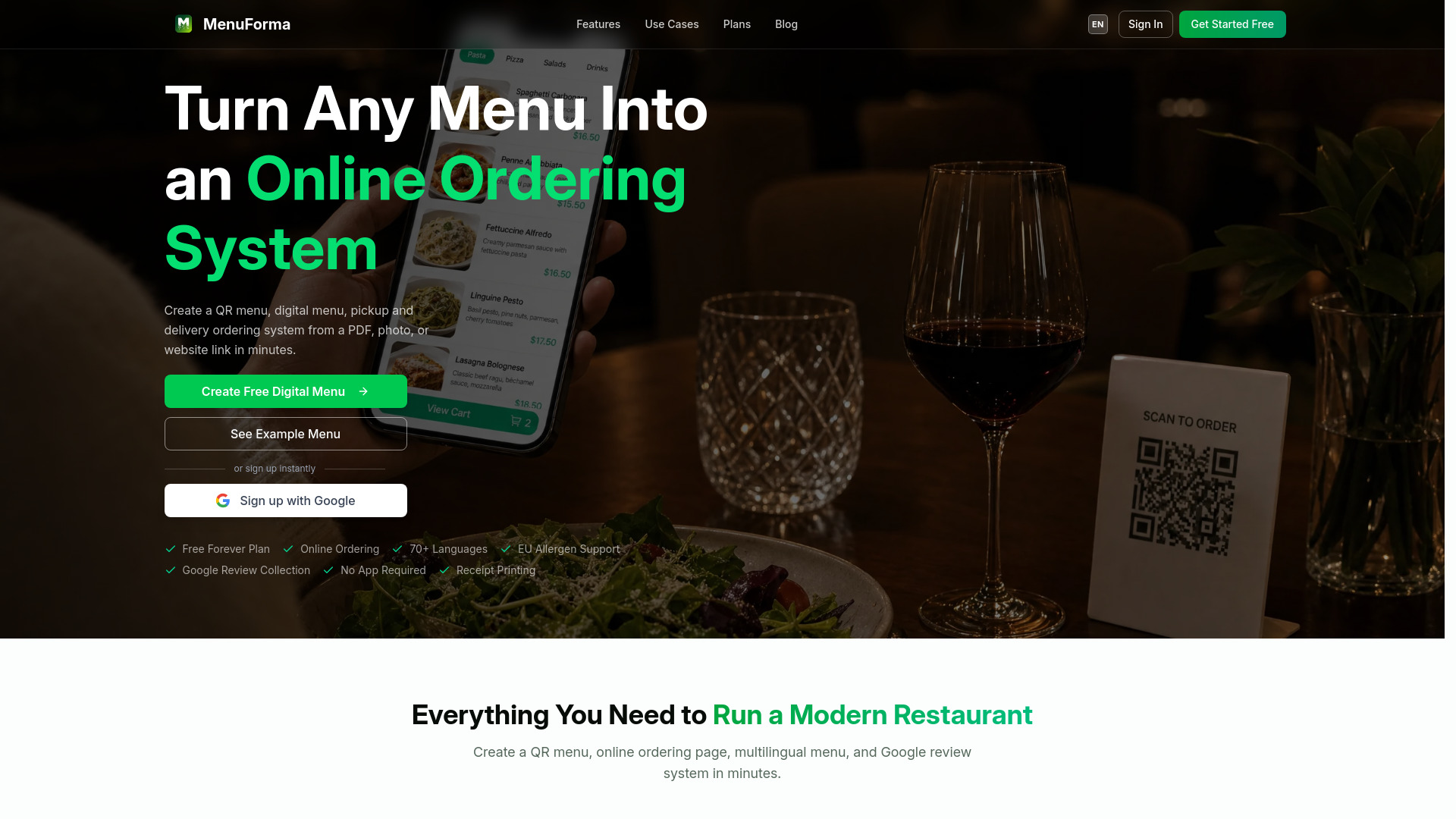
GPT Image Generator is an AI tool designed for fast text-to-image generation and professional image editing. It utilizes GPT and Nano models to create stunning images quickly. The tool offers built-in popular prompt templates and styles, allowing users to generate images in seconds.

How to use GPT Image Generator
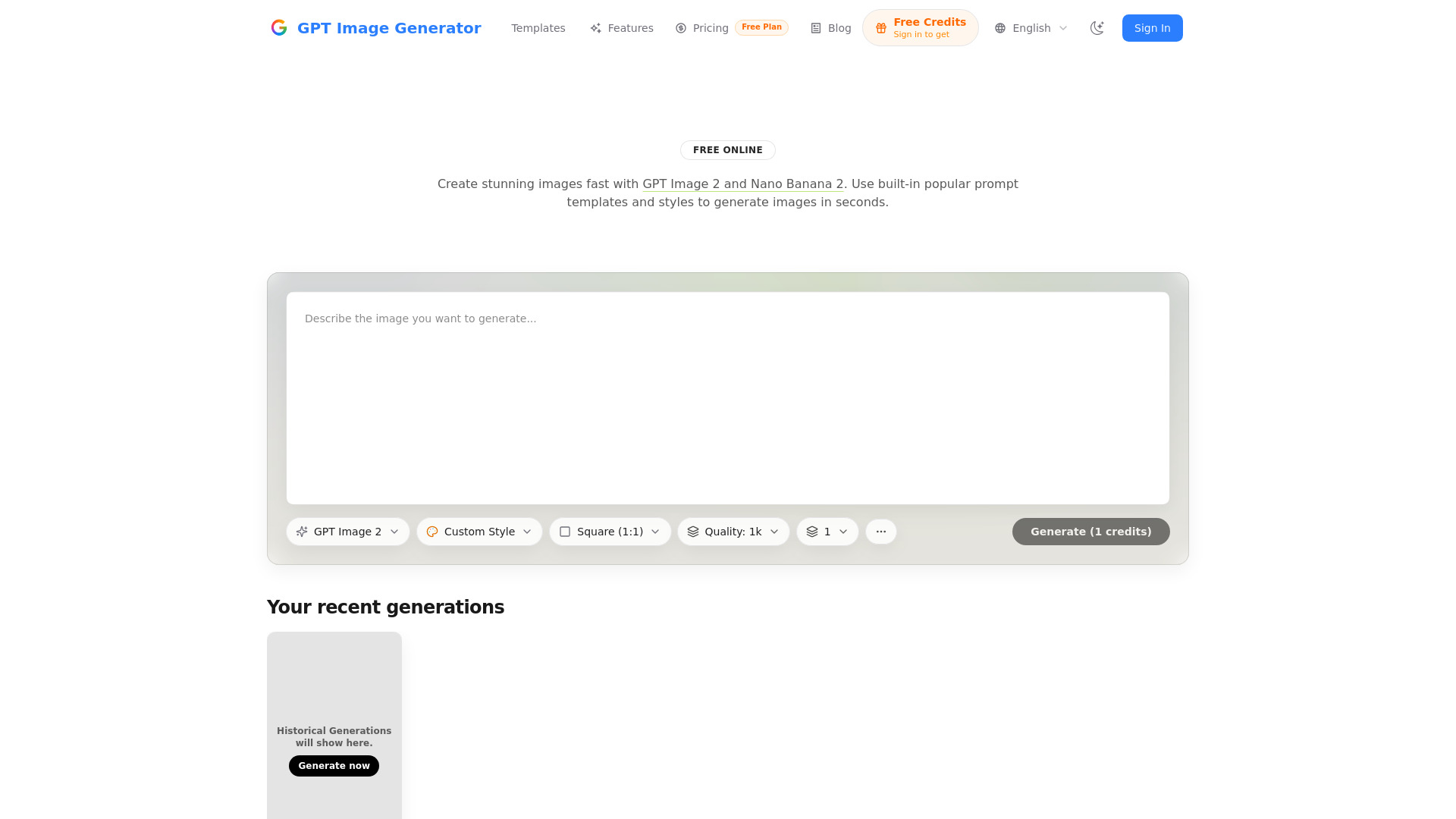
  1. Write a Prompt: Describe the image you want to generate in the provided text area. Alternatively, you can start by selecting a template and then modifying it.
  2. Choose Settings: Select the desired model (GPT Image 2 is mentioned), choose an aspect ratio (e.g., Square 1:1, 16:9, 4:3, 2:3, 9:16), and set the quality (currently 1k, with more options planned).
  3. Generate & Iterate: Click the 'Generate' button to create the image. You can then refine your prompt and explore variations until you achieve the desired result.
  4. Download or Share: Once satisfied, you can open the image in fullscreen, copy links, and download your final image.
Features of GPT Image Generator
  • High-Fidelity Text-to-Image: Generates crisp images from prompts with strong composition and detail.
  • Templates Library: Offers a collection of prompts categorized by type, which can be applied with a single click.
  • Aspect Ratio Presets: Provides a curated list of aspect ratios suitable for various uses like social media and posters.
  • Quality Controls: Allows users to select image quality, with 1k quality available and higher options planned.
  • Fast Iteration: Enables quick generation of variations and prompt refinement.
  • Share & Download: Features to open images in full size, copy links, and download results easily.
  • Professional Image Editing: The tool also supports professional image editing capabilities.
Use Cases of GPT Image Generator
  • Creating stunning wallpapers for businesses.
  • Generating professional artwork for projects.
  • Producing marketing materials.
  • Designing social media visuals.
  • Creating posters and other graphic designs.
Pricing

The website mentions a "Free Plan" and "Free Credits" for signing in, indicating a freemium model, but specific pricing tiers or detailed plan structures are not provided in the content.

FAQ
  • What models are used? GPT Image 2 and Nano Banana 2 are mentioned.
  • Can I get free credits? Yes, by signing in.
  • What aspect ratios are available? Square (1:1), 16:9, 4:3, 2:3, 9:16, and others are available through presets.
  • What quality options are there? Currently, 1k quality is available, with more options planned.

Newsletter

Join the Community

Subscribe to our newsletter for the latest news and updates