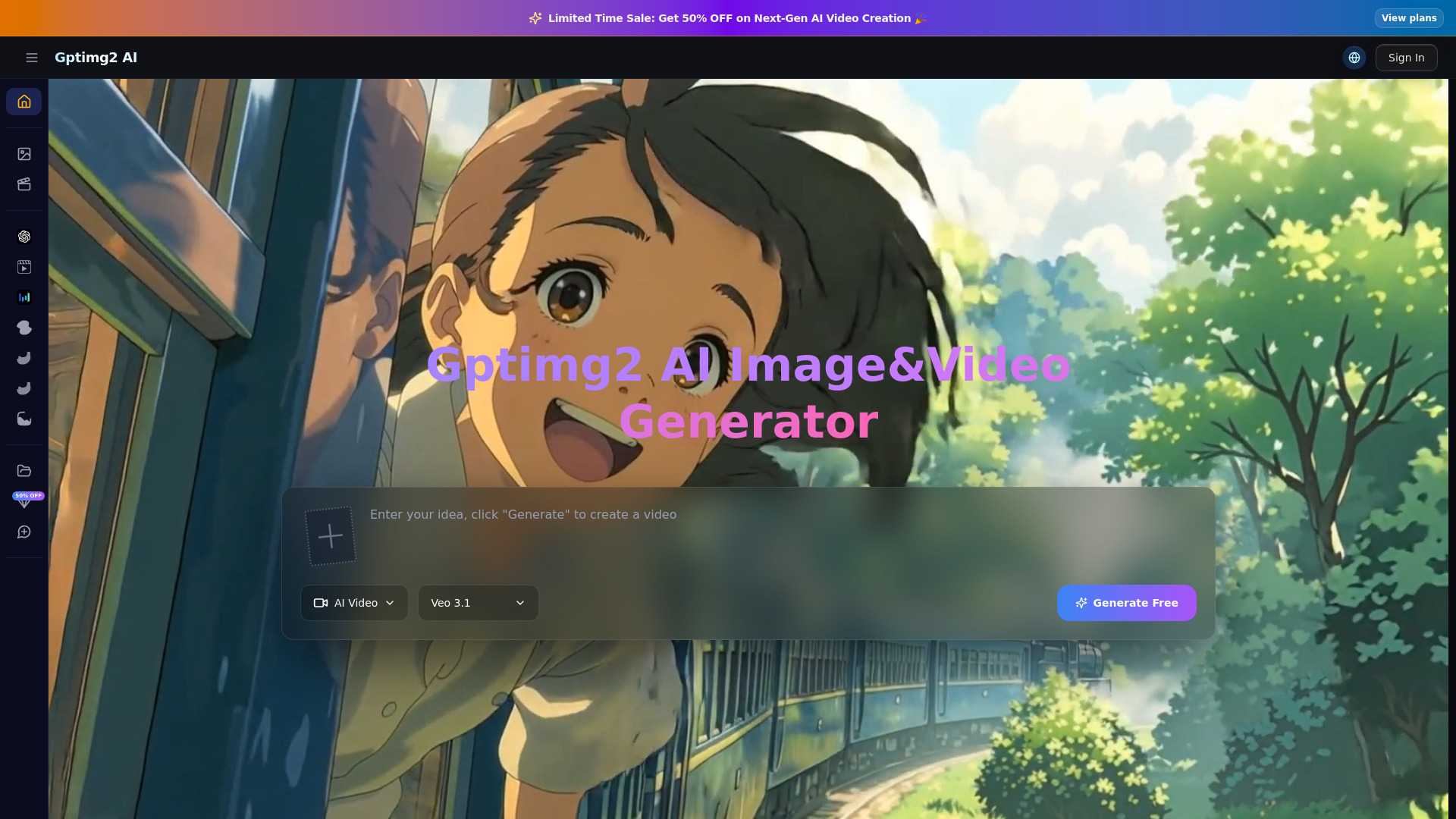
What is Gptimg2 AI
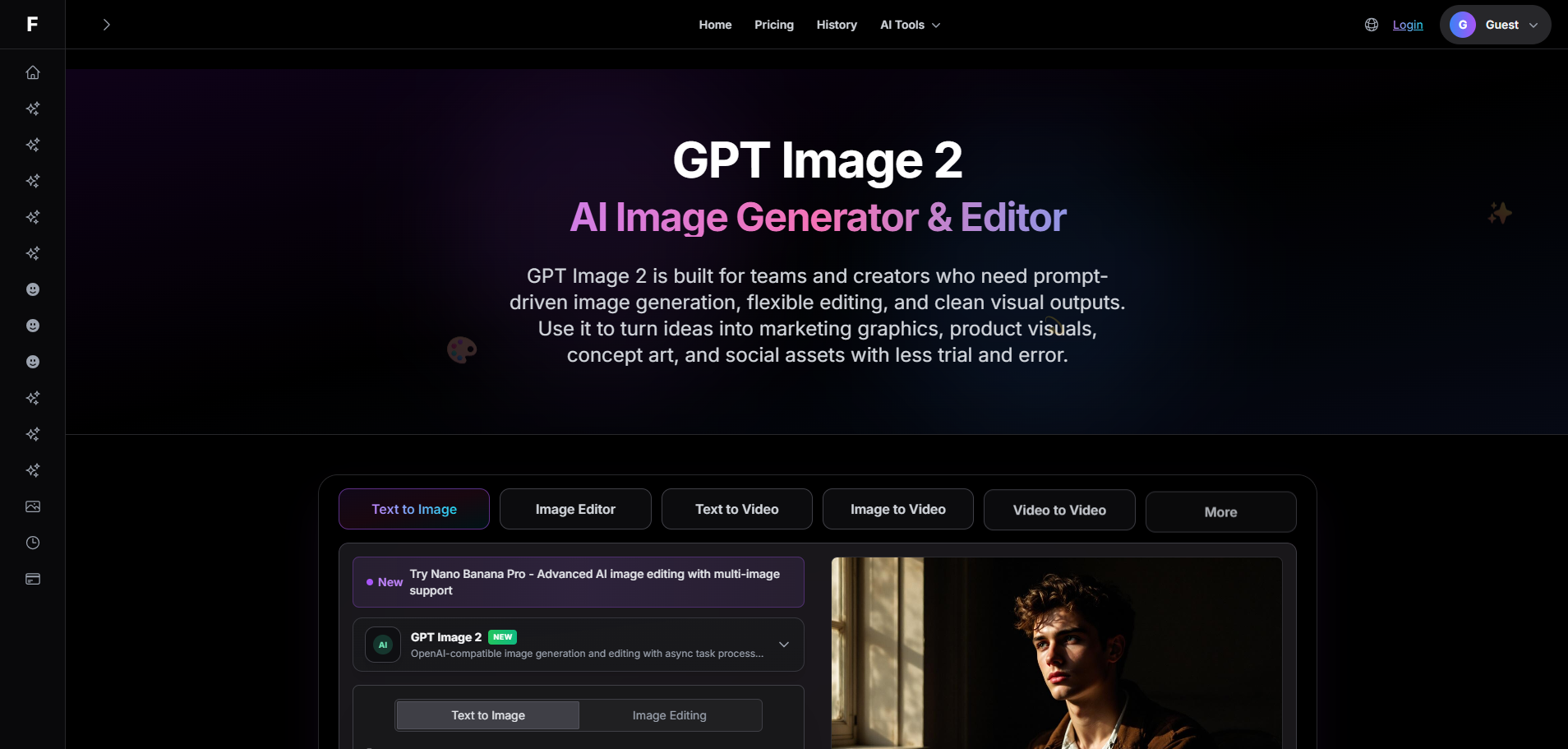
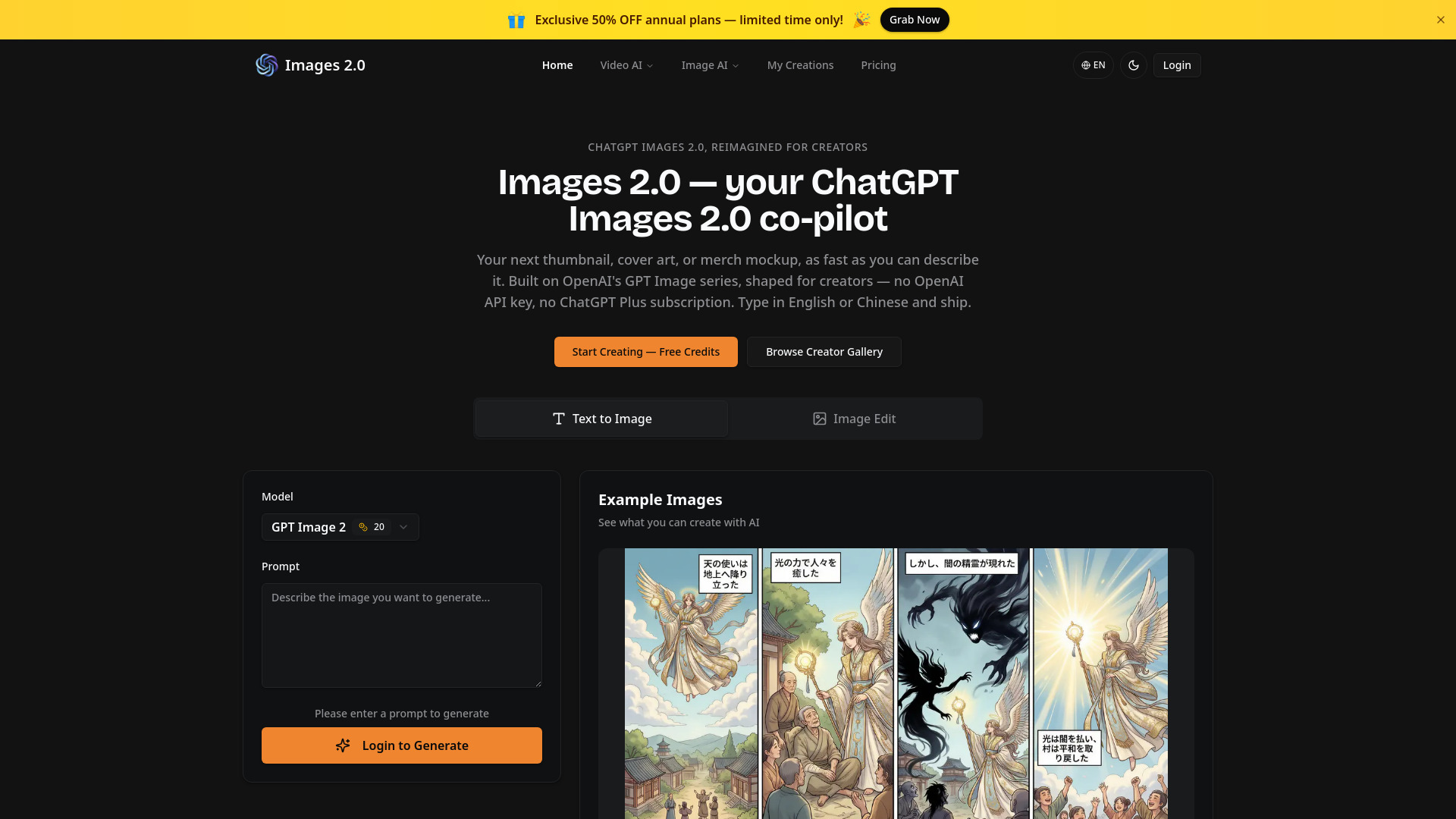
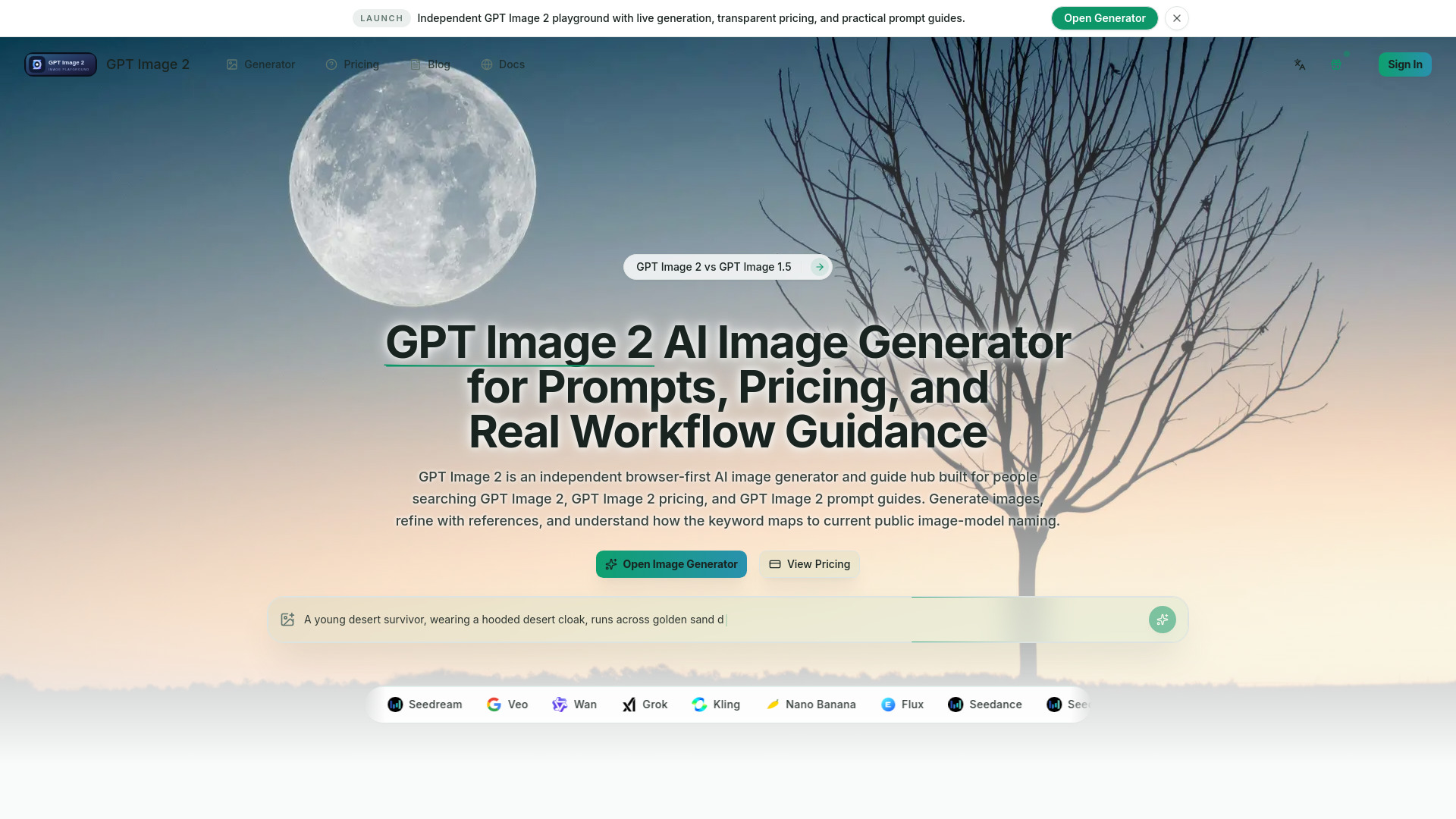
Gptimg2 AI is an all-in-one AI studio designed for professional cinematic video and image generation. It offers a comprehensive platform for creators to produce high-quality visual content.
How to use Gptimg2 AI
- Choose an AI model: Select from various supported AI models for image or video generation.
- Describe your idea: Enter a text prompt or upload reference images to guide the generation process.
- Generate and refine: Create image or video outputs, compare different model results, and iterate to achieve the desired outcome.
Features of Gptimg2 AI
- AI Video Generation: Create cinematic videos from text prompts.
- AI Image Generation: Produce high-quality images.
- Text-to-Video: Generate videos directly from text descriptions.
- Image-to-Video: Transform existing images into video content.
- First/Last Frame Workflows: Utilize specific frames for video generation.
- Multiple AI Models: Access and compare top models like Veo 3.1, Sora 2, Seedance 2.0, Kling 3, Wan 2.6, Grok, and GPT Image 2 within a single studio.
- Production-Ready Output: Generate assets suitable for ads, product visuals, posters, and cinematic clips.
- Organized Workflow: Keep outputs organized and streamline the creative process.
- Credits-Based System: Utilize a credit system for creators and teams.
- Template Library: Start with proven prompts and remix them with one click for various use cases.
Use Cases of Gptimg2 AI
- Marketing and Performance Teams: Create ad creatives, launch visuals, promo clips, thumbnails, and campaign variants.
- Ecommerce and Product Storytelling: Generate product hero images, motion demos, comparison videos, and seasonal campaign visuals.
- Founders, Creators, and Agencies: Prototype ideas quickly, present concepts to clients, and scale content output.
- Design and Content Operations: Create a reliable workflow for creative exploration and final delivery.
- Commercial Content Scenarios: Produce brand campaigns, ecommerce visuals, social growth content, client work, and internal creative experiments.
- Templates: Utilize templates for cinematic product launches, UGC skincare ads, app promo hero loops, luxury poster concepts, ecommerce hero renders, and reference-based redesigns.
Pricing
Gptimg2 AI operates on a credits-based system. They offer various plans and top-up options:
Subscription Plans (Monthly/Yearly):
- Basic: Offers a set amount of credits per month, suitable for starters.
- Standard: Provides more credits per month, recommended for favorite usage.
- Professional: Offers a higher volume of credits per month, recommended for heavy usage.
- Ultra: Provides the highest volume of credits per month for professional production.
Pay-as-you-go Credit Packages:
- Basic Package: Offers a specific amount of credits for top-ups.
- Standard Package: Offers a larger amount of credits, often recommended.
- Pro Package: Offers a significant number of credits.
- Ultra Package: Offers the largest amount of credits for extensive use.
Annual billing typically offers significant savings compared to monthly plans.
FAQ
What can I create in the studio? You can generate AI images and AI videos for product marketing, social media, ecommerce, presentations, creative concepts, and brand storytelling using multiple supported models.
Can I use image or video references? Yes. Supported models allow you to upload references for image-to-image, image-to-video, or video-to-video workflows to guide composition, identity, and visual direction.
Is this only for experimentation, or can I use it for production? The studio is designed for real production workflows, helping teams generate, compare, refine, and organize outputs for ads, landing pages, social content, and client delivery.
How do I choose the right model? Choose based on task fit: image models for still visuals and editing, video models for motion generation, and reference-capable models when visual consistency is important. The interface helps narrow down choices by supported workflow.