What is Grok Imagine - 2
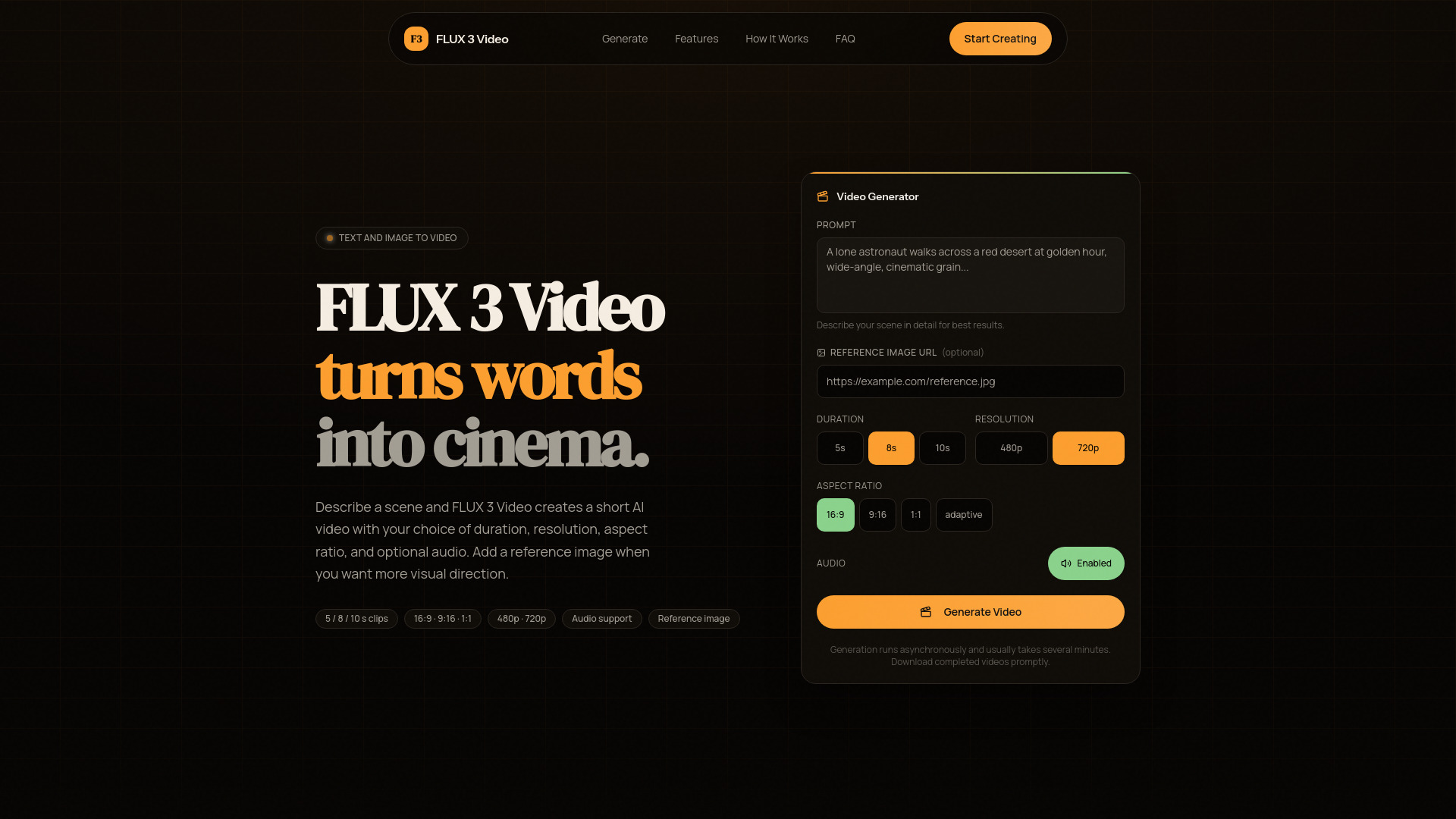
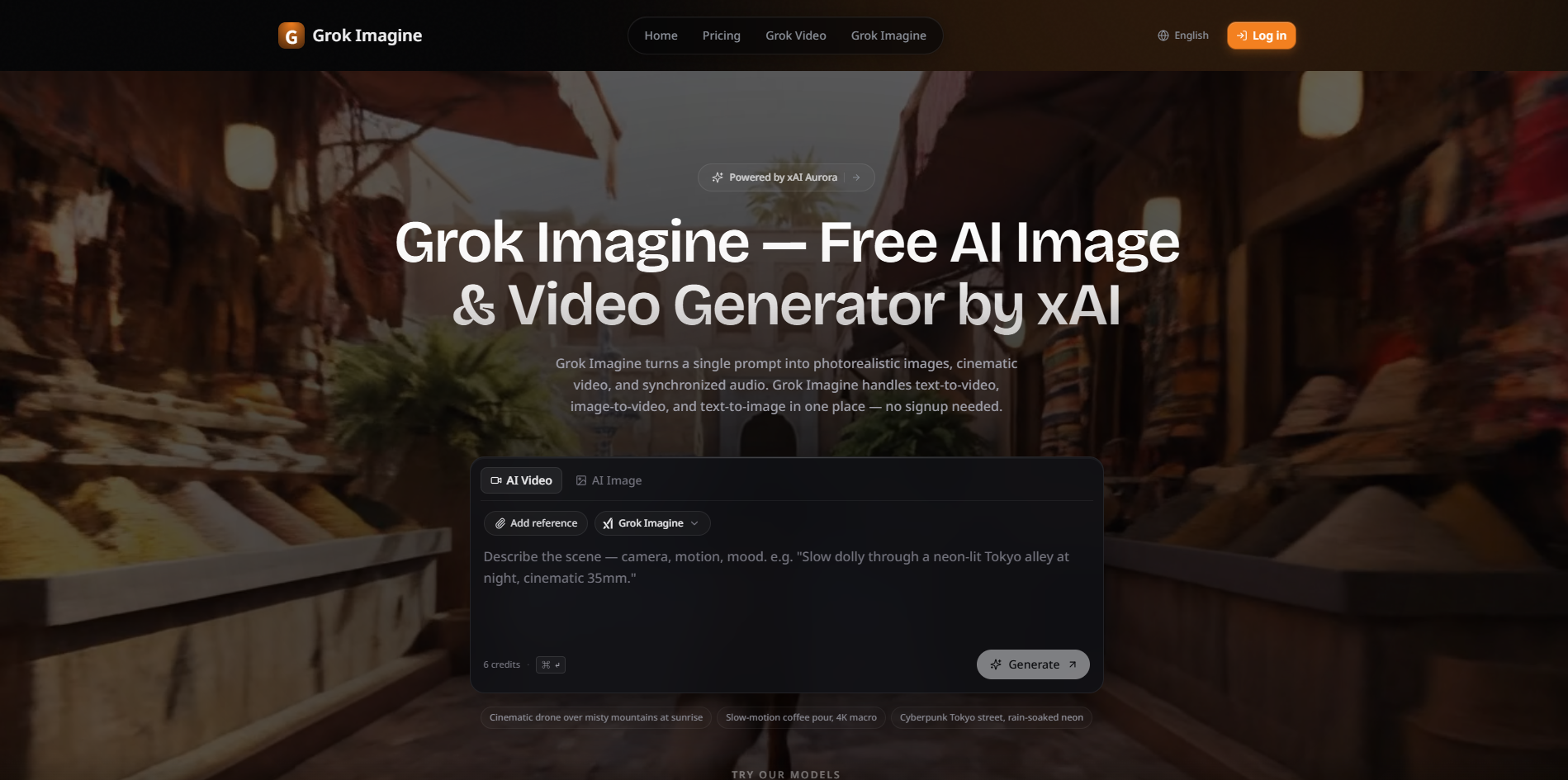
Grok Imagine is a multi-modal AI generator developed by xAI, capable of creating photorealistic images and cinematic videos with synchronized audio. It supports text-to-image, text-to-video, and image-to-video generation, offering "Spicy Mode" for unfiltered creative freedom. The platform aims for photorealistic quality and up to 4K resolution.
How to use Grok Imagine - 2
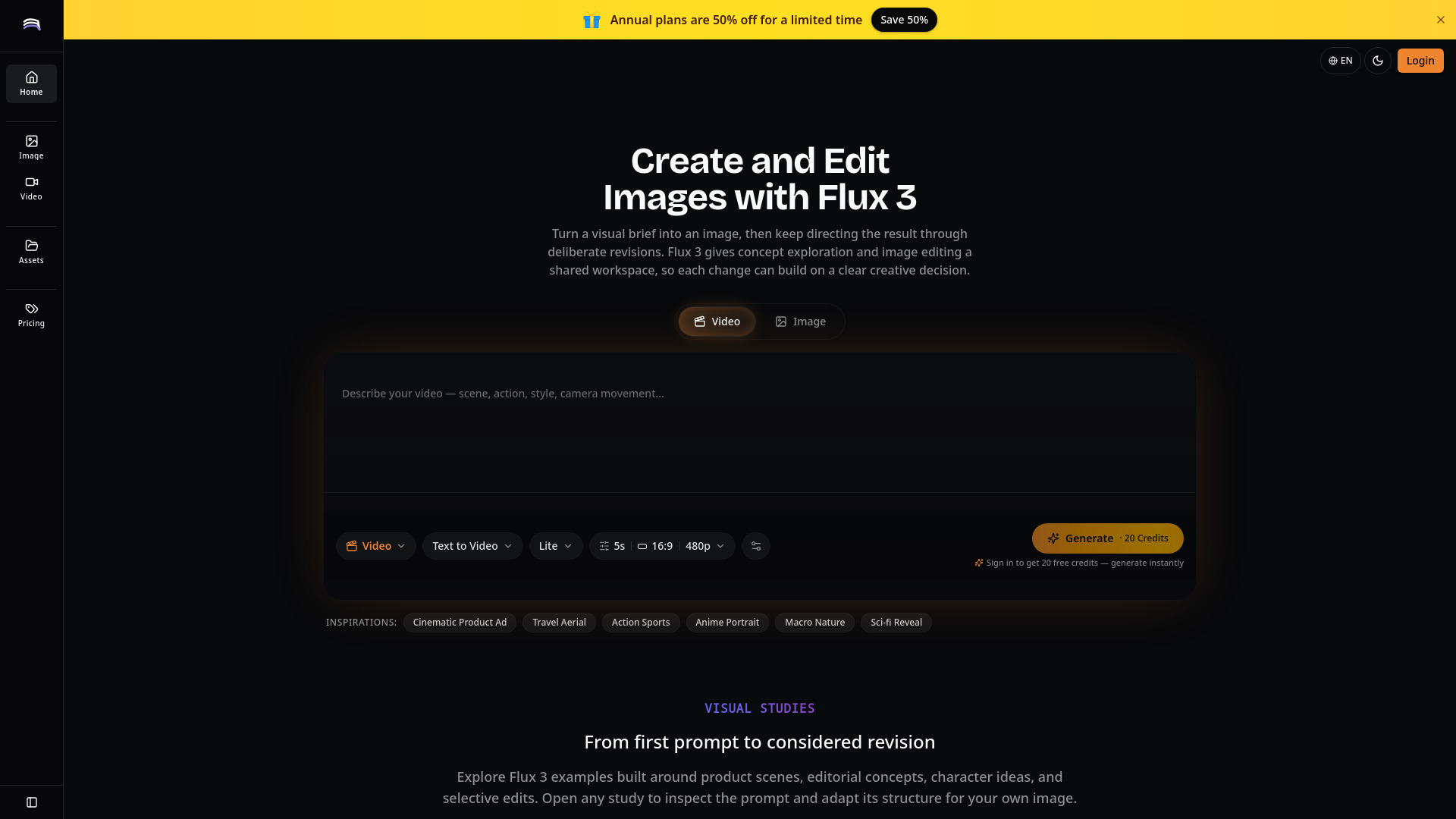
- Describe your vision: Input a text prompt or upload reference images/videos. You can combine text, photos, and clips to define the scene, motion, and mood.
- Pick a model: Choose between video, image, upscale, or extend models, each tuned for specific looks and paces.
- Generate and refine: Preview your creation, iterate by adjusting the prompt or adding more references, and download the final output.
Features of Grok Imagine - 2
- Multi-modal Input: Supports up to 9 images, 3 videos (total ≤15s), and 3 audio files, allowing combinations of up to 12 files.
- Text-to-Video: Transforms text prompts into cinematic videos with natural motion and physics-aware rendering, up to 2K resolution.
- Image-to-Video: Animates still images into dynamic videos using AI-powered motion synthesis and built-in audio generation.
- Reference Anything: Allows referencing motion, effects, camera movements, characters, and scenes from uploaded content via natural language.
- Video Extension: Enables smooth extension of existing videos, merging clips, or editing segments while maintaining continuity.
- Built-in Audio: Automatically generates context-aware sound effects and background music synced to video content, or allows user-uploaded audio.
- Superior Consistency: Maintains perfect consistency for faces, clothing, text, scenes, and visual styles across the entire video.
- Precise Motion Replication: Replicates complex choreography, camera movements, and action sequences from reference videos.
- Multi-Shot Storytelling: Creates multi-shot videos with seamless transitions, consistent characters, and coherent narratives.
- 2K Resolution Output: Delivers production-ready videos up to 2K resolution.
- Watermark-Free Downloads: Generated videos are free of watermarks.
Use Cases of Grok Imagine - 2
- Creating cinematic content with advanced motion replication.
- Generating marketing materials and social media content.
- Developing game assets with consistent characters and scenes.
- Storytelling through multi-shot videos with seamless transitions.
- Animating still images into dynamic video sequences.
Pricing
Grok Imagine offers a tiered pricing structure:
- Free: 5 credits per day (login to claim), Grok Imagine model only, text-to-image & image-to-image, text-to-video & image-to-video. Limited to 20+ premium AI models and does not include Video Enhance/Extend or priority support.
- Starter: $113.88/year (40% off, originally $190.80), includes 3,000 credits/year, all 20+ AI models unlocked, including advanced models like Flux 2, GPT Image, Imagen 4, Sora 2, Veo 3, Kling 2.1, Video Enhance & Video Extend. Credits may not cover heavy use.
- Pro: $233.88/year (40% off, originally $394.80), includes 6,000 credits/year, all 20+ AI models, advanced models, Video Enhance & Video Extend, and priority email support.
- Premium: $497.88/year (40% off, originally $838.80), includes 18,000 credits/year, all 20+ AI models, advanced models, Video Enhance & Video Extend, and priority email support.
FAQ
- What is Grok Imagine? Grok Imagine is xAI's multi-modal AI video generation model supporting image, video, audio, and text inputs, enabling reference-based motion replication and cinematic video creation.
- What inputs does Grok Imagine support? It supports up to 9 images, 3 videos (total ≤15s), 3 audio files, and text prompts, allowing combinations of up to 12 files.
- How long are generated videos? Videos range from 4 to 15 seconds and can be generated in various aspect ratios (16:9, 9:16, 4:3, 3:4, 21:9, 1:1) up to 2K resolution.
- Does Grok Imagine generate audio? Yes, it includes built-in audio generation for sound effects and background music, and also allows uploading custom audio.
- Are generated videos watermark-free? Yes, all generated videos are watermark-free.