LogoTopAIHubs
icon of Happy Horse 1.0

Happy Horse 1.0

AI platform for creating cinematic videos from text prompts and reference images.

Introduction

What is Happy Horse 1.0

Happy Horse 1.0 is an AI video generator designed for creating cinematic videos from text prompts and reference images. It offers a platform for fast text-to-video and image-to-video creation, enabling users to generate video content efficiently.
How to use Happy Horse 1.0
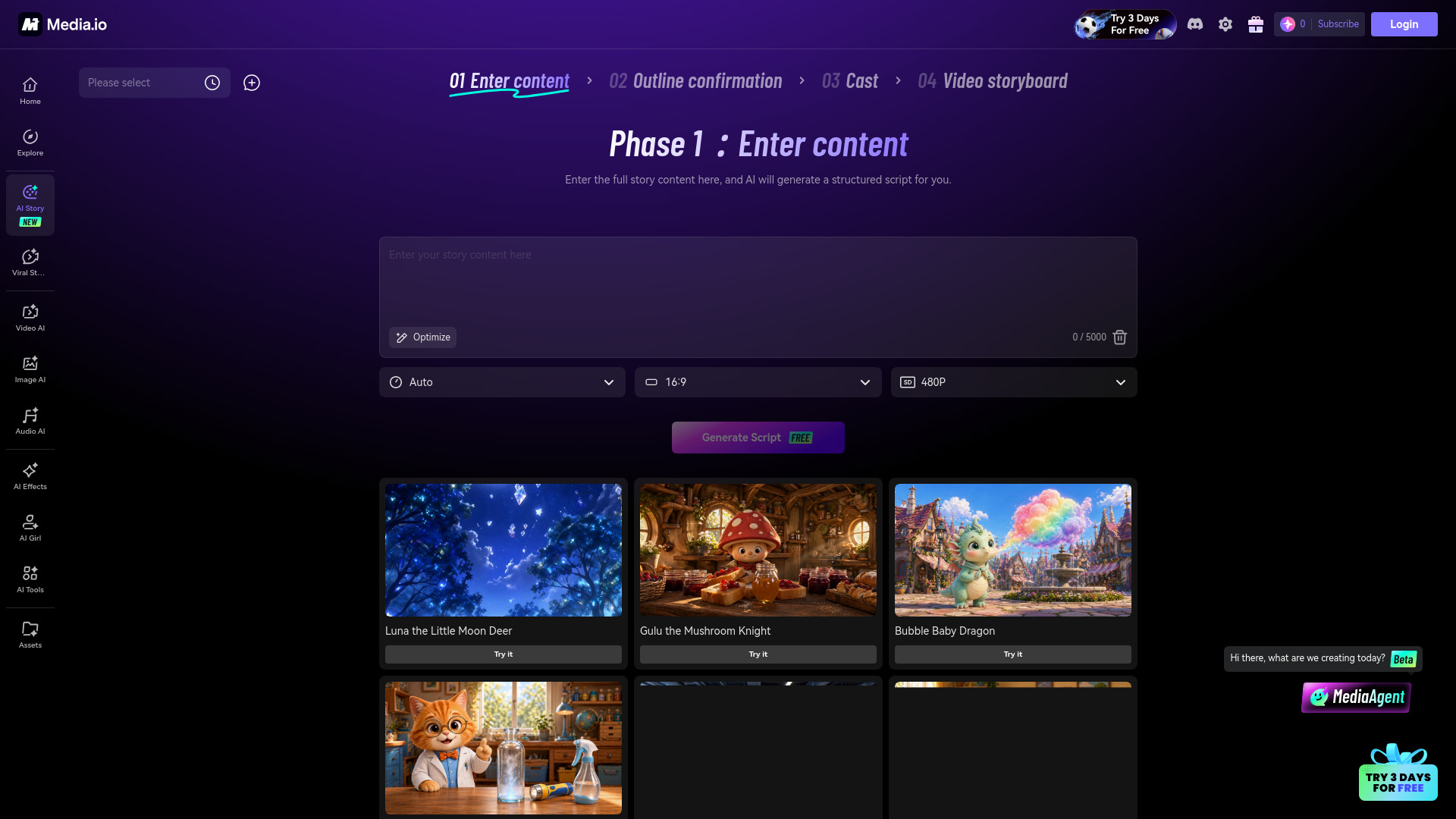
  1. Describe your idea: Enter a prompt detailing the subject, action, setting, mood, shot type, lighting, and pacing.
  2. Choose your format: Select text-to-video or image-to-video, and match the aspect ratio and output style.
  3. Refine your result: Adjust pacing, framing, motion intensity, and creative direction using simple language.
  4. Export: Download your generated video for various uses.
Features of Happy Horse 1.0
  • Text-to-Video Generation: Create videos from text descriptions.
  • Image-to-Video Generation: Animate still images into video content.
  • Prompt Alignment: Follows detailed prompts for subject, motion, mood, style, camera direction, and scene details.
  • Fast Iteration: Quickly generate, review, and refine video concepts.
  • Multiformat Output: Supports vertical, horizontal, and social-friendly video formats.
  • Creative Flexibility: Suitable for marketing campaigns, social media content, product demos, and experimental concepts.
  • Simplified Workflow: Reduces the need for complex editing software and traditional production overhead.
Use Cases of Happy Horse 1.0
  • Marketing: Create campaign videos, product launch messaging, and brand hooks.
  • Social Media: Generate short-form video content.
  • E-commerce: Produce videos for product benefits and visual storytelling.
  • Content Creation: Develop explainers, mood pieces, tutorials, and demo scenes.
  • Creative Exploration: Test ideas and iterate rapidly on visual concepts.
FAQ
  • What is this platform? Happy Horse 1.0 is a modern AI video generator for fast text-to-video and image-to-video creation.
  • How does it work? Users describe their idea via a prompt or upload an image, select format options, refine the output, and then export the video.
  • Is it good for image-to-video workflows? Yes, it supports image-to-video animation by adding motion and depth to still images.
  • What makes it different from other AI video generators? It combines creator-friendly controls with fast AI video generation, supporting both prompt-based and image-based workflows.
  • Can I use it for commercial projects? Review every result before publishing, client delivery, or commercial use. (Note: Specific commercial use terms are not detailed).
  • Why do users search for related AI video terms? Users search for related terms to find tools that offer efficient video creation, prompt control, and flexible output formats.
  • How can I get better results? Be specific in prompts regarding the scene, camera language, mood, lighting, and end-use. Refine prompts with clearer motion, framing, and subject details.

Newsletter

Join the Community

Subscribe to our newsletter for the latest news and updates