What is iGenflow
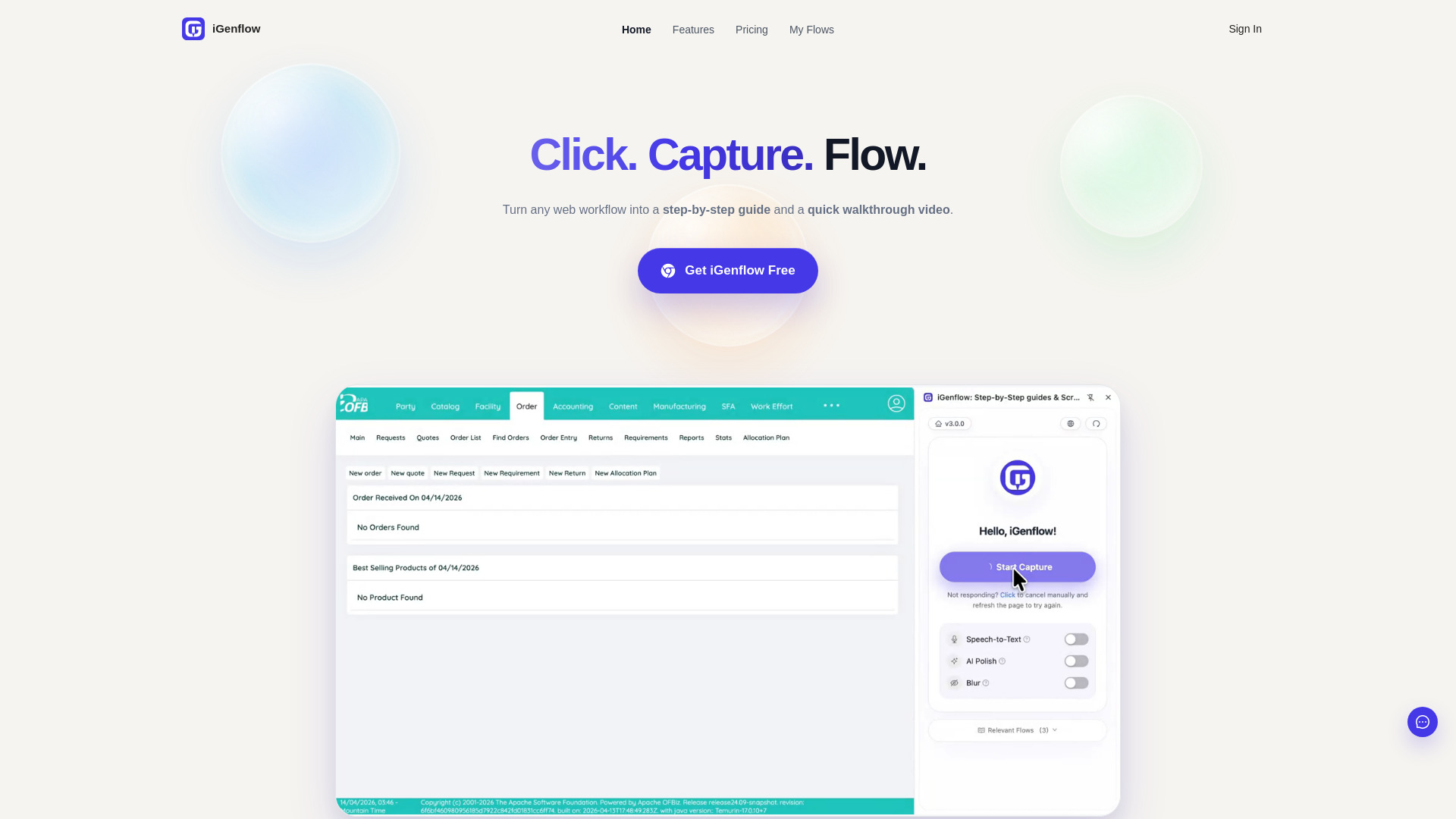
iGenFlow is a tool that captures browser actions, screenshots, and cursor positions to instantly generate step-by-step Standard Operating Procedures (SOPs) and visual user guides from web workflows.
How to use iGenflow
- Install the iGenFlow browser extension.
- Click "Start Capture" before beginning the workflow.
- Operate the website normally while iGenFlow captures each step.
- Review the generated screenshots and step descriptions.
- Edit, export, and share the guide according to your plan permissions.
Features of iGenflow
- Automatic workflow capture: Captures clicks, page transitions, screenshots, cursor positions, and notes.
- Step-by-step SOP drafts: Converts captured actions into readable process documents.
- Editable screenshots and instructions: Allows refinement of guides, adjustment of text, highlighting, and blurring of sensitive details.
Use Cases of iGenflow
- Create product documentation from browser workflows.
- Build customer support articles with screenshots and clear steps.
- Document internal operations for repeatable standard procedures.
- Prepare onboarding guides for sales, support, and implementation teams.
- Capture knowledge base content before product details are forgotten.
Pricing
Free users can capture and export workflows up to 50 steps. Longer workflows, selected import and export options, AI polishing, speech usage, blur effects, continued capture, and other advanced capabilities may require a paid plan or quota.
FAQ
Free users are limited to 50 steps per workflow. Advanced features like AI polishing, blur effects, and continued capture may require a paid plan.