Newsletter
Join the Community
Subscribe to our newsletter for the latest news and updates

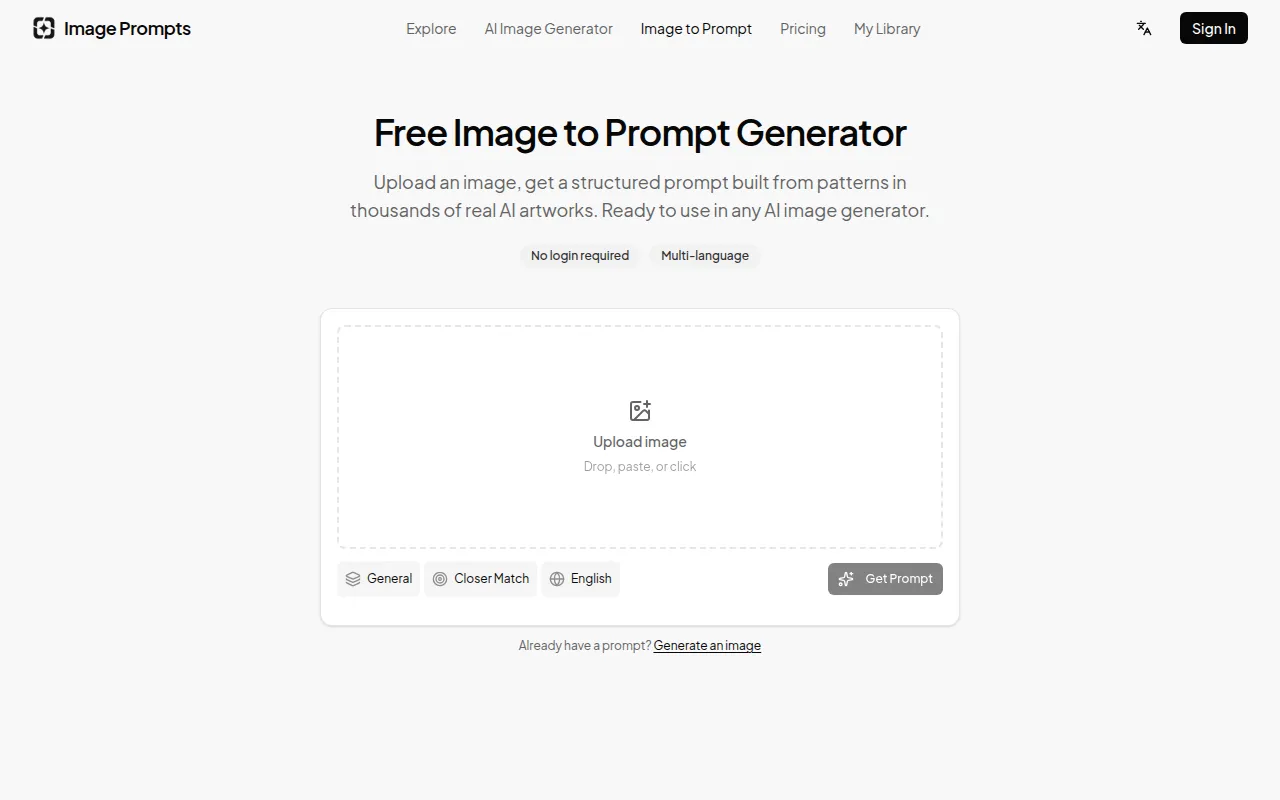
Extract structured, copy-ready prompts from uploaded images and send them directly to an AI image generator.
Image Prompts is a free online tool that allows users to upload any image and generate a production-ready AI prompt that can reproduce it. It is trained on over 8000 viral AI prompts and requires no login for basic use.
Image Prompts is free to use. No account is required for basic usage. Logged-in users can skip verification steps, but the feature itself is free for all users.
How does image to prompt work? Our tool uses a vision AI model to analyze an image's subject, composition, style, and technical details. It then structures this analysis into a generation-ready prompt based on patterns learned from 8000+ viral AI prompts, optimizing it for AI generators rather than just describing the image.
Can I get the exact original prompt used to generate an image? No tool can recover the literal original prompt as it's not embedded in the image file. However, our tool generates a new prompt that produces a very similar result, capturing key visual elements, style, and mood with high fidelity.
What's the difference between image description and image to prompt? An image description tells you what's in a picture (e.g., "a cat on a cloud"). An image-to-prompt output tells you how to create that picture with an AI, including subject details, style keywords, lighting, camera parameters, and model-specific syntax, ordered for optimal AI execution.
Does image to prompt work for Midjourney, GPT Image, and Flux? Yes. You select your target model before generating. For Midjourney, the output includes parameters like --ar and --style. For General models (like GPT Image, Flux, Gemini, Grok), the output follows a subject, style, lighting, and technical structure that these models respond best to.
Is image to prompt free? Yes, it is completely free. No account is required for basic use. Logged-in users bypass the verification step, but the feature itself costs nothing.
What do Closer Match and More Creative mean? 'Closer Match' generates a detailed prompt to reproduce the image as faithfully as possible. 'More Creative' produces a looser prompt that captures the essence and mood, allowing the AI generator more room for interpretation.
Can I use this with my own photos, not just AI images? Yes. You can upload any image, including photographs, paintings, and sketches. The tool will analyze it and produce a prompt to recreate that visual in an AI generator. It's particularly useful for achieving specific photographic styles in AI images.