What is Image to Image AI Generator
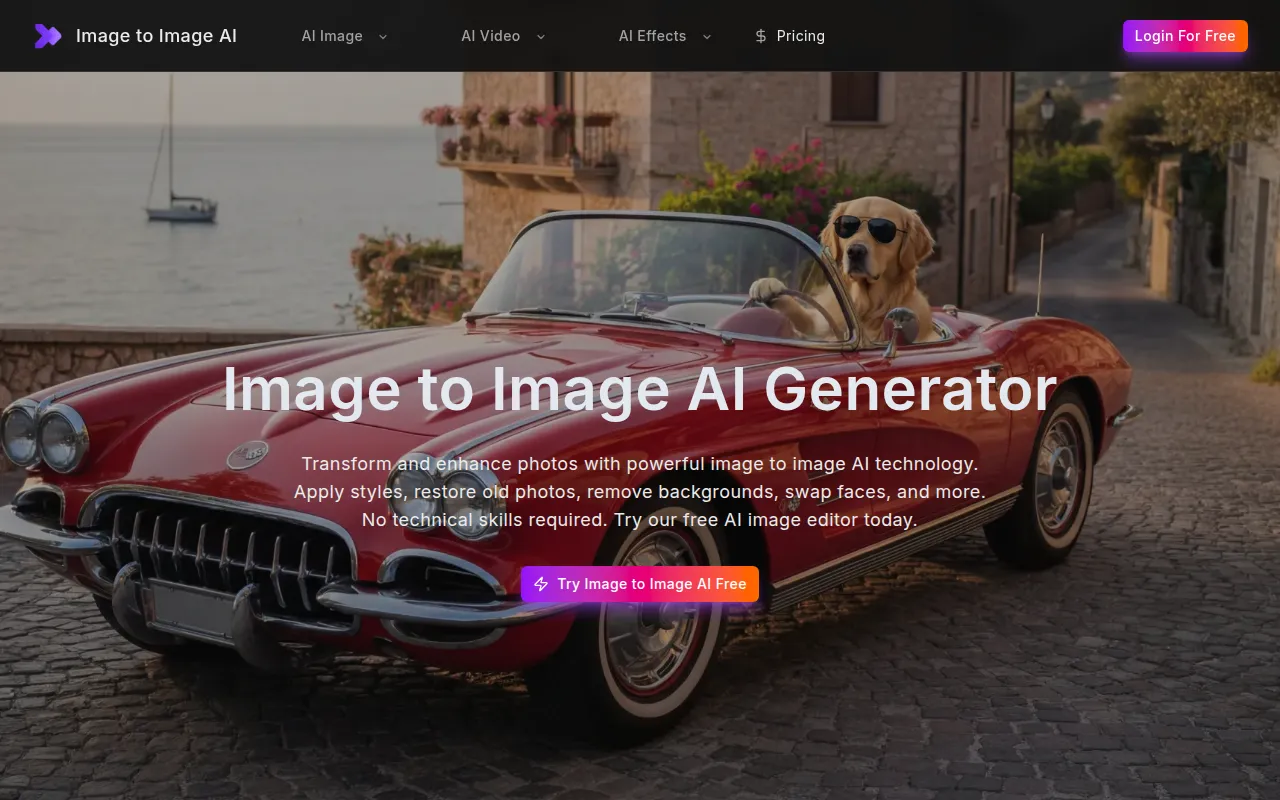
Image to Image AI is a web-based, all-in-one AI image editor that allows users to transform and enhance photos using powerful AI technology. It offers a suite of tools for various editing needs, requiring no technical skills.
How to use Image to Image AI Generator
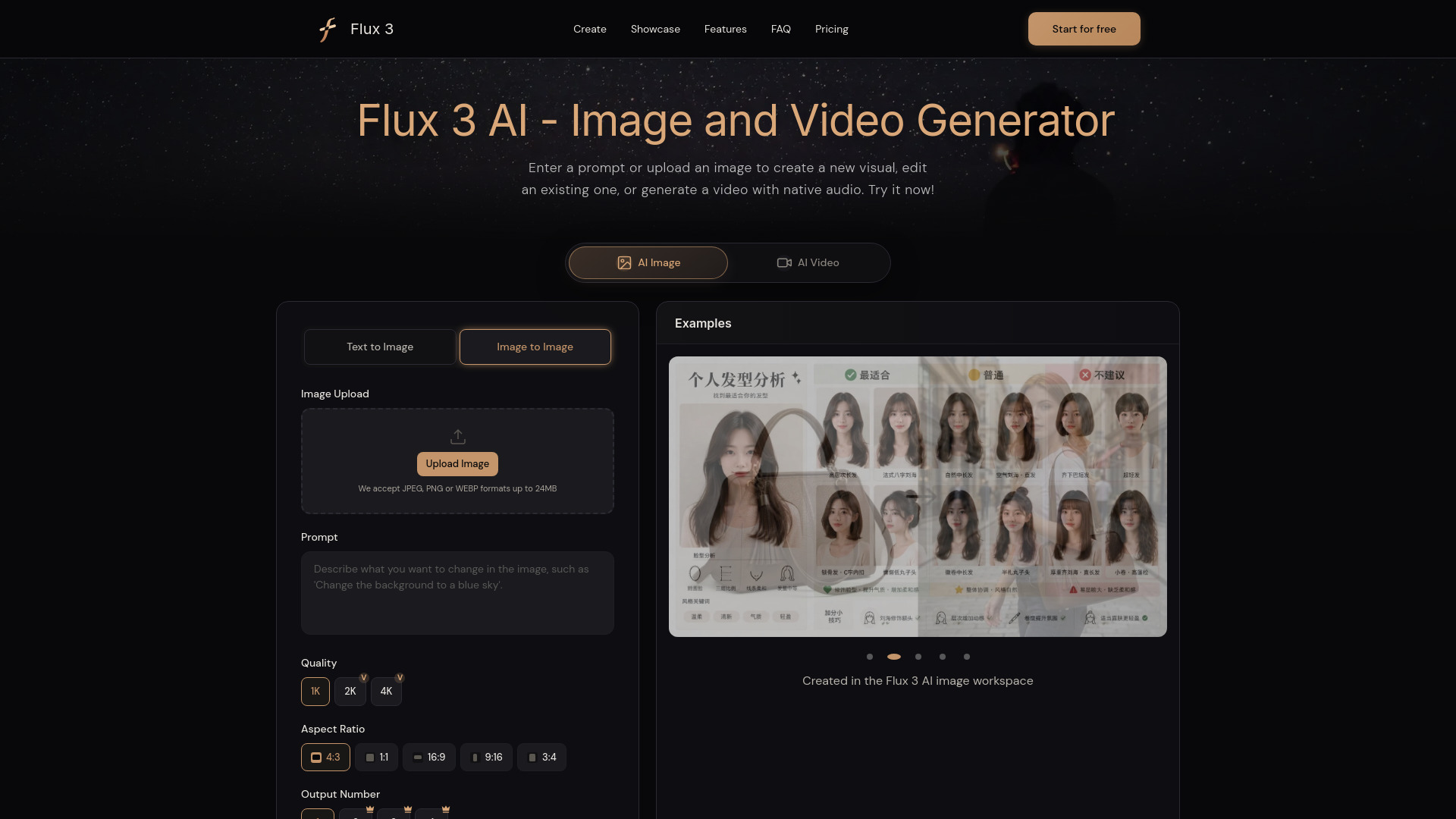
- Upload Your Photo: Upload the image you want to transform. The tool supports common formats like JPG, PNG, and WEBP.
- Select Transformation: Choose the desired AI feature, such as face swap, photo restoration, background removal, upscaling, or style transfer.
- Download Results: Preview the transformed image and download it in high resolution.
Features of Image to Image AI Generator
- AI Image Enhancer: Automatically improves brightness, contrast, sharpness, and color balance.
- AI Style Transfer: Applies various art styles (e.g., oil painting, watercolor, cyberpunk) to photos.
- AI Face Swap: Seamlessly swaps faces between two uploaded images.
- Old Photo Restoration: Repairs scratches, fixes tears, sharpens details, and restores colors in old photos.
- AI Image Upscaler: Increases the resolution of low-resolution photos to high-definition quality.
- AI Background Remover: Removes photo backgrounds with precise cutouts.
- AI Watermark Remover: Erases watermarks, logos, and text overlays from images.
- AI Object Remover: Removes unwanted people or objects from photos, seamlessly filling in the background.
- AI Photo Colorizer: Adds realistic colors to black and white photos.
- AI Portrait Retouch: Smooths skin, brightens eyes, and refines facial features in portraits.
- AI Anime Converter: Transforms photos into anime-style artwork.
- AI Cartoon Generator: Converts photos into cartoon illustrations.
Use Cases of Image to Image AI Generator
- Enhancing dull or poorly lit photos.
- Reimagining photos in artistic styles for creative projects.
- Creating realistic face swaps for content or memes.
- Restoring precious old family photographs.
- Upscaling images for large-format printing or billboards.
- Creating clean product photos with removed backgrounds.
- Removing unwanted elements like watermarks or distractions.
- Generating avatars or profile pictures in cartoon or anime styles.
FAQ
- Can I cancel my subscription? Information regarding subscription cancellation is not detailed in the provided content.
- Is my data safe and private? Information regarding data safety and privacy is not detailed in the provided content.
- Can I use image to image AI for commercial projects? Yes, transformed images are yours to use commercially for client work, products, marketing, and business purposes.
- What is image to image AI? Image to image AI is a technology that transforms and enhances photos using artificial intelligence, allowing for various editing tasks like face swapping, restoration, and style transfer.
- How does image to image AI work? The provided content does not detail the specific working mechanisms of image to image AI.
- Is there a free AI image to image generator? Yes, the platform offers a free trial for its AI image editing features.
- Can image to image AI restore old photos? Yes, the AI Photo Restoration tool can bring old, damaged, or faded photos back to life by repairing scratches, fixing tears, and restoring colors.
- What image formats does the image to image AI support? The tool supports JPG, PNG, WEBP, and most common image formats.