What is ImageToVideoAI
ImageToVideoAI is an AI-powered platform that transforms static images into professional, high-quality cinematic videos. It leverages advanced AI models to generate videos from user-provided images and text prompts.
How to use ImageToVideoAI
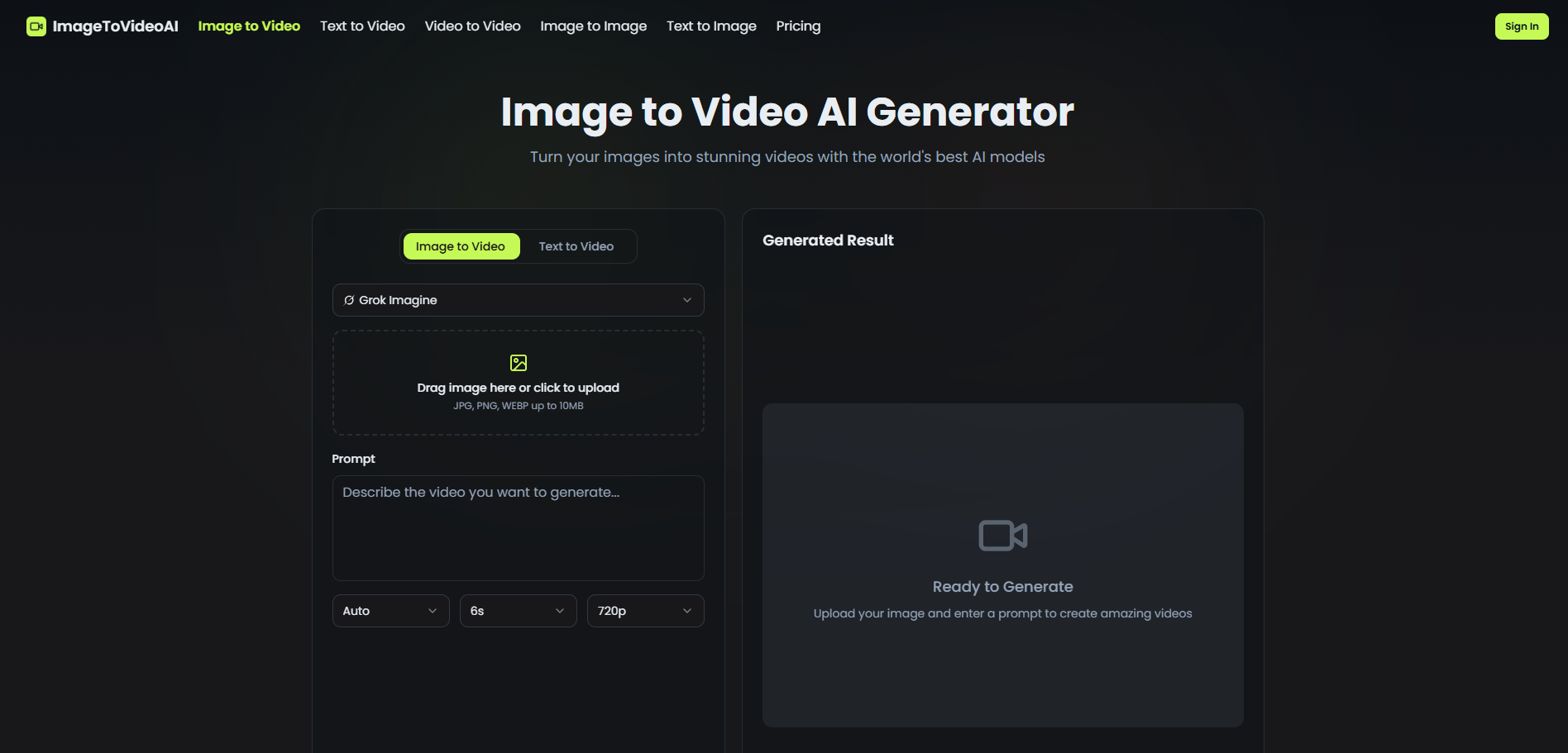
- Upload Your Image: Drag and drop or select an image from your device. Supported formats include JPG, PNG, and WebP, with a maximum file size of 10MB.
- Describe the Motion: Write a text prompt detailing the desired video motion, style, camera angles, and mood. You can also select an AI model and duration.
- Generate Video: Click the 'Generate' button to create your video.
Features of ImageToVideoAI
- AI-Powered Generation: Transforms images into videos using advanced AI.
- Multiple AI Models: Access to over 10 leading image-to-video AI models.
- Creative Control: Use text prompts to influence motion, style, camera angles, and mood.
- Fast Generation: Optimized infrastructure for quick video creation.
- High Resolution Output: Export videos in up to 1080p resolution.
- Browser-Based: No installation or plugins required; works entirely in the browser.
- Secure & Private: Content is processed securely and not used for training.
Use Cases of ImageToVideoAI
- Creating cinematic videos from static images.
- Generating professional-quality videos for various platforms.
- Bringing static images to life with custom motion and style.
Features of ImageToVideoAI
- Fast Generation: Optimized infrastructure ensures minimal wait times.
- Multiple AI Models: Choose from over 10 world-leading AI models.
- Creative Control: Guide AI with prompts for motion, style, and mood.
- High Resolution Output: Export creations in up to 1080p.
- No Installation Required: Works directly in the browser.
- Safe & Private: Secure processing with no content training.