What is Kling Motion Control
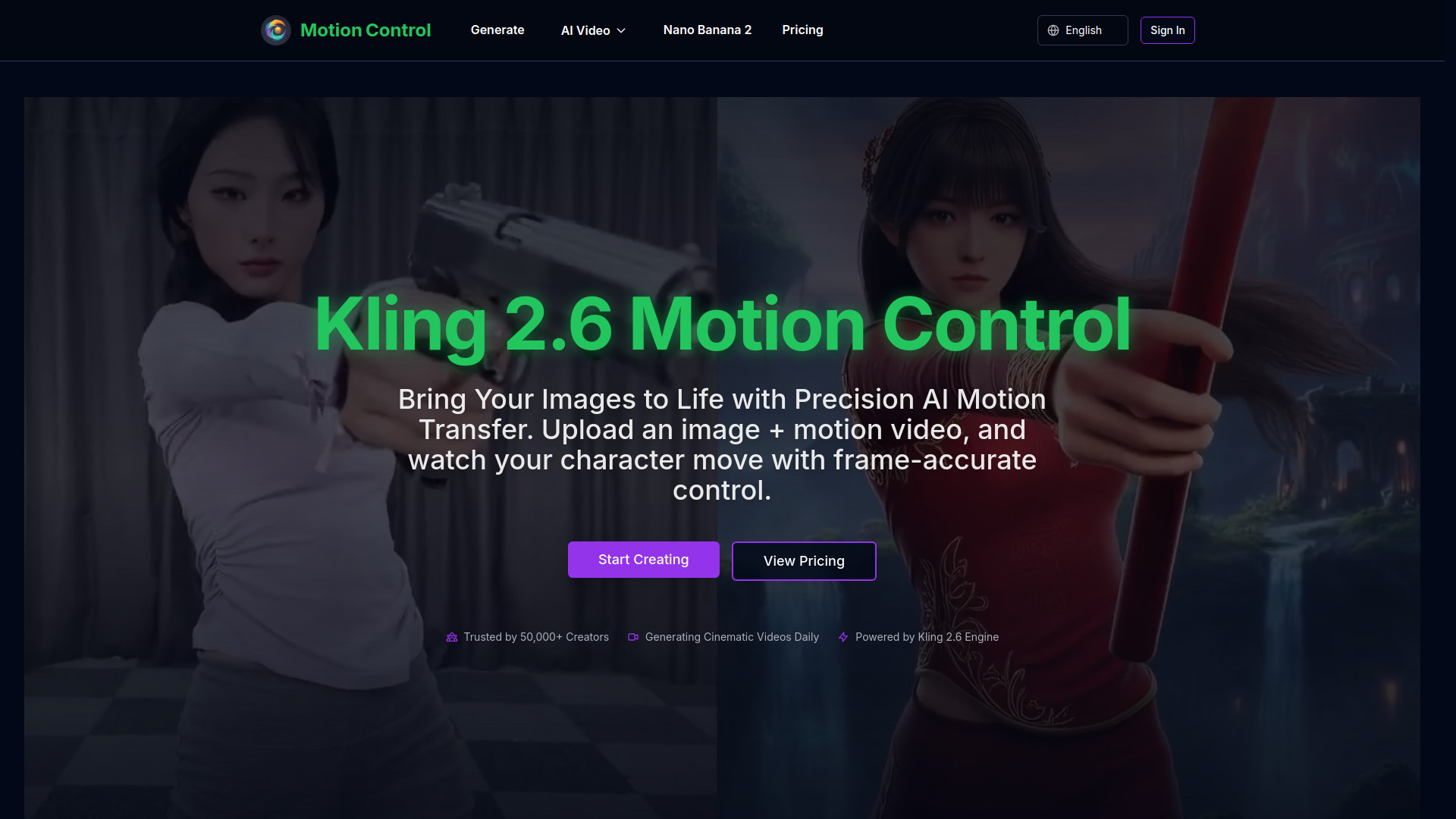
Kling 2.6 Motion Control is an AI tool designed for precise motion transfer from video to static images, enabling the generation of cinematic videos with high consistency.
How to use Kling Motion Control
- Upload your reference image (character or subject).
- Upload a motion reference video demonstrating the desired action.
- Add optional text prompts to customize scene details, background elements, or specific adjustments.
- Generate and download your cinematic 1080p video.
Features of Kling Motion Control
- Precise Motion Trajectories: Allows users to draw specific trajectories to guide character movement or camera flow for frame-by-frame accuracy.
- Superior Character Consistency: Ensures the identity of the character remains consistent throughout the video, avoiding face morphing.
- Photorealistic 2.6 Engine: Delivers high-definition 1080p output with physically accurate lighting, fluid textures, and realistic physics.
- Complex Action Control: Interprets reference videos to execute dynamic and believable actions, from subtle facial expressions to full-body sequences.
- Cinematic Camera Moves: Enables control over pans, tilts, and zooms alongside subject motion for dynamic shot composition.
- Rapid Video Generation: Optimized for performance, reducing rendering times to produce clips in minutes.
Use Cases of Kling Motion Control
- Animating character designs with professional dance moves.
- Pre-visualization for filmmakers, testing different movements before shooting.
- Creating dynamic product videos with custom movements.
- Generating cinematic videos with frame-accurate motion transfer.
Pricing
Kling Motion Control offers tiered annual plans:
- Starter: $12.00/month (billed annually as $144.00/year), includes 18000 credits/year, up to 50 videos/month, premium quality, priority processing, no ads, no watermarks, email support.
- Pro: $28.00/month (billed annually as $336.00/year), includes 45600 credits/year, up to 126 videos/month, premium quality, priority processing, no ads, no watermarks, email support.
- Ultra: $76.00/month (billed annually as $912.00/year), includes 138000 credits/year, up to 383 videos/month, premium quality, priority processing, no ads, no watermarks, email support, priority support.
All annual plans offer a 20% saving compared to monthly billing.
FAQ
- What file formats can I upload and download? Information not available on the webpage.
- Can I use generated videos commercially? Information not available on the webpage.
- How long does video generation take? Information not available on the webpage.
- How do I get the best motion control results? Information not available on the webpage.
- What's the difference from other AI video tools? Information not available on the webpage.