What is Kreat3D - AI 3D Model Creation Platform
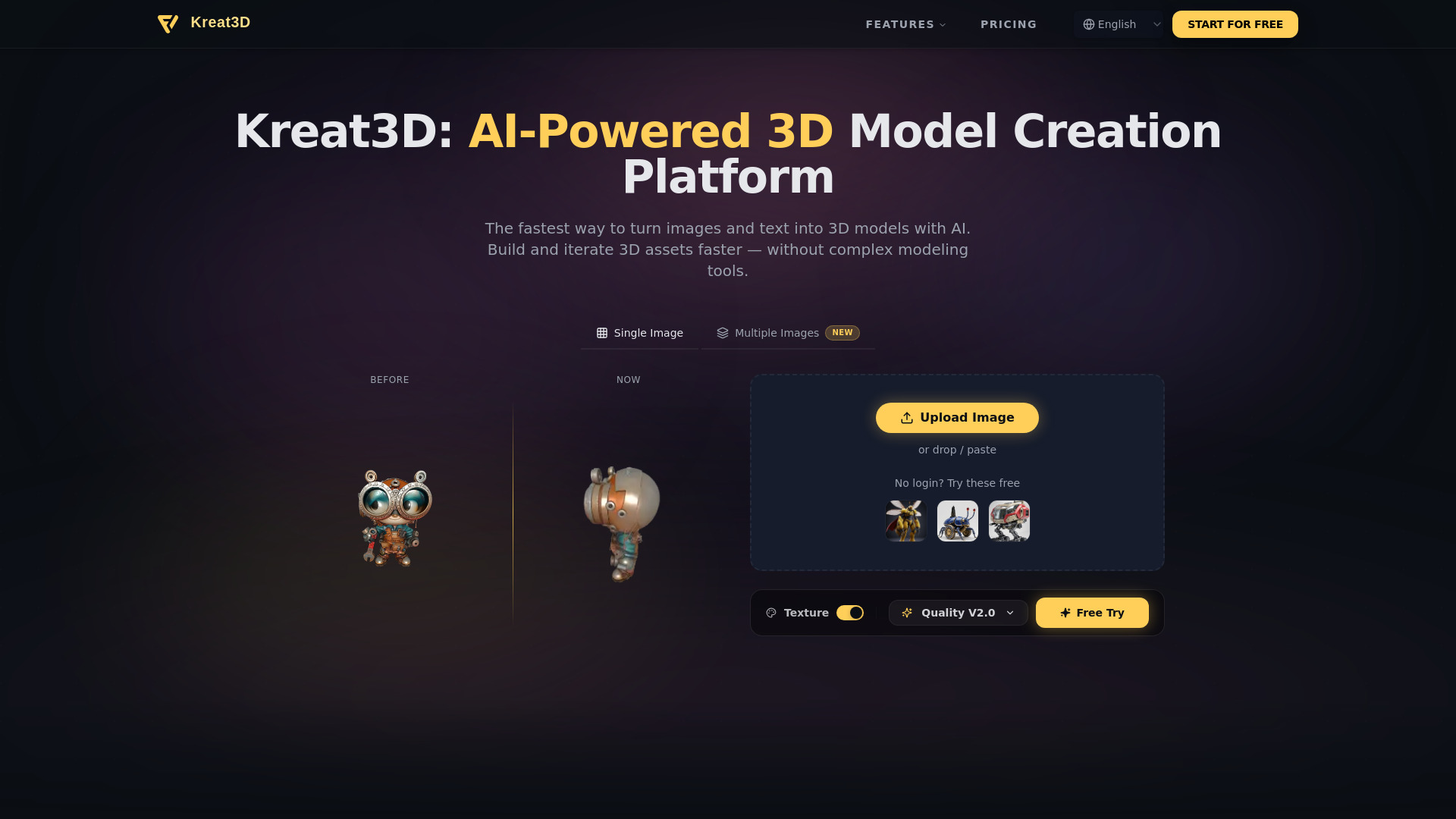
Kreat3D is an AI-powered platform designed to transform images and text into high-quality 3D models rapidly. It aims to streamline the creation and iteration of 3D assets without the need for complex modeling tools.
How to use Kreat3D - AI 3D Model Creation Platform
- Upload Image: Users can upload a single image or multiple views of an object.
- Text Prompt: Alternatively, users can describe their desired 3D model using text prompts.
- Generate: The AI processes the input to generate a 3D model.
- Iterate & Refine: Users can iterate and refine the generated assets.
Features of Kreat3D - AI 3D Model Creation Platform
- AI-Powered Workflow: Transforms images and text into 3D models.
- Multiple Input Options: Supports single image, multi-view images, and text descriptions.
- High-Quality Outputs: Generates detailed geometry and textures.
- Fast Generation: Creates 3D models within 30 to 180 seconds.
- Multiple Export Formats: Supports GLB, OBJ, STL, GLTF, USDZ, and PLY.
- Texture Generation: Includes AI-powered texture creation.
- Quality Settings: Offers different quality generation options (e.g., Quality V2.0).
- Sample Models: Provides sample images for quick testing.
Use Cases of Kreat3D - AI 3D Model Creation Platform
- Game Development: Creating assets for games.
- AR/VR: Developing content for augmented and virtual reality experiences.
- Product Design: Prototyping and visualizing product designs.
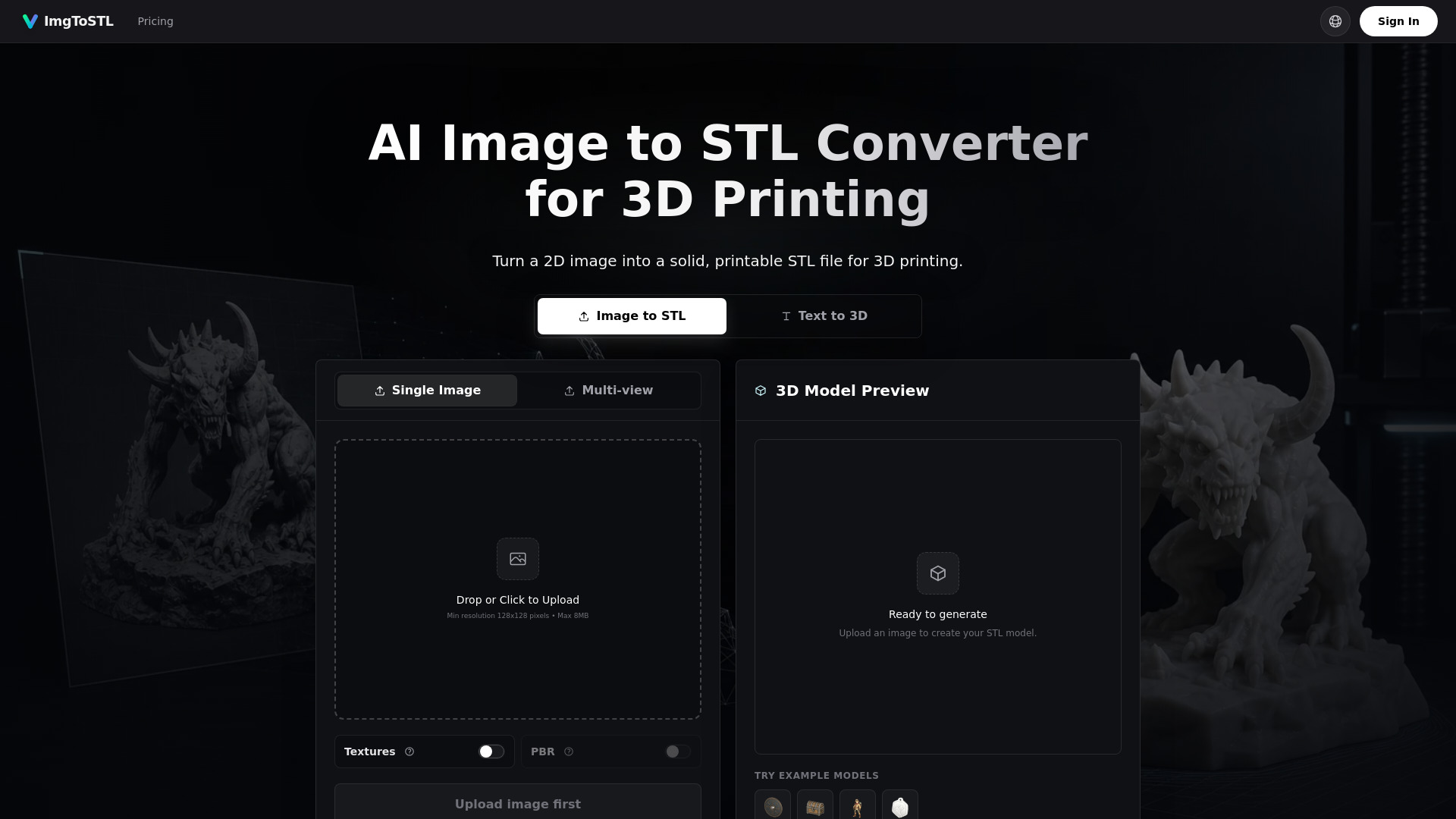
- 3D Printing: Generating models for 3D printing.
- Digital Experiences: Creating 3D content for various digital platforms.
- Concept Exploration: Rapidly generating ideas from text descriptions.
- Creative Prototyping: Quickly bringing 2D visuals into 3D form.
FAQ
- What is Kreat3D? Kreat3D is an AI platform that turns images and text into 3D models fast.
- What can I create with Kreat3D? Kreat3D supports the creation of a wide range of 3D models, including objects, products, concept assets, and early-stage prototypes. It adapts to different creative inputs and project goals through image to 3D, multi-image to 3D, and text to 3D workflows.
- Do I need 3D modeling experience to use Kreat3D? No. Kreat3D is designed for both beginners and experienced creators. Users can provide images or text descriptions, and the platform handles the core model creation process.
- What is the difference between Image to 3D and Multi Image to 3D? Image to 3D generates a model from a single image. Multi Image to 3D uses multiple views for more accurate geometry and structural consistency.
- How long does it take to generate a 3D model? Most models are generated within 30 to 180 seconds, depending on parameters and complexity. Higher-quality settings may require longer processing time.
- Are the generated 3D models production-ready? Kreat3D provides a foundation for 3D model creation with clean geometry and detailed textures. Additional refinement may be applied using traditional modeling tools depending on project requirements.
- What file formats does Kreat3D support? Kreat3D supports common export formats including GLB, OBJ, STL, GLTF, USDZ, and PLY.
- What is the difference between free and paid plans? Free users have limited generation capacity and standard settings. Paid plans unlock higher limits, advanced parameters, faster processing, and commercial usage rights.
- Can I use generated 3D models for commercial projects? Yes. Paid plans include commercial usage rights for client work, products, and applications.