What is LDPlayer (雷电模拟器)
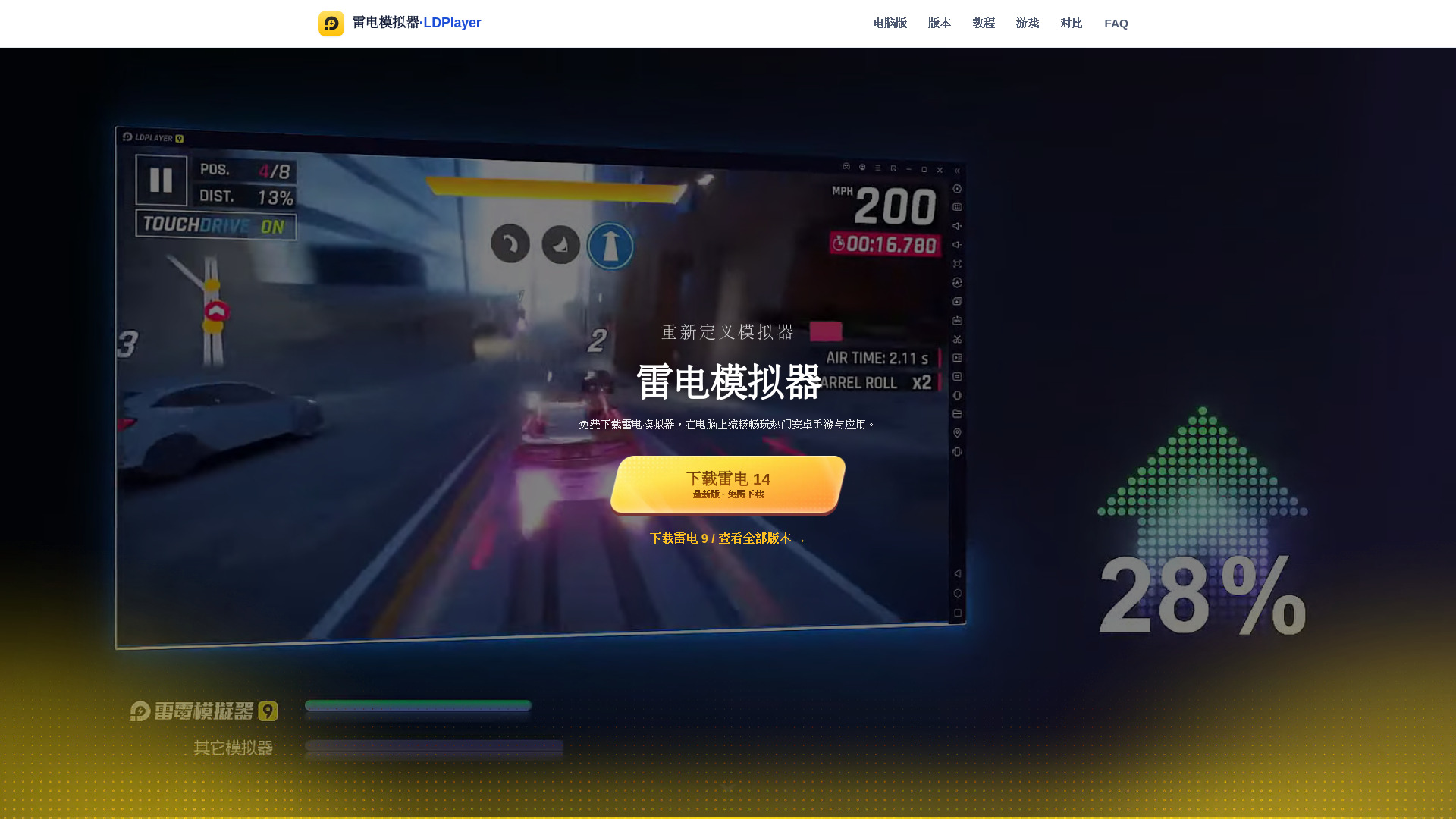
LDPlayer (雷电模拟器) is an Android emulator designed to run on Windows computers. It creates a virtual Android system environment, allowing users to download, install, and run Android games and applications without needing a physical phone. Leveraging the superior CPU, graphics card, and memory of a PC, it enables games to maintain high frame rates and offers enhanced precision through keyboard, mouse, and gamepad controls compared to touchscreens.
LDPlayer has undergone significant optimization at the kernel level for gaming scenarios, resulting in lower memory usage, faster startup times, smoother graphics rendering, and good support for mainstream CPU virtualization instructions (VT/SVM). It aims to provide an immersive experience on a large screen for various game genres and is suitable for both casual players and advanced users who require multi-account management or extended background operation.
How to use LDPlayer (雷电模拟器)
- Download the installer: Obtain the latest version of the installer from the download page.
- Install the emulator: Run the installer and follow the on-screen prompts. The installation path can be customized, for example, to an SSD for improved speed.
- Log in and install games: Launch LDPlayer, log in with your account, and then download and install your desired games from the built-in store or via APK files.
Features of LDPlayer (雷电模拟器)
- Key Mapping: Map touch controls to keyboard and mouse for precise aiming, skill combos, and directional input. Supports preset configurations.
- Multi-instance Sync: The LDPlayer multi-instance manager allows running multiple emulator instances simultaneously with synchronized operations, ideal for managing multiple accounts, farming, or batch management.
- High Frame Rate Engine: Supports high frame rate modes and graphics hardware acceleration. With VT virtualization enabled, it ensures smooth performance for large 3D games.
- Macros & Scripts: Built-in macro recording allows automating repetitive actions.
- Strong Compatibility: Compatible with a vast number of Android games and apps. Includes an app store and APK installation. Google services can be configured as needed.
- Customizable Performance: Freely allocate CPU cores, memory, and resolution to tailor the experience to your PC's specifications.
Use Cases of LDPlayer (雷电模拟器)
- PC Gaming: Play popular Android mobile games on a computer with better performance and control.
- Multi-Account Management: Run multiple game accounts simultaneously for farming, trading, or managing different game profiles.
- App Testing: Test Android applications on a PC environment.
- Productivity: Use Android apps that may not be available or convenient on a desktop.
Pricing
LDPlayer's core functions are completely free. Users can download, install, and play most Android games and applications without any payment. Features like multi-instance, key mapping, and macro commands are available for free.
FAQ
- Is LDPlayer free? Yes, LDPlayer's core functions are entirely free. You can download, install, and play most Android games and apps without paying. Common features like multi-instance, key mapping, and macro commands are also free.
- Is LDPlayer safe? LDPlayer downloaded from official channels is safe. It is recommended to always obtain the installer from the official website or trusted sources, verify digital signatures, and keep antivirus software active. Avoid downloading from unverified sources.
- Does LDPlayer require VT enabled? It is not mandatory, but strongly recommended. Enabling CPU virtualization technology (VT/SVM) significantly improves the emulator's speed, frame rate, and multi-instance stability. It is one of the most effective ways to resolve performance issues.
- Does LDPlayer support Windows 11? Yes, LDPlayer is compatible with Windows 11, Windows 10, and other mainstream systems. For Windows 11, it's recommended to disable conflicting items related to Hyper-V/Memory Integrity for optimal performance.
- Can I run LDPlayer on a low-spec PC? Yes. A minimum of a 2-core CPU and 4GB of RAM is sufficient for basic operation. However, for a smooth experience with large mobile games, a CPU with 4 cores or more, 8GB+ RAM, and an SSD are recommended.