What is MaxVideoAI
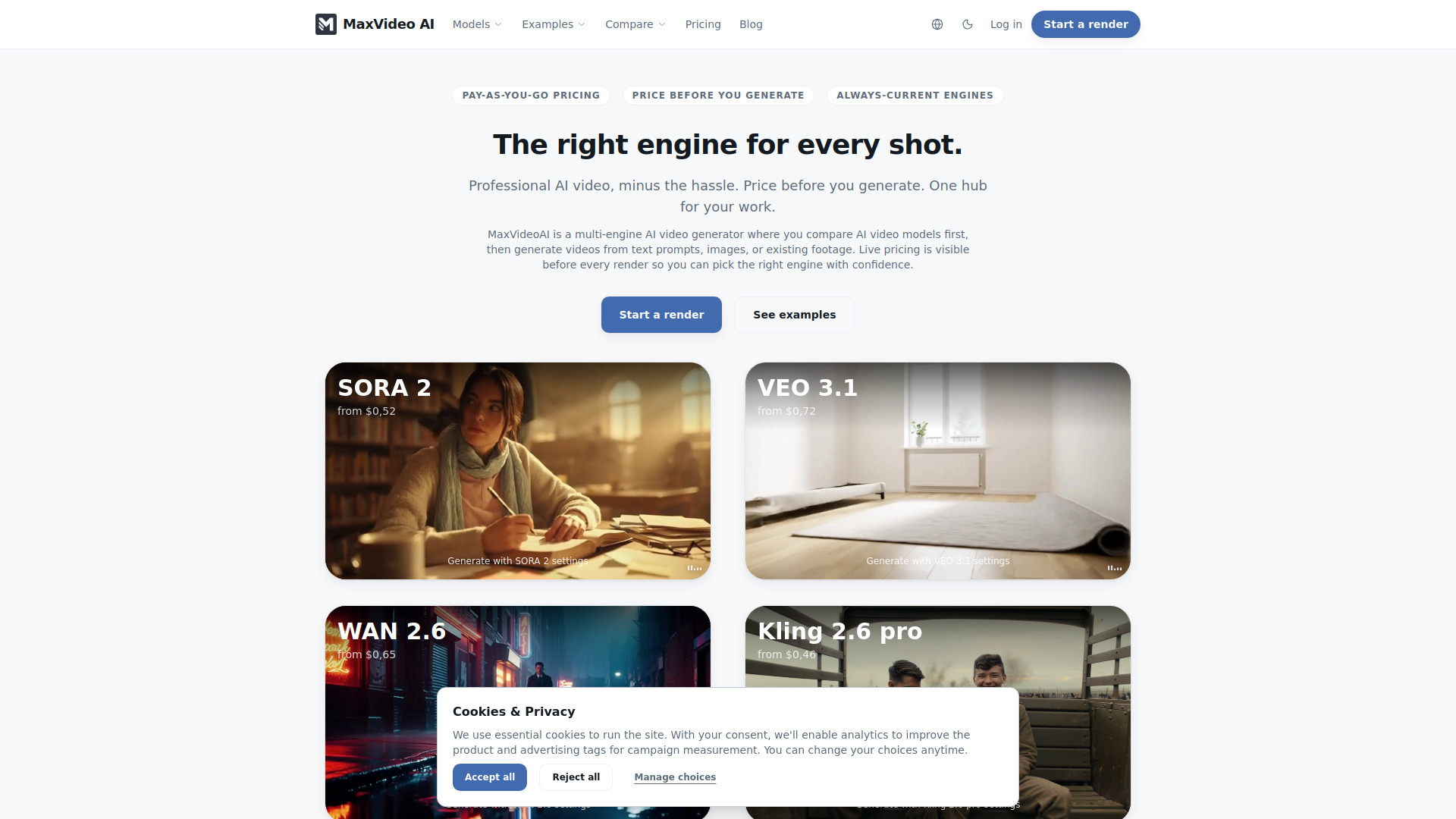
MaxVideoAI is a multi-engine AI video generator that allows users to compare different AI video models before rendering. It provides upfront pricing for each generation and aims to help users select the most suitable engine for each shot.
How to use MaxVideoAI
- Select an Engine: Choose from a variety of AI video models available.
- Set Shot Settings: Configure parameters such as duration, aspect ratio, and resolution.
- Write Prompt & Add References: Input a text prompt and optionally add reference assets like images.
- Preview Price: See the estimated cost for the render before committing.
- Generate Variants: Create multiple versions of the video in a single run.
- Review & Download: Examine the generated variants, copy prompts, and download the desired clips.
Features of MaxVideoAI
- Multi-Engine Comparison: Compare results from various AI video models side-by-side.
- Upfront Pricing: View the cost before generating a video.
- Pay-as-you-go: No subscription required; pay only for successful renders.
- Unified Workspace: Manage generation, review, and delivery from a single interface.
- Multiple Workflows: Supports text-to-video, image-to-video, and video-to-video generation.
- Live Price Chip: Updates dynamically as settings are adjusted.
- Automatic Refunds: Get refunded for failed renders.
- Brand Safety Filters: Built-in measures to block risky content.
- Team Controls: Role-based wallets and approvals (in beta).
- Download Options: Download renders, thumbnails, and metadata.
Use Cases of MaxVideoAI
- Rapid Ideation: Quickly generate video concepts from text prompts.
- Content Creation: Produce social media clips, product visuals, and explainer videos.
- Creative Exploration: Test different AI models and styles for a single project.
- Brand Consistency: Maintain brand visuals across multiple video assets.
- Iterative Design: Transform existing footage or images into new video variations.
Pricing
MaxVideoAI operates on a pay-as-you-go model. Users can "top up" their wallet with credits (e.g., $10, $25, $50). Pricing is displayed live before each render, and users are charged only for successful generations. Member status tiers (Member, Plus, Pro) offer automatic discounts based on usage. Failed renders are automatically refunded.
FAQ
What is the best AI video generator? It depends on the specific project. MaxVideoAI allows comparison of different models to help users choose the best one for their needs.
Can I generate videos from text prompts? Yes, text-to-video is a core feature, allowing creation directly from written prompts.
What's the difference between text-to-video and image-to-video? Text-to-video starts from a prompt, while image-to-video starts from a still image and adds motion.
Do I need editing skills to use an AI video generator? No, basic usage is straightforward with prompts and simple settings, though advanced workflows are supported.
Is MaxVideoAI free? MaxVideoAI uses a pay-as-you-go credit system with pricing shown before generation.