What is MeshGPT
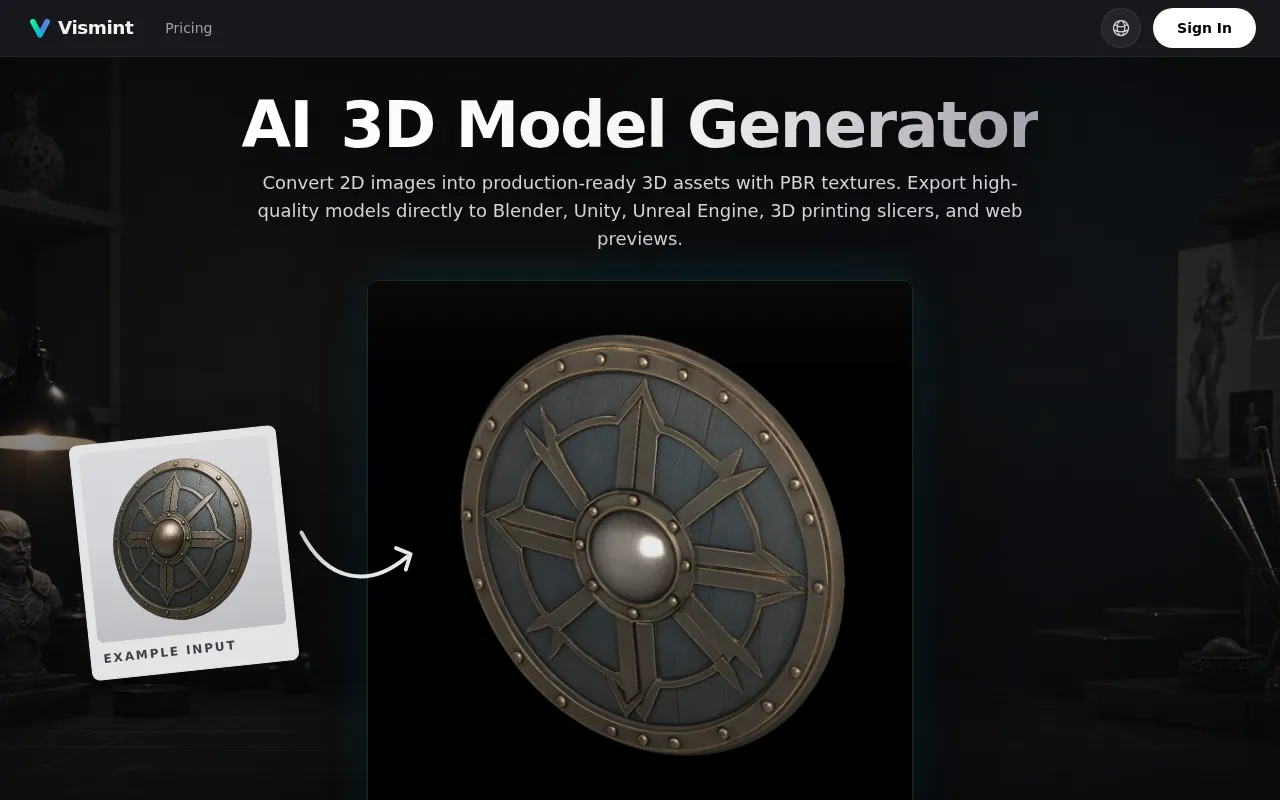
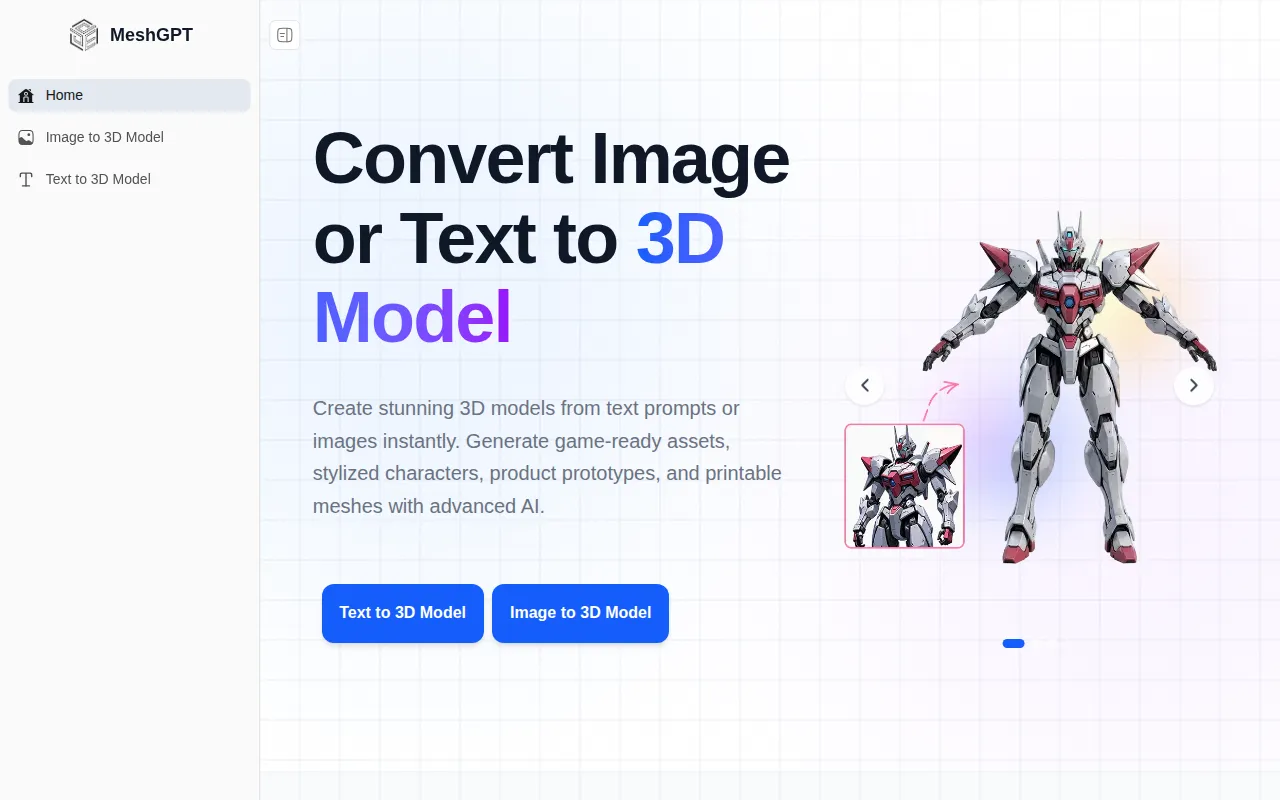
MeshGPT is an AI-powered tool that generates 3D models instantly from text prompts or images. It aims to transform ideas into production-ready 3D assets, suitable for various applications like game development, animation, 3D printing, and digital content creation.
How to use MeshGPT
- Choose Input: Select whether to use a text prompt or an image as input.
- Generate: Input your text description or upload an image.
- Create: MeshGPT's AI will process the input and generate a 3D model.
- Export: Download the generated 3D model in various formats.
Features of MeshGPT
- Text to 3D Model: Generate 3D models from text descriptions, supporting various styles (realistic, cartoon, low-poly).
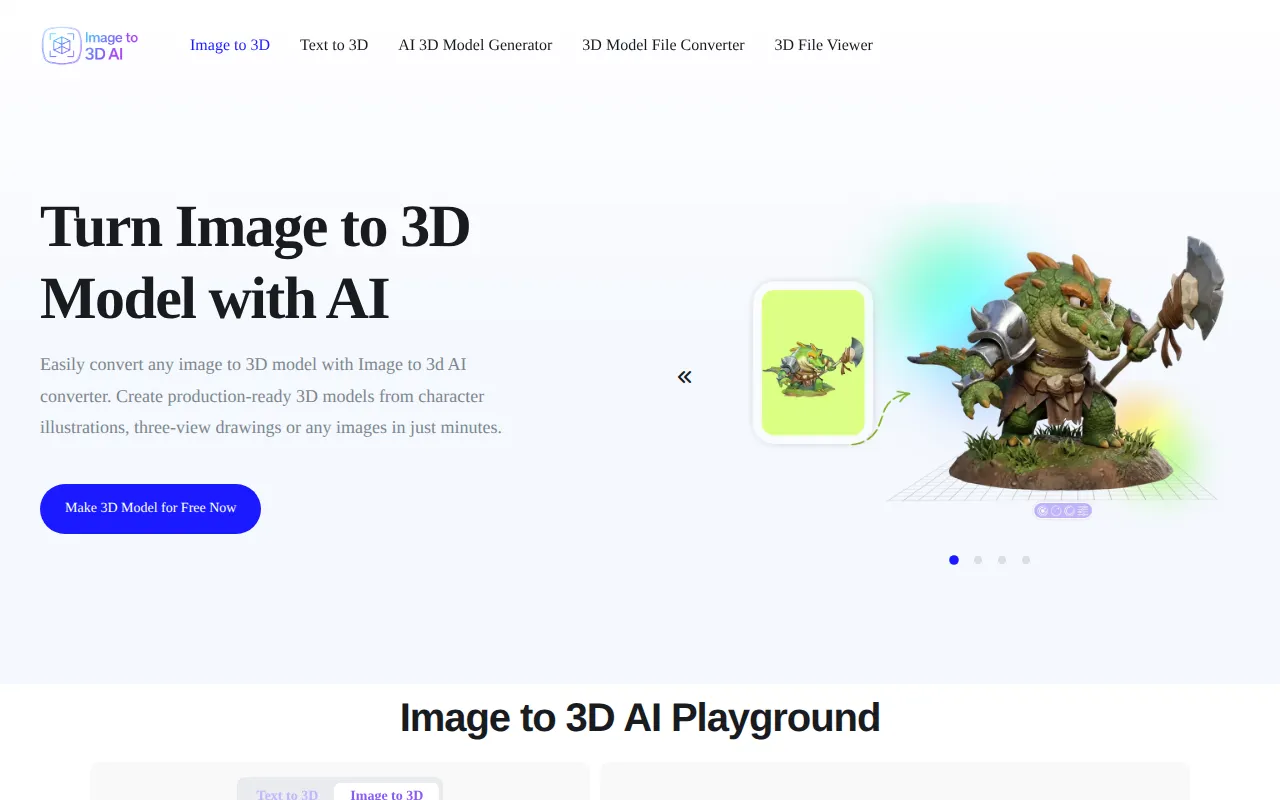
- Image to 3D Model: Convert images (JPG, PNG, WebP) into textured 3D models.
- Fast AI Mesh Generation: Quickly create clean and optimized 3D meshes.
- Multi-Format Export: Export models in GLB, FBX, OBJ, STL, DAE, and BLEND formats.
- PBR Materials: Auto-generates Physically Based Rendering materials and textures.
- Clean Topology: Generates optimized topology structure and UVs.
- Instant Preview: Preview generated 3D results immediately.
Use Cases of MeshGPT
- Game Asset Creation: Generate weapons, props, environments, and stylized assets for game engines.
- Anime Character Modeling: Create 3D characters from anime concepts or illustrations.
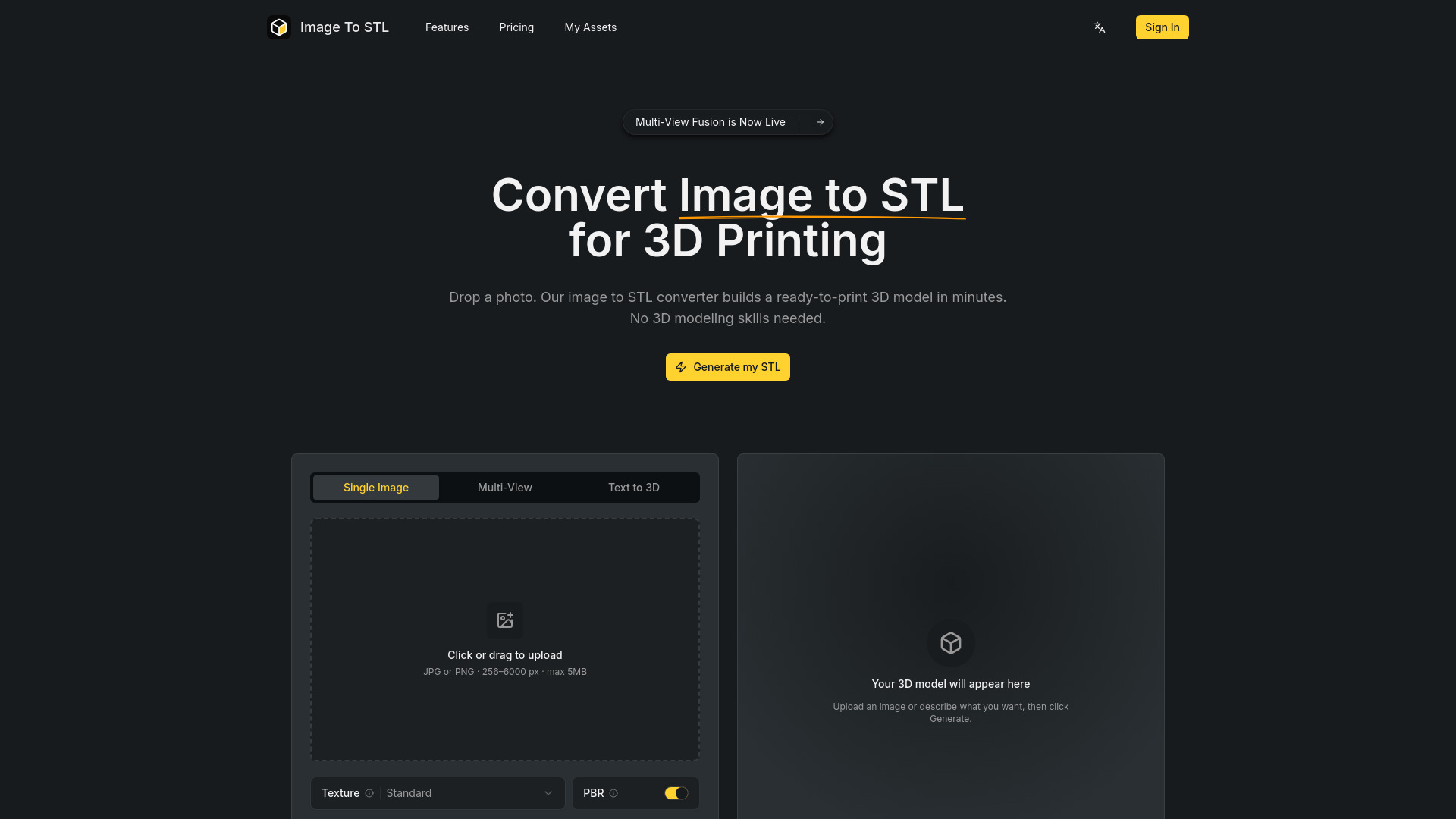
- 3D Printing Models: Produce printable meshes for toys, figures, prototypes, and collectibles.
- Product & Concept Design: Visualize product ideas, mockups, and creative concepts.
FAQ
- How long does a generation take? Fast models complete in 20–30 seconds. High-quality generations may take 1–3 minutes.
- Is MeshGPT really free to use? Yes, it is free with a limited number of daily generations.
- How do I generate a 3D model with AI? Use either the Text to 3D feature by providing a prompt or the Image to 3D feature by uploading an image.
- What image formats work for image-to-3D conversion? JPG, PNG, and WebP are supported. High-resolution images are recommended.
- What 3D file formats can I export? Export options include GLB, FBX, OBJ, STL, DAE, and BLEND.
- Can I use models for commercial projects? Yes, generated models can be used commercially.
- Do you have an API? Yes, an API is available for programmatic access to 3D generation features.