What is MP3 to Text
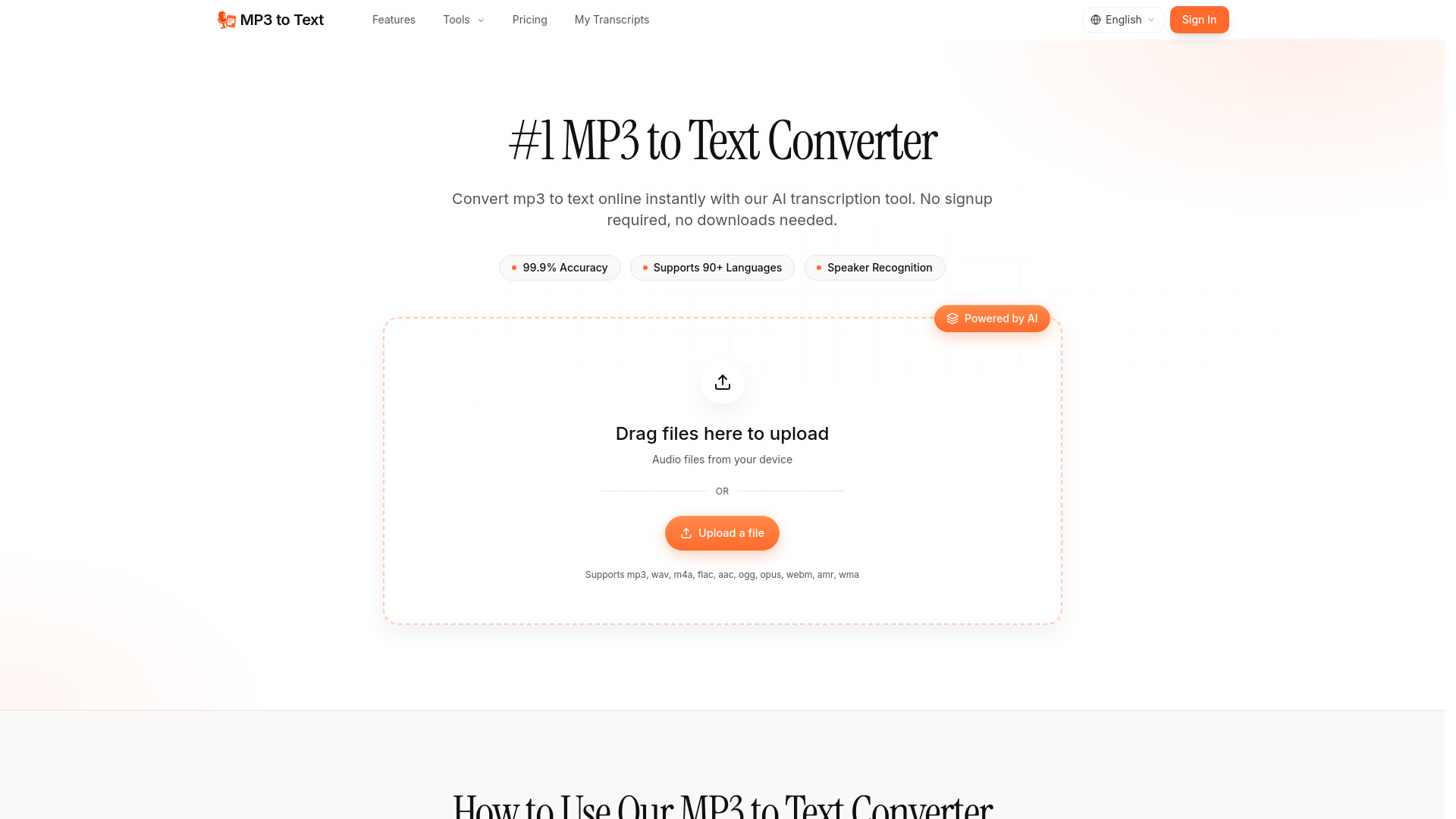
MP3 to Text is an AI-powered tool that converts MP3 audio files into accurate text. It offers instant transcription without requiring signup or downloads.
How to use MP3 to Text
- Upload: Drag and drop your MP3 file into the upload area or click the upload button to select a file from your device. The tool supports various audio formats including mp3, wav, m4a, flac, aac, ogg, opus, webm, amr, and wma.
- Transcribe: Click the 'Transcribe' button to convert the audio to text. This process typically takes minutes.
- Export: Download your transcript in multiple formats such as TXT, DOCX, SRT, or VTT.
Features of MP3 to Text
- AI-Powered Transcription: Utilizes AI technology for fast and accurate conversion.
- High Accuracy: Achieves 99.9% accuracy and supports over 90 languages.
- Speaker Recognition: Automatically detects and labels different speakers.
- Batch Processing: Allows uploading and processing multiple MP3 files simultaneously.
- Multi-Format Export: Transcripts can be exported in TXT, DOCX, SRT, VTT, and Markdown formats.
- Long File Support: Handles files up to 10 hours long and 5 GB in size.
- No Daily Limits: No daily file limit for transcription.
- AI Summary: Provides an AI-generated summary of the audio content.
Use Cases of MP3 to Text
- Podcasters and Broadcasters: Create show notes, articles, and chapter timestamps.
- Researchers and Academics: Transcribe interviews and lectures for qualitative analysis.
- Journalists and Media: Capture accurate quotes from interviews and press conferences.
- Educators and Trainers: Convert lecture recordings and webinars into lesson handouts and captions.
- Teams and Professionals: Transcribe meeting recordings and client calls for searchable notes and action items.
- Students and Learners: Convert lecture recordings into study notes for exam preparation.
Pricing
The service offers different annual plans:
- Basic Annual: $5.00/month (billed yearly), includes 400 minutes of transcription per month.
- Pro Annual: $8.00/month (billed yearly), includes 1,000 minutes of transcription per month. This is highlighted as the "Most Popular" plan.
- Ultimate Annual: $20.00/month (billed yearly), includes 3,000 minutes of transcription per month.
All plans support files up to 10 hours long/5 GB, no daily file limits, transcription in 90+ languages, export in multiple formats, speaker diarization, AI summary, and bulk transcription. Priority email support is included in all annual plans.
FAQ
- What is an MP3 to Text converter? MP3 to Text is an AI transcription tool that converts MP3 audio files into accurate written text — for podcasts, lectures, interviews, meetings, and any recorded audio.
- Can I try MP3 to Text for free? Yes. Free users get 60 minutes of transcription. Paid plans unlock longer files, higher monthly volume, and advanced features.
- Can I upload large files? Yes. Each upload can be up to 5 GB and 10 hours of audio per file. For longer recordings, split them into shorter parts before uploading.
- Can I export my transcripts? Yes. Export your mp3 to text transcript to TXT, DOCX, PDF, CSV, SRT, VTT, and Markdown — with optional timestamps and speaker labels.
- How many languages do you support? 90+ languages, including English, Spanish, French, German, Italian, Portuguese, Japanese, Chinese, and Korean — plus most major regional dialects.
- Can I cancel my subscription anytime? Yes. Cancel from your account settings at any time. Your access continues until the end of your current billing period.
- Do you offer refunds? Yes. Refund requests are accepted within 7 days of purchase.
- Can I buy one-time packs while subscribed? Yes. You can buy one-time packs anytime to add extra transcription when you need more.