What is Online PS Editor
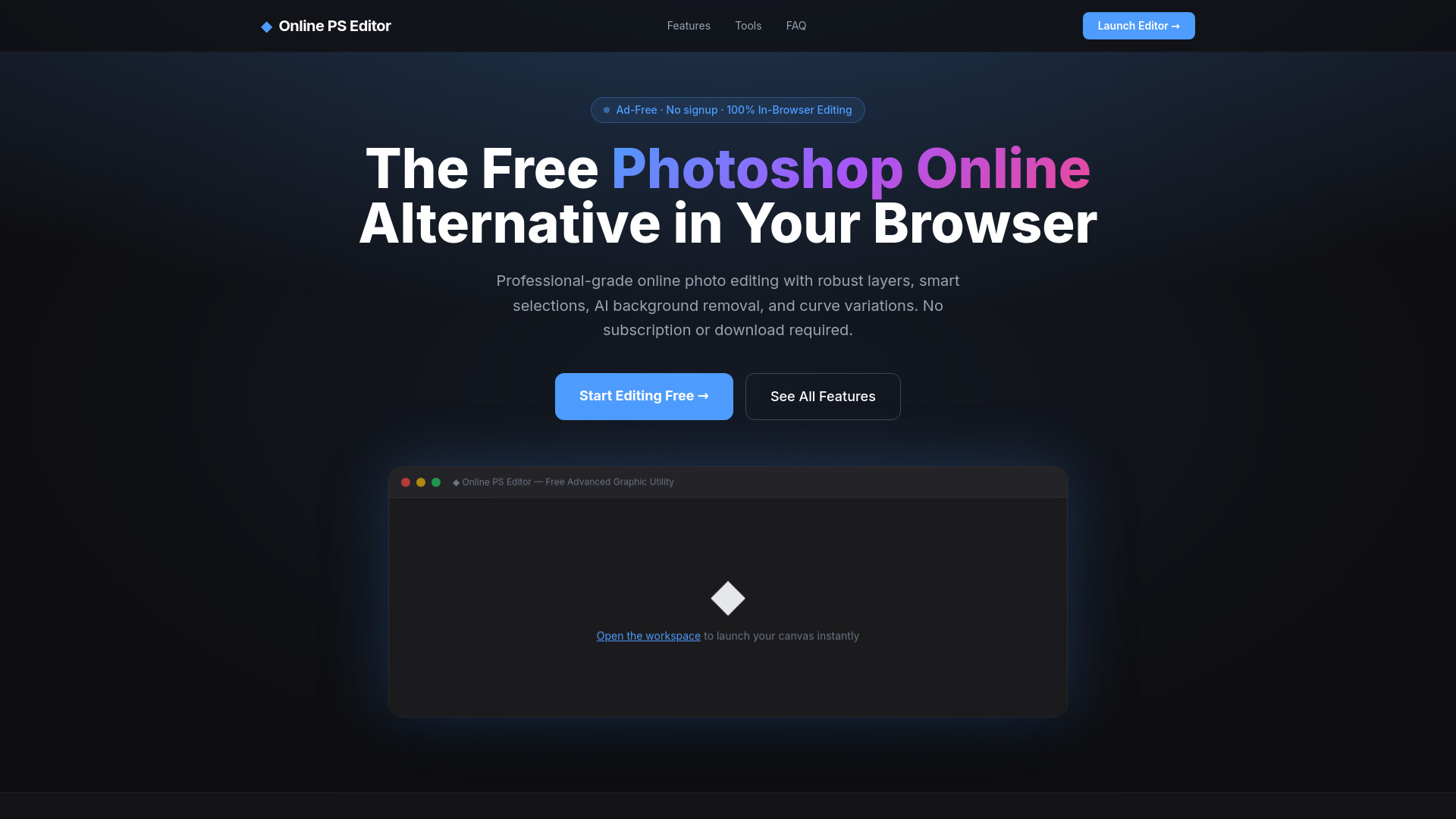
Online PS Editor is a free, browser-based professional photo editor that serves as a powerful alternative to desktop software like Adobe Photoshop. It runs entirely in your web browser with no downloads or signups required, offering advanced features such as AI background removal, full layer support with 16 blend modes, smart selection tools, curves and histogram adjustments, and high-fidelity exports to multiple formats. All image processing happens locally on your device via HTML5 APIs and WebAssembly, ensuring complete privacy and security.
How to use Online PS Editor
- Launch the Web App: Navigate to the editor and click "Launch Editor" or "Start Editing Free". No registration or login is needed.
- Import Image Vectors: Drag and drop your image files directly onto the browser interface. The editor supports flat structures, transparent alphas, and system images.
- Modify & Download: Use the full suite of editing tools—layers, AI background removal, filters, text, and more—to construct your design. When finished, export your work to PNG, JPG, WebP, PDF, SVG, or AVIF formats directly to your local storage.
Features of Online PS Editor
- AI Background Removal: Client-side neural network model isolates subjects instantly without uploading images to any server.
- Layers & Blend Modes: Full layer workflow with 16 blend modes, opacity sliders, groupings, flattening, and duplication.
- Curves & Histograms: Multi-channel RGB curves, live Levels tracking, Exposure edits, and tone balancing.
- Smart Selection Engines: Magic Wand, Lasso, and feathering tools for precise selections.
- Typography & Web Fonts: Integration with 80+ Google Fonts for rich text editing.
- High-Fidelity Exports: Export to PNG, JPG, WebP, PDF, SVG, and AVIF.
- 100% Private Work Environment: All processing occurs locally; no data is uploaded to external servers.
- Healing & Smart Clone Stamp: Spot-heal artifacts and clone pixels with anti-aliased tools.
- Real-Time Canvas Filters: Apply Gaussian blurs, noise, pixelation, sharpening, and thresholds instantly.
- 20+ Browser-Native Tools: Includes Pro Brush, Rect Select, Ellipse Select, Polygonal Lasso, Magic Wand, Smart Crop, Eyedropper, Spot Heal, Clone Stamp, Eraser, Paint Bucket, Gradient Engine, Text Engine, Vector Shapes, Hand Canvas, and Viewport Zoom.
Use Cases of Online PS Editor
- Professional Photo Editing: Edit images with advanced layer manipulation, blend modes, and adjustment curves.
- Background Removal: Quickly isolate subjects for product photos, portraits, or graphic design projects.
- Graphic Design: Create compositions with text, shapes, and filters for social media, marketing materials, or web graphics.
- Quick Edits: Crop, resize, apply filters, and adjust colors without installing heavy software.
- Privacy-Conscious Editing: Edit sensitive images locally without uploading to cloud servers.
FAQ
Is Online PS Editor completely free?
Yes. Online PS Editor is 100% free with no premium paywalls, no watermarks, no intrusive ads, and absolutely no registration required.
Can I edit PSD files or use it as a Photoshop online free alternative?
Yes. Online PS Editor is designed specifically as a web-based browser alternative to heavy desktop editing software, supporting features like complex layers, masking, blend modes, and web standard image imports.
Is my image data secure and private?
Absolutely. Unlike other cloud tools, all image processing occurs locally inside your web browser via HTML5 APIs and WebAssembly. Your photos are never uploaded or transferred to any remote servers.
How does the built-in AI background remover work?
Online PS Editor utilizes a neural network model that downloads directly into your browser window and executes locally. This gives you unlimited, high-quality background extractions completely free without server token fees.
Can I run this image editor offline?
Yes. Because all core file tools are self-contained web layers, saving the code index assets allows full functionality independent of a network connection.