What is Panofy
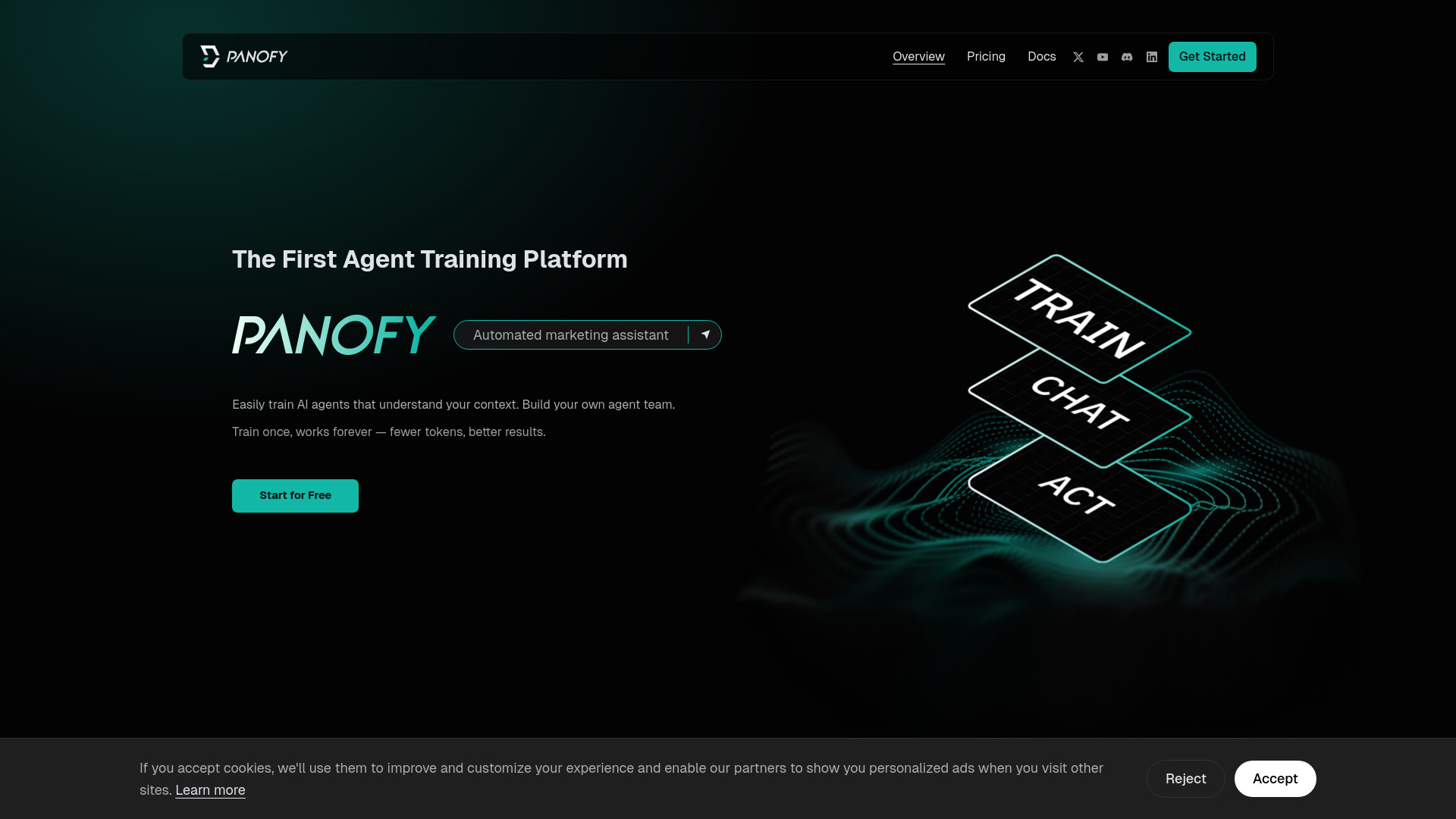
Panofy is the world's first agent training platform. It allows users to train unlimited AI agents that understand specific needs and deliver high-quality results without complex setup. These LLM-powered agents can automate workflows, accelerate research, and generate documents.
How to use Panofy
- Create an Account: Sign in using your Google or GitHub account. No additional information is required.
- Onboarding Tutorial: After logging in, you will be guided through an onboarding tutorial in the Agent Workspace.
- Train Your Agent:
- Click "+ New Agent" in the Agent Workspace to start.
- Name your agent based on its function (e.g., "TweetForge").
- Provide instructions or knowledge content in the training input field. Define the agent's role, task scope, output format, and tone preferences.
- Optionally, upload files (PDF, Word, TXT, MD) to enhance knowledge building. This can include SOPs, business guidelines, or reference examples.
- Click "Submit" to begin training. Progress updates in real-time in the Agent Workspace.
- Once training is complete, the agent's status changes from "Training" to "Ready".
- Assign Tasks:
- In the Agent Workspace, click on a trained agent to open the conversation interface.
- Enter task instructions in the input box and send. The agent will execute the task automatically.
- Results are displayed in real time and saved to the "Output" panel.
- For complex tasks, the agent may generate a task plan. You can choose to execute immediately, schedule execution, or replan.
- Use the "New Task" button to create additional tasks for the same agent.
- Use the "Import" button to reuse existing task plans from other tasks.
- Sharing:
- Share Agent: Click "Invite" to generate an invite link. Configure permissions for external tools and passcode access. Credits are charged to the user accessing the agent.
- Share Task Record: Click the share icon above the conversation to generate a shareable link for task records. Set visibility and enable playback mode for external viewers.
Features of Panofy
- Agent Training: Train AI agents on your knowledge and workflows with one-click setup.
- Persistent Memory: Agents continuously learn and retain knowledge over time.
- Parallel Task Execution: Run multiple tasks simultaneously for faster throughput.
- Scheduled Tasks: Trigger tasks automatically at a set time.
- Agent Swarm: Train agents with diverse skills and styles for specialized results.
- Secure Cloud Environment: Tasks are executed in a secure environment.
- Efficient Context Compression: Reduces token usage for better results.
- Task Planning: Agents can auto-generate task plans for complex tasks, with options for immediate execution, scheduling, or replanning.
- Task Import: Reuse existing task plans.
- Agent Sharing: Share trained agents with others, with configurable permissions and passcode protection.
- Task Record Sharing: Share task replays with options for public or private visibility and playback mode.
Use Cases of Panofy
- Generate an employee turnover analysis report.
- Provide a review report for a claim application.
- Answer questions about Pano cars.
- Develop a college life recording app.
- Train a model to predict Titanic survivors.
- Generate a 15-slide PPT from Excel data.
FAQ
- What is Panofy? Panofy is the world's first agent training platform that allows users to train unlimited AI agents. These agents can automate workflows, accelerate research, and generate documents.
- How does agent training work? You provide instructions and knowledge content, define the agent's role, and optionally upload files. The agent then trains on this information to consistently perform tasks according to your specifications.
- Can I share my agents? Yes, you can generate an invite link to share your trained agents with others. You can control permissions and whether a passcode is required.
- What kind of files can I upload for training? The platform supports PDF, Word, TXT, and MD file formats for training documents.
- How are tasks executed? Once trained, you can assign tasks by sending instructions in the conversation interface. The agent executes the task, and results are displayed in real-time and saved.