What is Pixivo AI
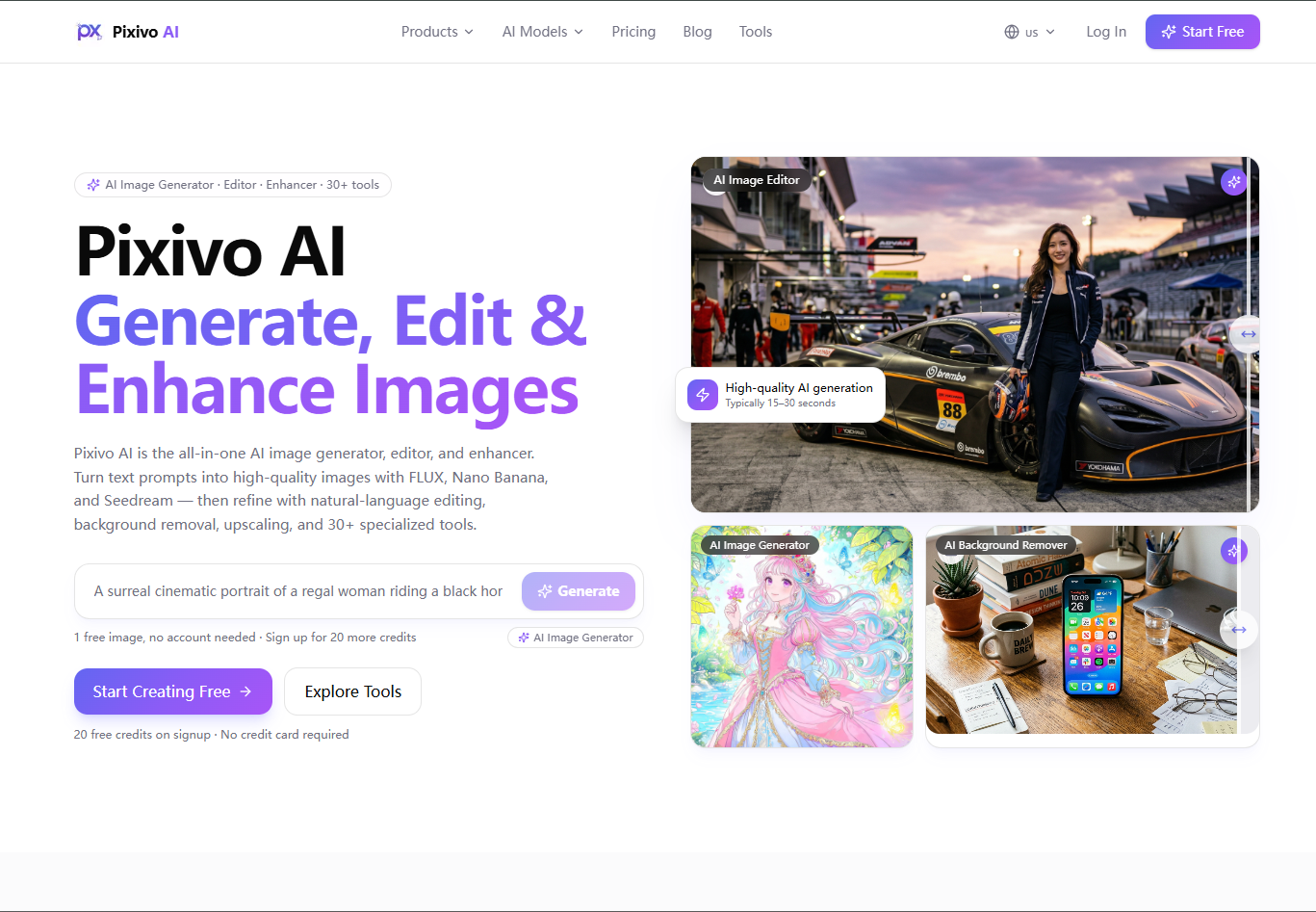
Pixivo AI is an all-in-one AI platform designed for generating, editing, and enhancing images. It offers over 30 specialized tools powered by advanced AI models like FLUX, Nano Banana, Seedream, and Recraft, all within a single workspace and credit pool.
How to use Pixivo AI
- Generate Images: Enter a text prompt describing the image you want. Choose from various AI models and aspect ratios. Click 'Generate' to receive multiple candidates.
- Edit Images: Upload an image or describe the desired changes in natural language. The AI can modify backgrounds, remove objects, change colors, and more.
- Enhance Images: Upload an image to upscale it, remove backgrounds with hair-edge precision, outpaint to expand the canvas, or apply artistic styles.
Features of Pixivo AI
- AI Image Generation: Create images from text prompts using models like FLUX, Nano Banana, Seedream, GPT Image 2, Qwen, and Recraft.
- AI Image Editing: Modify images using natural language instructions, including object removal, background replacement, and color changes.
- AI Image Enhancement: Upscale images up to 8x, outpaint to expand canvas, remove backgrounds with precision, and apply artistic styles.
- Specialized Tools: Over 30 tools for specific tasks like character generation, avatar creation, virtual try-on, product photography, room design, and more.
- Multi-Model Support: Access to various leading AI models within a single platform.
- User-Friendly Interface: No complex prompts or design experience required; tools work with simple descriptions or uploads.
- Free Trial: 20 free credits upon signup to try core features.
Use Cases of Pixivo AI
- Marketing & Social Media: Quickly create social media posters, ad creatives, and blog images.
- Designers & Artists: Accelerate creative iteration from inspiration to final artwork.
- E-commerce & Retail: Generate clean product photos with white backgrounds or lifestyle scenes.
- Everyday Users & Hobbyists: Enhance personal photos and create unique visuals easily.
- Real Estate: Visualize exterior renovations or interior redesigns.
- Virtual Try-On: Preview clothing, jewelry, or hairstyles before purchasing.
Pricing
Pixivo AI operates on a pay-as-you-go credit system. Credits can be purchased in packs and are valid for 12 months. There are no monthly fees. Plans include:
- Starter: 50 credits
- Creator: 200 credits
- Pro: 600 credits
- Business: 2000 credits (includes team seats and API access)
Credit usage varies by feature, with more complex tasks consuming more credits.
FAQ
- Is Pixivo AI free? Yes, you get 20 free credits on signup. After that, you can purchase credits as needed.
- What models does Pixivo AI use? It integrates industry-leading models including FLUX, Recraft, Seedream, Nano Banana, Ideogram, GPT Image 2, and Qwen Image.
- Do I need design experience? No, the tools are designed for ease of use with simple prompts or image uploads.
- Can images be used commercially? Yes, images generated with the Creator plan and above can be used commercially.
- How long does it take to generate an image? Most features complete within 15-30 seconds; some complex tasks may take slightly longer.
- What image formats are supported? Supports JPG, PNG, and WebP input and output, with a maximum edge length of 4096px.