What is Project Genie - 1
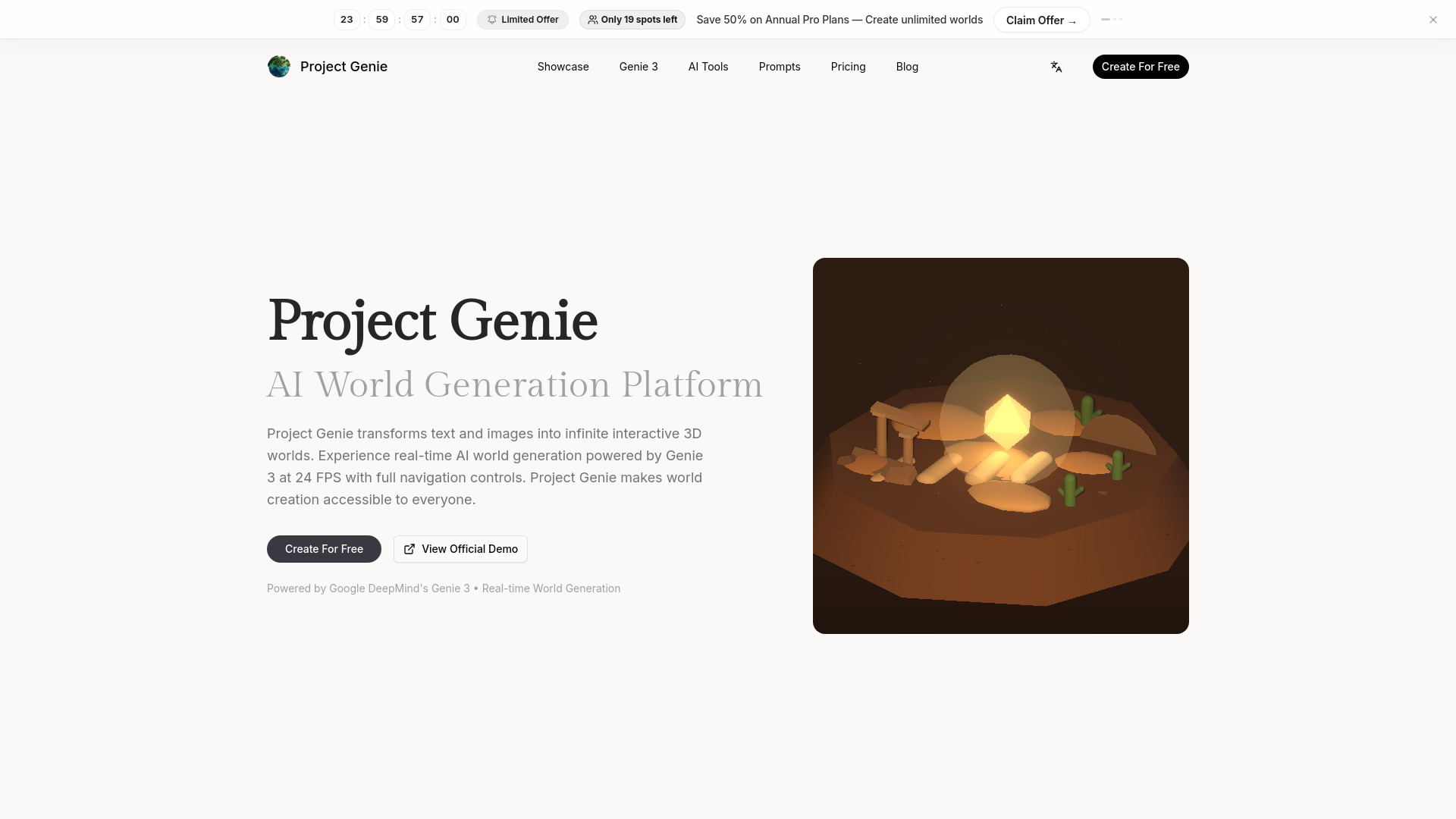
Project Genie is an AI world generation platform that transforms text prompts and reference images into interactive 3D worlds. It is built for creators who want to imagine, prototype, and explore environments without traditional 3D modeling workflows. With Project Genie, users can generate worlds in real time, navigate them with full movement controls, and experience immersive AI-powered world building through a simple, user-friendly interface.
How to use Project Genie - 1
- Describe Your World: Start with a text prompt that describes the environment you want to build. You can keep it simple for quick ideation or get specific when art direction matters.
- Add References: Upload one or more images when you want stronger control over style, composition, or visual references.
- Choose a Model: Pick the generation model that fits your goal: fast iteration for drafts or higher-quality output for more polished scenes.
- Explore & Interact: Generate the world, open it in the studio, and continue exploring, reviewing, or publishing based on what you want to do next.
Features of Project Genie - 1
- Text-to-World Generation: Generate new worlds from simple or detailed text prompts.
- Studio Exploration: Review outputs and move between creation and exploration within the studio.
- Image-Guided World Creation: Upload reference images to influence composition, mood, and visual direction.
- Fast and Quality Modes: Choose between models for rapid iteration or higher-quality outputs.
- Credit-Aware Workflow: Model costs are shown upfront, allowing creators to plan generation usage.
- Private or Public Output: Keep generations private during work or publish selected worlds.
Use Cases of Project Genie - 1
- Game Development: Prototype environments, test mood and composition, and evaluate world concepts quickly.
- Education & Training: Build explorable teaching scenes and visual learning spaces.
- Film & Entertainment: Ideate sets, develop looks, and perform spatial pre-visualization.
- Architecture & Design: Transform sketches and briefs into walkable spaces for review.
FAQ
- What is Project Genie and how does it work? Project Genie is an AI world generation platform that transforms text prompts and reference images into interactive 3D worlds. Users can generate worlds in real time, navigate them, and experience AI-powered world building through a simple interface.
- Is Project Genie available right now? Yes, Project Genie is available now. Users can start generating and exploring worlds immediately.
- What can I create on Project Genie today? You can generate worlds from prompts and image references, choose between fast and higher-quality generation models, and explore outputs directly in the studio.
- What inputs does Project Genie support? Project Genie supports text prompts and image references.
- How do the world models work? Users can choose between models for fast iteration (drafts) or higher-quality outputs, depending on their needs.
- How does credit usage work? Project Genie shows model costs upfront, allowing creators to plan drafts, upgrades, and final generations around real credit usage.
- Can I explore worlds after generation? Yes, generated worlds can be opened and explored inside the studio.
- Can I keep worlds private or make them public? Yes, you can keep generations private while you work or publish selected worlds for others to discover.
- Do I need technical skills to use Project Genie? No technical setup is required. Prompt entry, image uploads, model selection, and generation history are all within a straightforward studio workflow.
- What is the relationship between Project Genie and Google? The platform is powered by Google DeepMind's Genie 3 technology. It is described as an independent service utilizing Google's API technology.
- Where should I start first? Users can start in 'Create' to generate a new world, or open 'Explore' to browse published work and current visual directions.
- Why does the homepage focus on current access now? The product is open now, allowing visitors to use workflows immediately without waiting for a future release.