What is Seedance 2.0 AI Video Generator-1
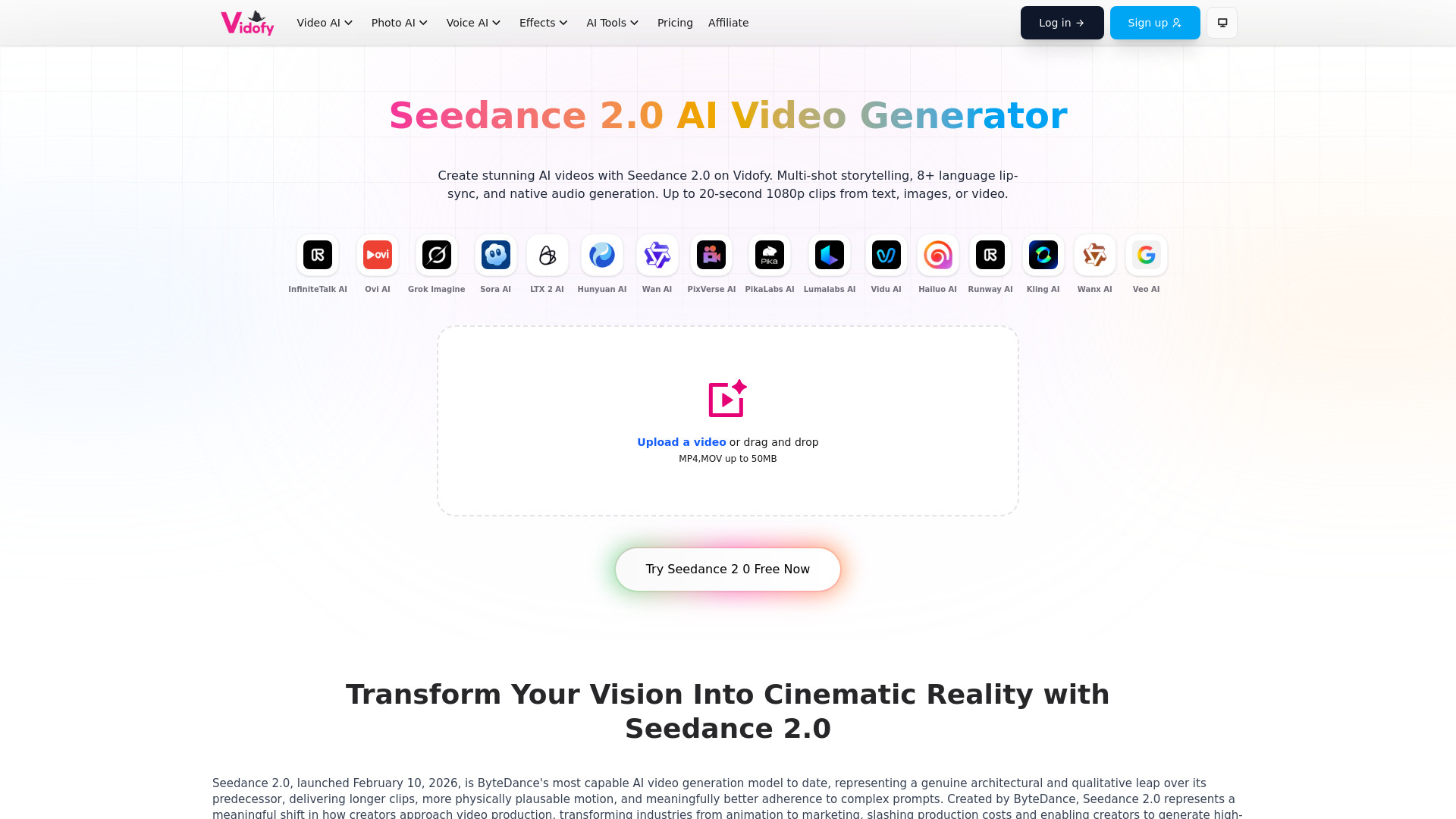
Seedance 2.0 is an advanced AI video generation model developed by ByteDance, designed to transform creative visions into cinematic reality. It specializes in multimodal video generation, allowing users to combine text, images, audio, and video inputs to create sophisticated multi-shot sequences. The model is known for its enhanced physics-aware training, resulting in more believable motion and interactions, and its ability to generate longer, higher-quality clips with greater control over character consistency and style.
How to use Seedance 2.0 AI Video Generator-1
- Upload Assets or Start from Text: Begin by uploading up to 12 reference assets, including images for character consistency, videos for motion or camera work, and audio for rhythm or dialogue. Alternatively, you can start solely with a text prompt.
- Describe Your Scene: Use natural language to describe your desired scene, specifying camera movements, character actions, and referencing uploaded assets using @mentions (e.g., "@Image1's motion").
- Generate and Refine: Generate the video, which typically takes seconds to minutes depending on complexity. You can then extend clips, regenerate specific sections, or make adjustments. Download the final video in resolutions up to 2K.
Features of Seedance 2.0 AI Video Generator-1
- Multimodal Input: Supports up to 12 assets simultaneously (9 images, 3 videos, 3 audio clips).
- Advanced Prompting: Utilizes @mentions for precise control over asset usage in prompts.
- Physics-Aware Generation: Enhanced training for realistic motion, gravity, and object interactions.
- Longer Video Clips: Capable of generating clips up to 20 seconds, with standard durations of 4-15 seconds.
- High Resolution: Supports 1080p and 2K resolutions.
- Multi-Shot Storytelling: Native capability for creating multi-shot sequences from a single prompt.
- Audio Synchronization: Phoneme-level lip-syncing in over 8 languages.
- Faster Generation: 30% faster than previous versions through RayFlow optimization.
- Character Consistency: Maintains consistent characters across multiple shots.
- Export Formats: Exports in MP4 format with various aspect ratios (16:9, 9:16, 1:1, 4:3).
Use Cases of Seedance 2.0 AI Video Generator-1
- Marketing Content: Creating engaging promotional videos with consistent branding.
- Short Films: Developing narrative sequences with consistent characters and actions.
- Social Media Series: Producing episodic content with locked character identities.
- Music Videos: Syncing visuals to audio beats and rhythms.
- Client Projects: Delivering professional-grade video content with director-level control.
FAQ
- Does Vidofy offer a free tier for Seedance 2.0? Yes, Vidofy provides free credits upon signup for testing Seedance 2.0. Free users can generate shorter videos and experiment with multimodal inputs. Paid plans offer higher resolutions, longer durations, and priority generation.
- Can I use Seedance 2.0 videos for commercial projects? Commercial usage rights depend on the Vidofy subscription tier. Pro and Enterprise plans include commercial licensing for client work, advertising, and revenue-generating projects. Free tier usage is typically limited to personal or non-commercial applications.
- How long does it take to generate a video? Generation time varies by duration and complexity. Standard 5-10 second clips typically generate in 30-90 seconds. Longer videos (15-20 seconds) with multiple assets may take 2-4 minutes. The model is optimized for speed.
- What formats and aspect ratios does Seedance 2.0 support? Videos are exported in MP4 format with aspect ratios including 16:9, 9:16, 1:1, and 4:3. Resolutions include 720p, 1080p, and 2K, depending on the subscription tier. Native audio is included if enabled or referenced.
- How does the multimodal reference system work? Upload up to 12 assets (images, videos, audio) and use @mentions in your prompt to specify how each asset should be used (e.g., "@Image1's motion", "@Video1's camera style"). The model extracts specific elements from each asset to create a cohesive video.
- Can I edit specific parts of a generated video? Yes, Seedance 2.0 supports video extension and targeted editing. You can describe changes to existing videos, and the model will apply them while maintaining continuity.