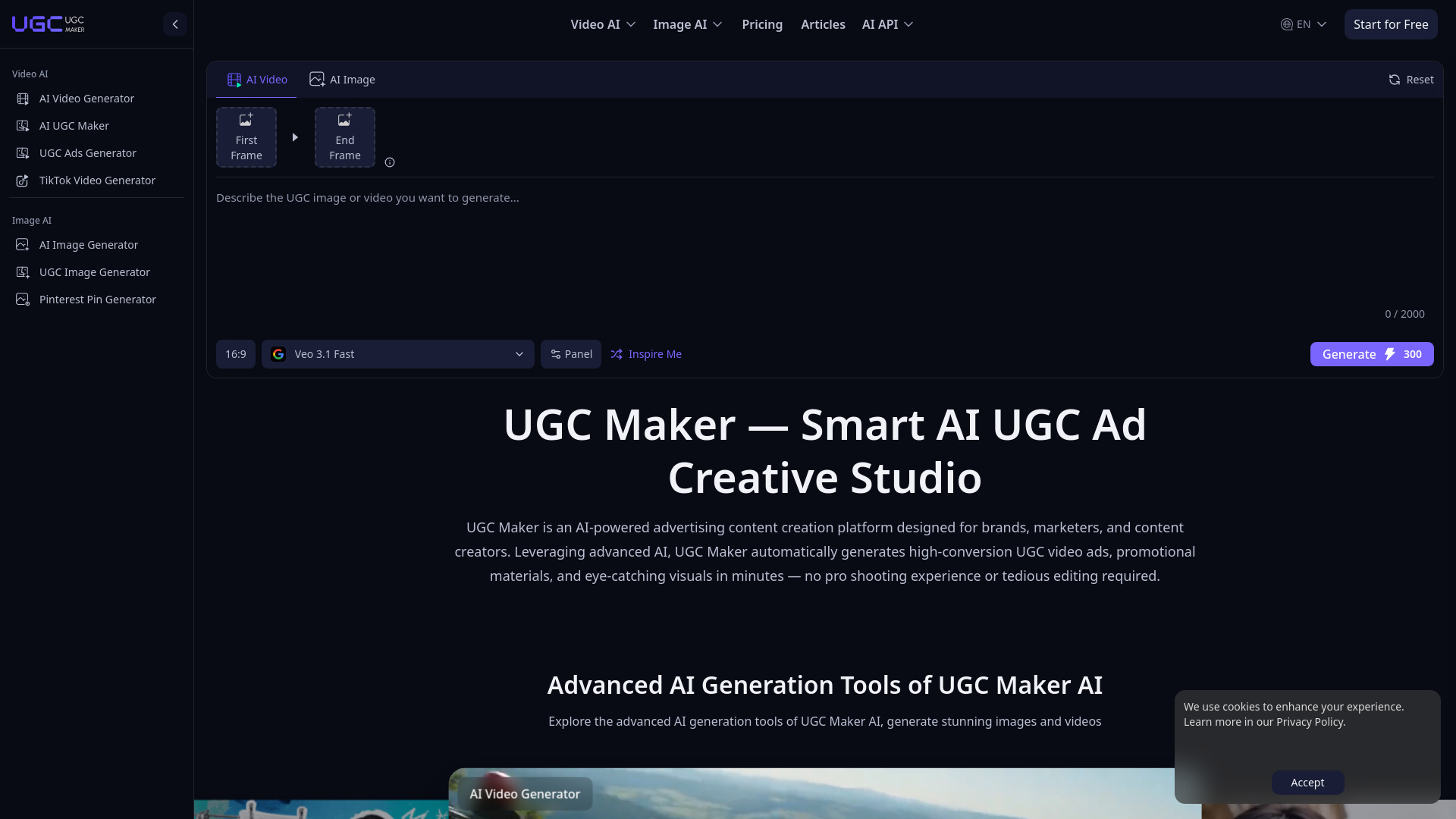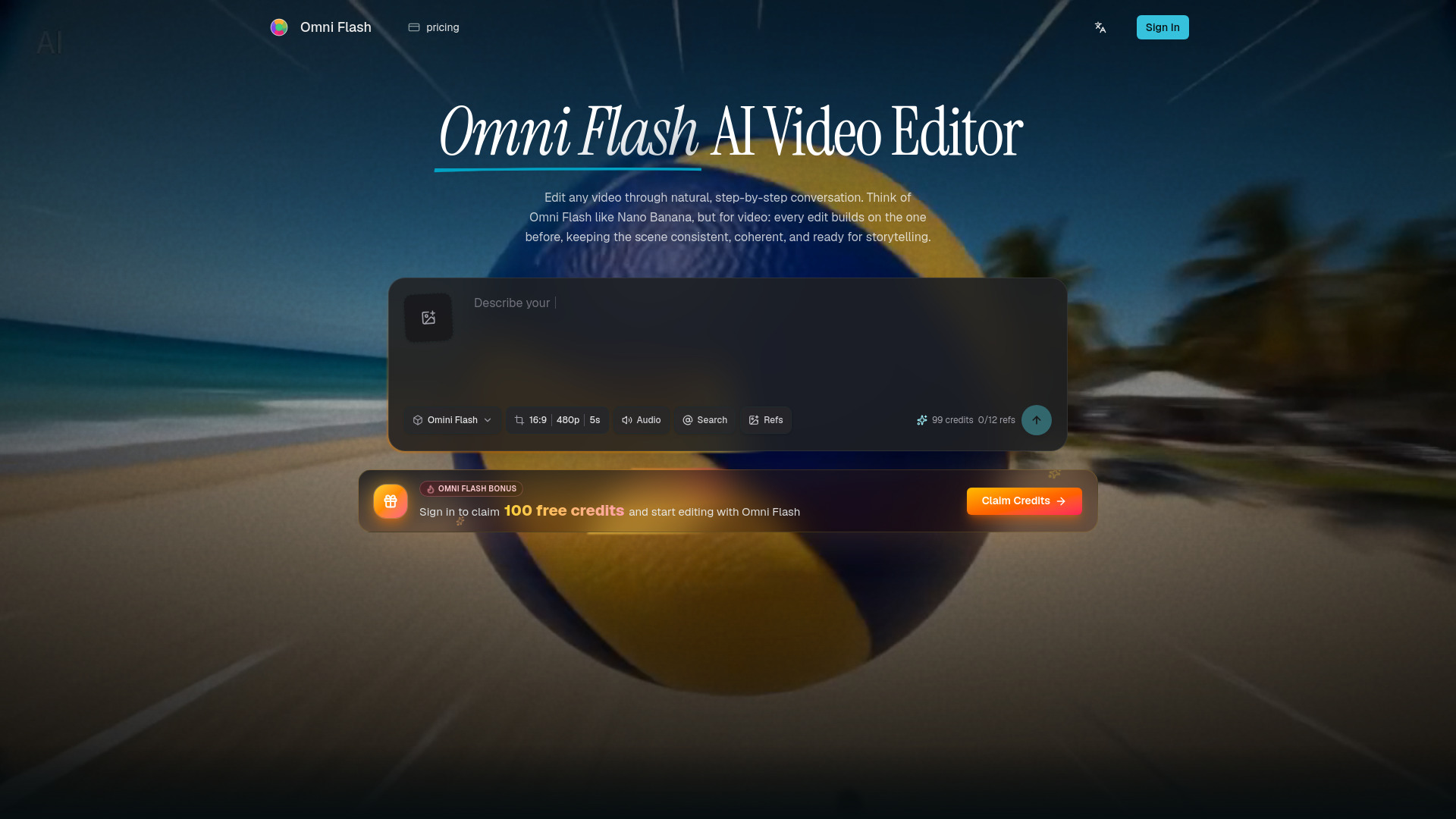
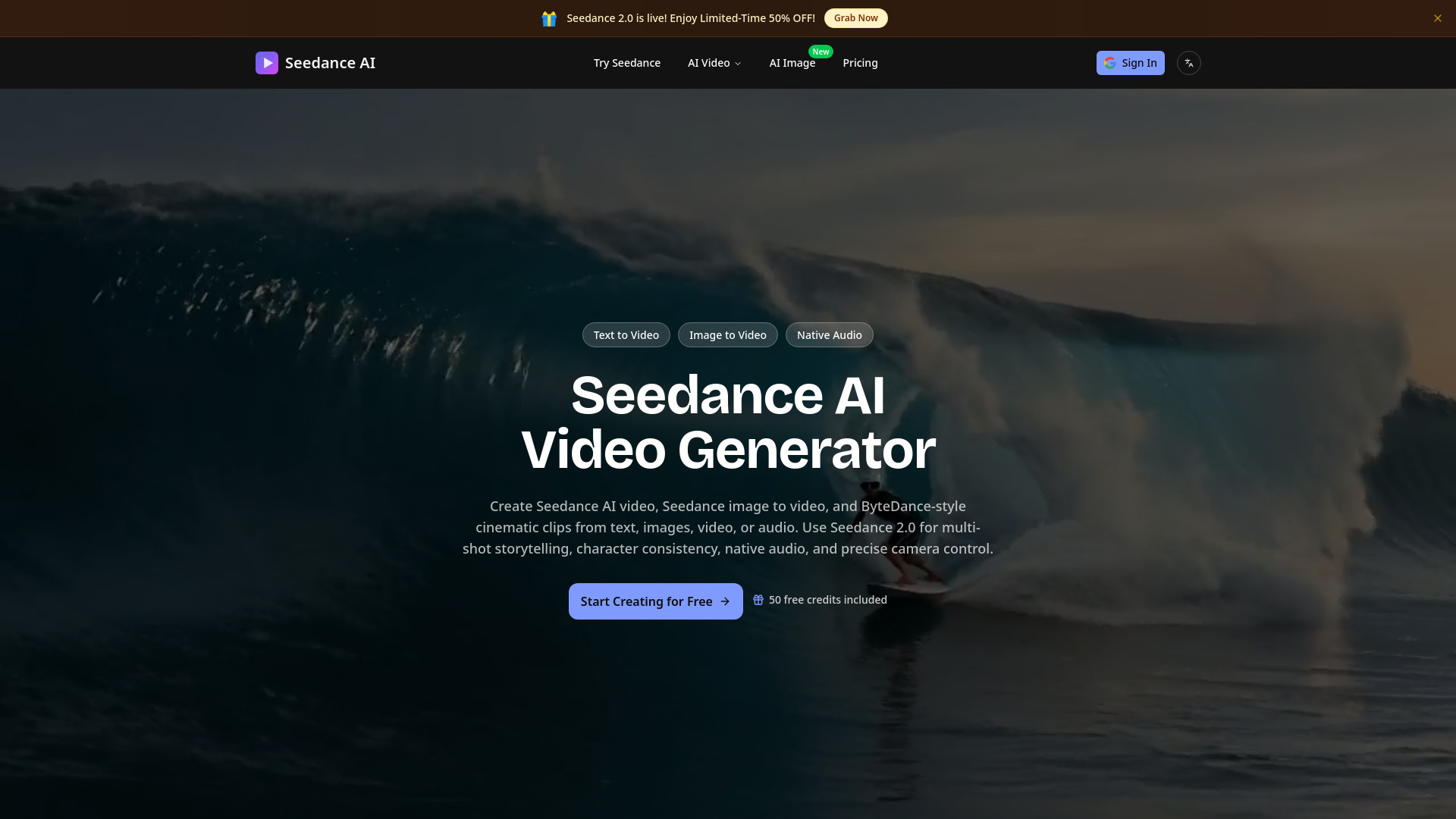
What is SeedanceGen AI
SeedanceGen is an independent browser workspace for AI video creation, offering advanced multi-modal capabilities. It allows users to generate videos using Seedance 2.0, Seedance 1.5 Pro, and other models like Google Veo and Kling, from various inputs including text, images, video, and audio.
How to use SeedanceGen AI
- Upload Your Assets: Provide reference materials such as images, videos, or audio files. You can combine up to 12 files across different modalities.
- Describe Your Vision: Use natural language prompts to describe your desired output. You can reference specific uploaded assets using tags (e.g.,
@image1). - Generate & Refine: Initiate the video generation process and fine-tune parameters like duration, resolution, and aspect ratio for the final output.
Features of SeedanceGen AI
- Multi-Modal Input: Supports text prompts, up to 9 images, up to 3 videos (15 seconds total), and up to 3 audio files. Inputs can be combined for complex generations.
- Reference Anything: Allows referencing motion patterns, camera movements, character appearances, visual styles, scene compositions, and choreography from uploaded videos.
- Superior Consistency: Maintains consistent faces, clothing, text, scenes, and visual styles throughout video sequences.
- Precise Motion & Camera Replication: Ability to replicate complex choreography and cinematic camera movements from reference videos.
- Video Extension & Editing: Seamlessly extend existing videos, merge clips, replace characters, change backgrounds, or modify actions while preserving existing content.
- Built-in Audio Generation: Automatically generates context-aware sound effects and background music, or syncs video to uploaded audio.
- Multiple AI Video Models: Access to Seedance 2.0, Seedance 1.5 Pro, Google Veo 3.1, Kling 3.0, and Wan models.
- AI Image Generation: Integrated AI image generation capabilities.
- Watermark-Free Options: Paid plans and credit packs offer watermark-free videos with commercial usage rights.
Use Cases of SeedanceGen AI
- YouTube Videos: Creating cinematic content, B-roll, and visual storytelling.
- TikTok & Shorts: Generating short, engaging videos optimized for vertical formats.
- Product Ads: Transforming product descriptions into marketing videos for e-commerce.
- Story Videos: Bringing written narratives and scripts to life visually.
- Music Videos: Producing visual accompaniments for music tracks.
- Brand Content: Creating consistent, on-brand videos for social media and marketing campaigns.
- Educational Content: Demonstrating video production concepts and techniques.
Pricing
SeedanceGen offers several pricing tiers:
- Basic Plan: $9.9/month (or $118.8/year, saving 50%). Includes 3,500 credits/month, up to 70 videos, multiple AI models, no watermark, AI image generation, and customer support.
- Standard Plan: $19.9/month (or $238.8/year, saving 50%). Includes 8,000 credits/month, up to 160 videos, multiple AI models, no watermark, AI image generation, and priority support.
- Pro Plan: $49.9/month (or $598.8/year, saving 50%). Includes 25,000 credits/month, up to 500 videos, multiple AI models, no watermark, AI image generation, and expert support.
- Credit Packs: Available for purchase.
FAQ
- What inputs does Seedance 2.0 support? Seedance 2.0 supports text prompts, images (up to 9), videos (up to 3, totaling 15 seconds), and audio files (up to 3). These can be combined for multi-modal generation.
- What can I reference with Seedance 2.0? You can reference motion patterns, camera movements, character appearances, visual styles, scene compositions, and choreography from uploaded reference videos.
- How does video extension work? Video extension allows seamless extension of existing videos, maintaining visual consistency, motion continuity, and narrative flow.
- Can I edit existing videos with Seedance 2.0? Yes, you can modify specific elements like characters, backgrounds, or actions while preserving the rest of the content.
- How does the audio feature work? Seedance 2.0 can automatically generate synchronized sound effects and background music, or you can upload your own audio for syncing.
- What video lengths and resolutions are supported? Supported resolutions are 480p, 720p, and 1080p. Video durations are 5, 10, or 15 seconds. Aspect ratios include 16:9, 9:16, 4:3, 3:4, 21:9, and 1:1.
- How is character consistency maintained? Advanced identity preservation technology ensures consistent faces, clothing, and other character details throughout the video sequence.
- Are there watermarks on generated videos? Free user videos include a watermark. Paid plans or credit packs provide watermark-free videos with commercial usage rights.