Newsletter
Join the Community
Subscribe to our newsletter for the latest news and updates

All-in-one AI content workspace for creators, video remixing, and generation.
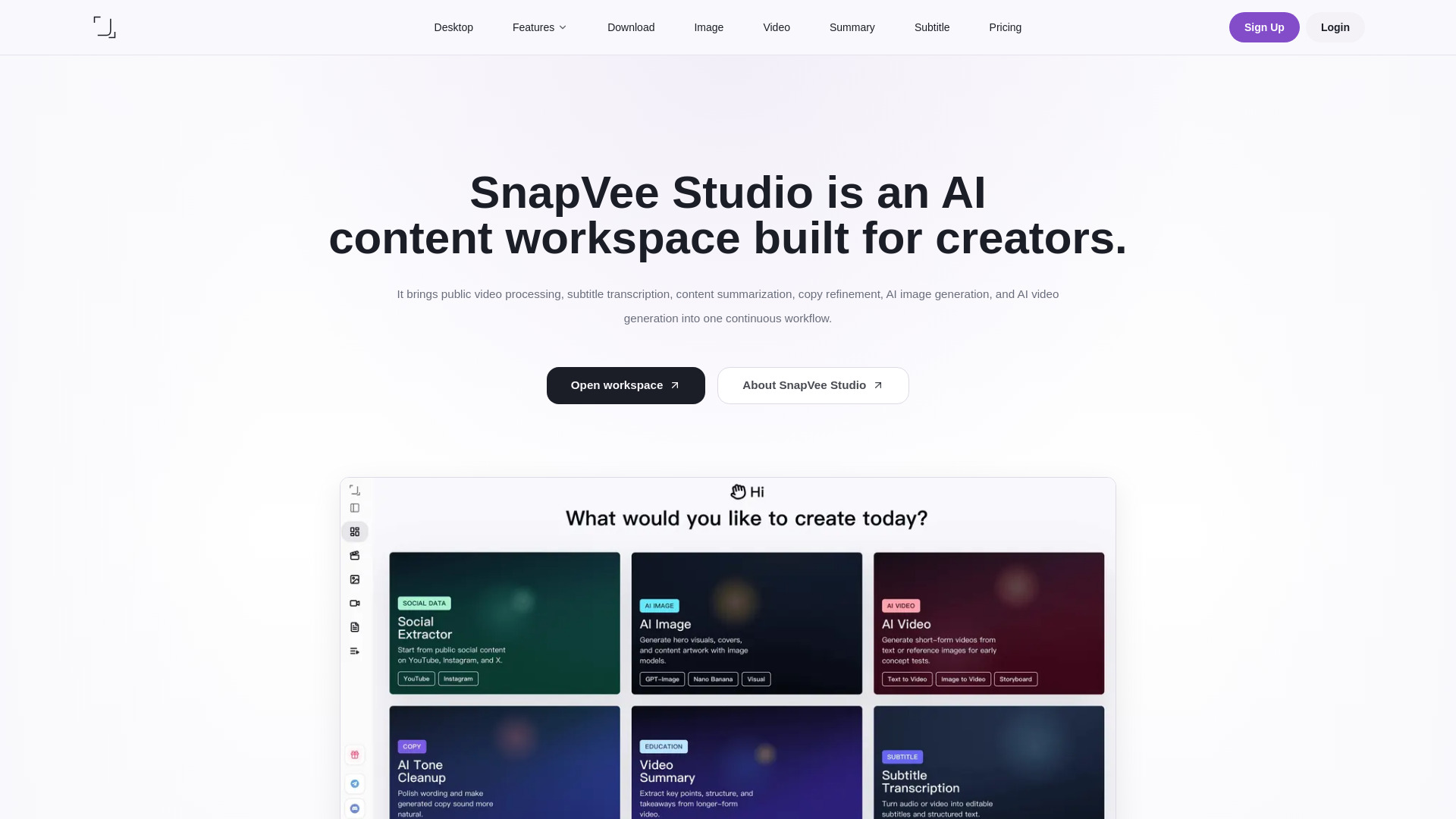
SnapVee Studio is an all-in-one AI content workspace for creators. It brings public video processing, subtitle transcription, content summarization, copy refinement, AI image generation, and AI video generation into one continuous workflow.
What can SnapVee Studio do? SnapVee Studio is a creator workspace for public-link downloads, video summaries, subtitle transcription, AI-copy polishing, AI creation, and desktop watermark removal. Web and desktop share the same account and allowances.
Is SnapVee Studio free? A free trial is available. Downloads spend download points; subtitles and summaries convert video minutes into credit spend; AI creation spends AI credits. For ongoing use, upgrade to Pro.
How are Pro allowances counted? Pro shows download allowance and credits separately. Downloads spend points by quality; transcription and summaries convert actual video length into credit spend; images, AI video, and premium models spend AI credits.
Which features use allowances? Processing tools such as downloads, video summaries, subtitle transcription, AI image or video generation, and desktop watermark removal use the matching allowance. Browsing pages, signing in, checking balances, and viewing task status do not consume allowance.
What is the difference between Pro and add-on packs? Pro includes 200 download points, 600 min subtitle transcription, 300 min video summaries, and 900 AI credits each month. Monthly allowance does not roll over. Download packs and AI credit packs are one-time purchases for extra capacity.
What happens if I do not have enough allowance? Tasks will not enter processing when the matching balance is too low. Buy download packs for more downloads, and AI credit packs for transcription, summaries, image generation, AI video, or premium models.
Are allowances returned if a task fails? If a task is not created successfully, deducted download points or credits are returned when possible. If a task fails after entering the processing queue, common causes include expired links, public site changes, inaccessible source media, or timeouts.
Which platforms and content are supported? SnapVee Studio focuses on widely used public platforms such as YouTube, Instagram, TikTok, X, Facebook, and Threads. Only process content you own, are authorized to use, or a platform clearly allows you to save.