What is Speakoala
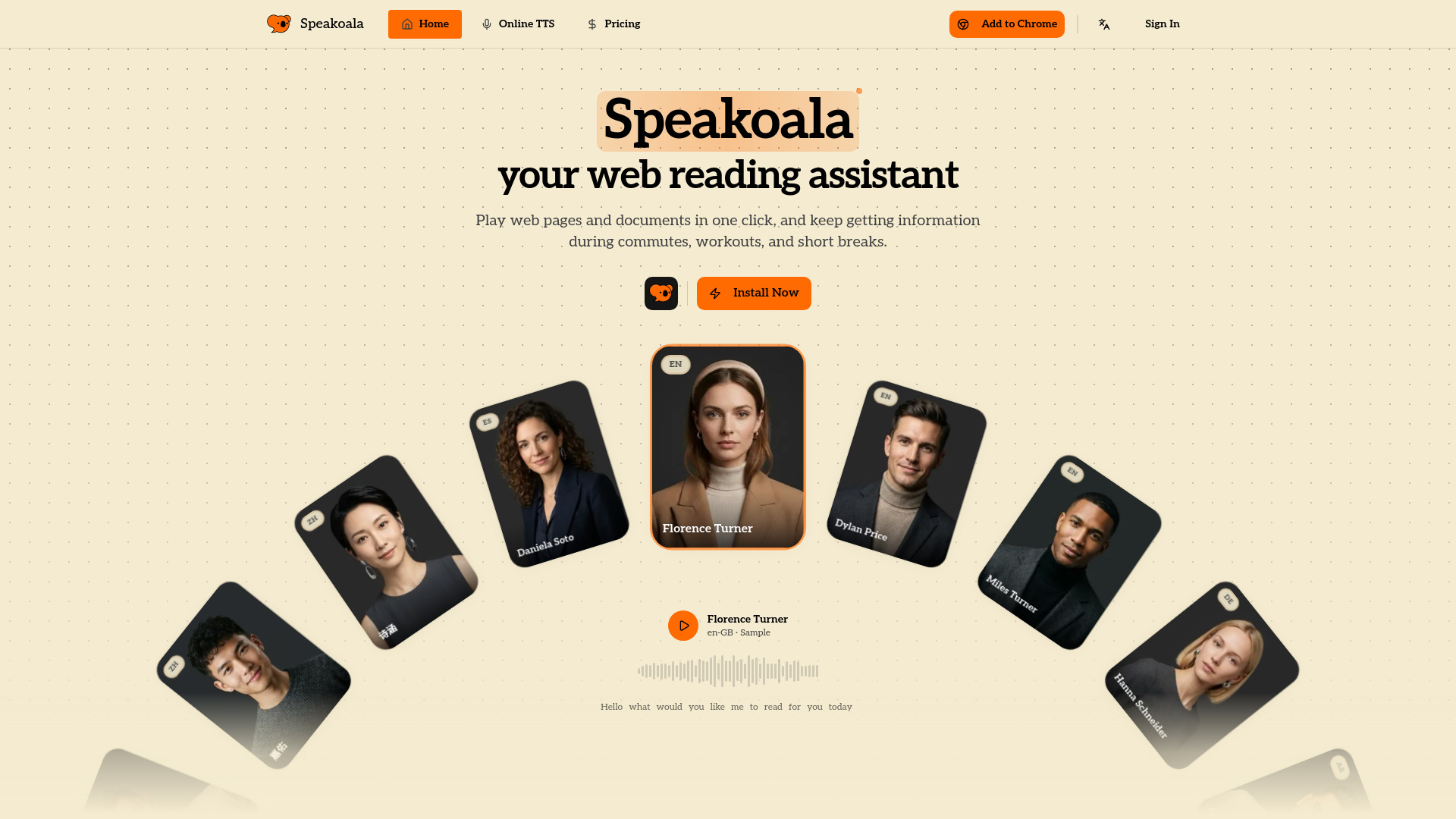
Speakoala is an AI reading assistant that converts websites and local documents into natural speech. It allows users to play web pages and documents with natural, lifelike voices in one click, enabling them to consume information during commutes, workouts, and breaks.
How to use Speakoala
While the provided content does not detail specific step-by-step instructions for using Speakoala, it implies the following usage:
- Install the Speakoala Chrome extension.
- Navigate to a website or open a local document.
- Utilize the extension to convert the content into speech.
Features of Speakoala
- Converts websites and local documents into natural speech.
- Supports selected-area playback and selected-text playback.
- Offers 70+ languages, including English, Chinese, Japanese, Korean, French, German, Spanish, Arabic, and Cantonese.
- Provides natural, lifelike voices.
- Features precise highlight following for web content.
- Enables reading of local files such as PDF and DOCX.
- Includes ambient soundscapes (rain, park, library, white noise).
- Offers speed control from 0.25x to 4x.
- Supports box-select playback for specific sections.
- Allows instant playback of selected text.
- Provides word-level sync and controls.
Use Cases of Speakoala
- Consuming information during commutes, workouts, or short breaks.
- Listening to unread emails, newsletters, and digests.
- Reading articles, blogs, research notes, and long-form web pages.
- Accessing content for users with visual impairments or those experiencing eye strain.
- Listening to social posts, discussion threads, and community updates.
- Reading local documents like PDFs and DOCX files.
Pricing
Speakoala offers a tiered pricing structure:
- Free: Access to robotic voices.
- Paid Tiers: Starting from $4.99/month, offering dozens of natural voices.