What is Supermegafit
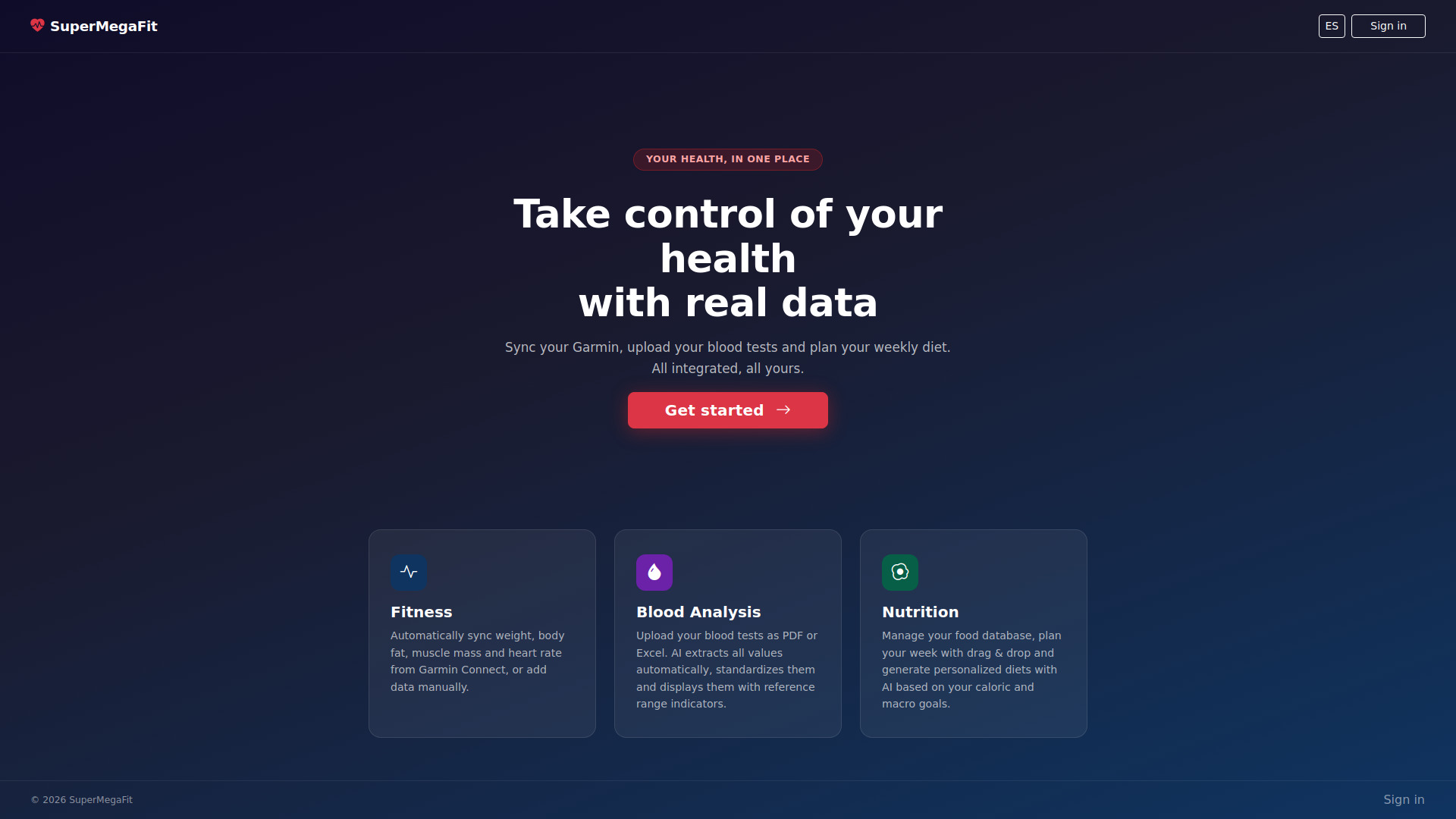
SuperMegaFit is an all-in-one AI health platform designed to help users manage and improve their health through fitness tracking, blood analysis, and personalized nutrition planning.
How to use Supermegafit
- Access/Login: Users can access the platform by clicking 'Acceder' or 'Empezar ahora' on the landing page, which leads to the authentication screen for login or registration.
- Fitness Tracking: Sync data from Garmin Connect (weight, body fat, muscle mass, heart rate) by entering Garmin credentials or upload local token files if direct login fails. Manual entries for weight, body fat, muscle mass, and resting heart rate can also be added.
- Blood Analysis: Upload blood test results in PDF or Excel format. The AI extracts and standardizes values, displaying them with reference range indicators. Users can view historical data and select variables to plot their evolution.
- Nutrition Planning: Set daily goals for calories, protein, saturated fat, and fiber. Manage a food database, plan weekly meals using drag-and-drop, and generate personalized diets with AI based on caloric and macro targets. Users can also import food data and estimate missing nutritional values.
- Training Data: Import activities from Strava (via connection), Garmin, or upload files (GPX, TCX, CSV, JSON). View monthly activity summaries, AI-driven recommendations, and a detailed list of past activities. Users can also manually add new activities.
- SQL Interface: Access and query the platform's database tables directly.
Features of Supermegafit
- Fitness Syncing: Automatic synchronization with Garmin Connect for weight, body fat, muscle mass, and heart rate. Manual data entry is also supported.
- AI-Powered Blood Analysis: Upload blood test results (PDF, Excel) for automatic value extraction, standardization, and comparison against reference ranges.
- Nutrition Planning: Set daily nutritional goals, manage a food database, plan weekly meals with a drag-and-drop interface, and generate AI-powered personalized diets.
- AI Food Database Enhancement: Import food data from documents and use AI to estimate missing nutritional values.
- Activity Tracking: Import and manage fitness activities from various sources like Strava and Garmin, with options for file uploads (GPX, TCX, CSV).
- AI Training Recommendations: Receive personalized training advice based on past activity data.
- Data Visualization: Charts and graphs for tracking fitness metrics (weight, body fat, muscle mass, heart rate), blood variable evolution, and daily nutrition.
- SQL Query Interface: Direct access to query the platform's database.
- Multi-language Support: Toggle between languages (e.g., Spanish and English).
Use Cases of Supermegafit
- Individuals looking to consolidate all their health data (fitness, blood work, nutrition) into a single platform.
- Athletes wanting to track their physical performance, sync with devices like Garmin, and analyze training load.
- People aiming to improve their diet by setting nutritional goals, planning meals, and understanding their food intake.
- Users who want to monitor specific health markers through blood tests and see trends over time.
- Anyone seeking personalized health insights and recommendations powered by AI.
FAQ
- How can I sync my Garmin data? You can sync by entering your Garmin Connect email and password, or by uploading locally generated token files if direct login is problematic.
- Can I upload my blood test results? Yes, the platform accepts PDF and Excel files for blood analysis import.
- Does Supermegafit offer personalized diet plans? Yes, it uses AI to generate personalized diet plans based on your caloric and macro targets, and can also be used to plan meals manually.
- How can I import training activities? Activities can be imported via Strava connection, direct Garmin import, or by uploading files like GPX, TCX, or CSV.