Newsletter
Join the Community
Subscribe to our newsletter for the latest news and updates
AI-powered email assistant for Gmail with voice interface
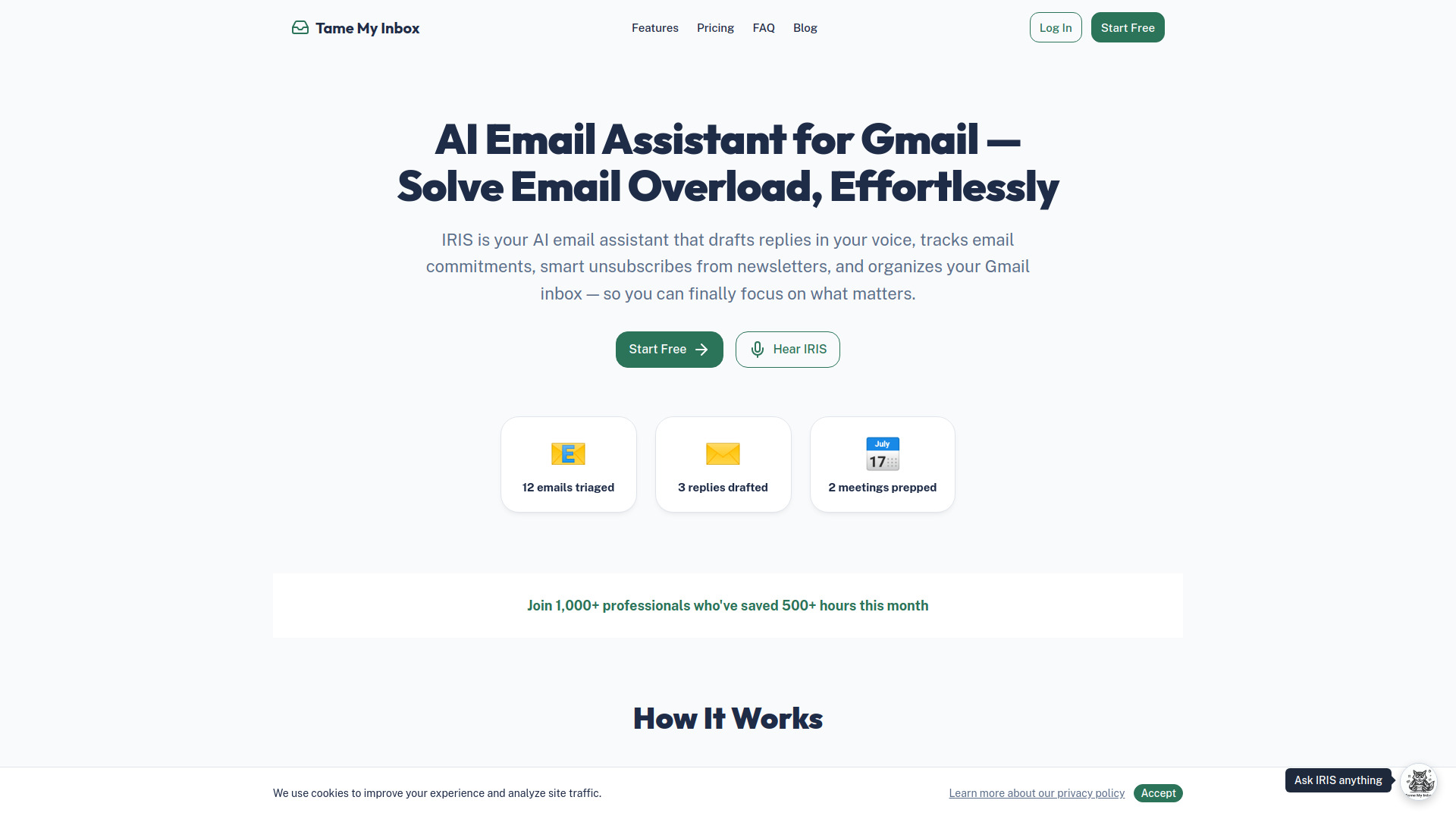
Tame My Inbox is an AI-powered email assistant for Gmail, named IRIS, designed to help users manage their inbox, draft replies, and organize their communications.
How does Tame My Inbox work? Connect your Gmail, and IRIS starts organizing your inbox immediately. It categorizes emails, drafts replies in your voice, tracks commitments, and gives you a clean dashboard to work from. You stay in control — review and approve everything before it's sent.
Is my email data safe? Yes. Your email content is processed in real-time but never stored permanently. Cache auto-purges every 24-48 hours. AI models are not trained on your data. You can disconnect Gmail and delete your account at any time.
What is IRIS? IRIS is your AI executive assistant. She can tame your inbox, draft replies in your voice, track commitments, prep you for meetings, analyze your email patterns and work habits, and research topics on the web in real-time. On Business plans, you can talk to her by voice. She's available on every page via the floating widget (Pro+) or in the IRIS Chat section.
Can IRIS search the web? Yes! IRIS can research topics, look up current news, find best practices, and answer questions that go beyond your email data. This feature is available on Pro and Business plans.
Can IRIS analyze my work habits? Yes. IRIS can analyze your email patterns, response times, relationships, and commitments to give you strategic insights. Ask her things like "What patterns do you see in my inbox?", "Who am I slow to respond to?", or "How should I prioritize my day?" and she'll reason through your data to give you actionable advice.
Can I try it for free? Yes! Our Free plan gives you 50 emails/day taming and 5 AI replies/day — no credit card required. Upgrade to Pro anytime for unlimited access and advanced features like IRIS chat and commitment tracking.
Does it work with Outlook? Currently, we support Gmail and Google Workspace only. Outlook and Yahoo support is on our roadmap for 2026.
Can I cancel anytime? Yes. Cancel anytime from your account settings. You'll be downgraded to the Free tier immediately. No penalties, no hassle. A 7-day money-back guarantee is offered on all paid plans.
Can IRIS actually send emails for me? Yes! IRIS can draft a reply and send it on your behalf — but she'll always read it back to you and ask for confirmation first. No email goes out without your approval.
Is IRIS available on every page? On Pro and Business plans, IRIS floats in the corner of every page ready to help. Click the owl icon anytime to chat or start a voice conversation without leaving what you're doing.
What Google permissions does Tame My Inbox need? We request access to Gmail (to read and send email), Google Calendar (to show your schedule), and Google Drive (for file references in emails). You can disconnect any of these anytime in Settings.
Can IRIS manage my subscriptions? Yes! IRIS scans your inbox to find every newsletter and marketing email you're subscribed to. You can review them all in the Subscription Manager, bulk unsubscribe with one click, or ask IRIS directly. For emails that don't support easy unsubscribe, you can mute them — IRIS will auto-archive future messages. Available on Pro and Business plans.
How does Contact Intelligence work? IRIS analyzes your email patterns to automatically classify contacts as clients, vendors, prospects, personal, newsletters, or spam. You'll see a confidence score for each classification, and you can override if IRIS gets it wrong — which helps her learn. You can also block unwanted senders with one click, and their future emails will be automatically archived.