What is TeachQuill
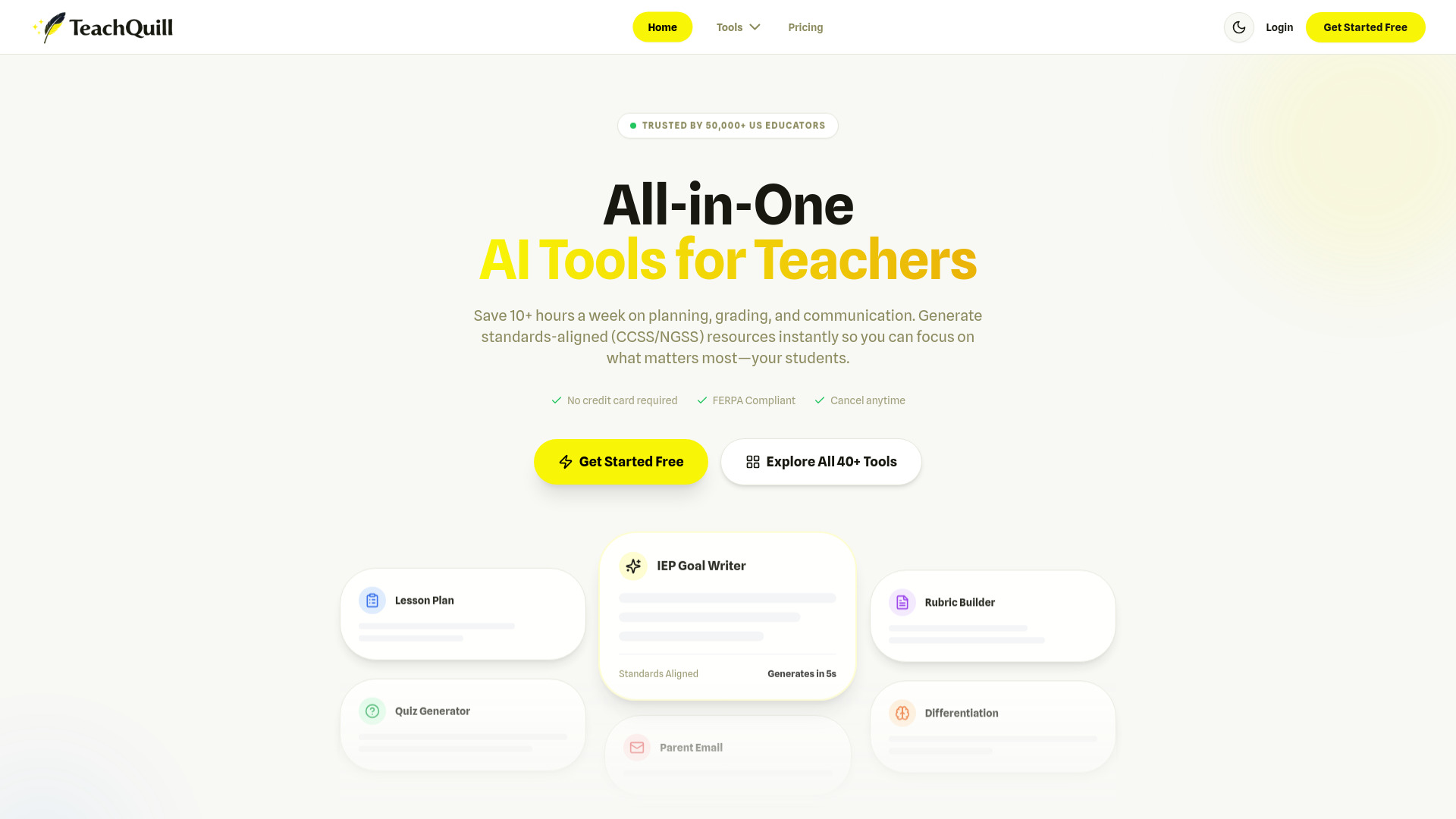
TeachQuill is an all-in-one AI platform designed for American educators. It aims to help teachers save time on planning, grading, and communication by generating standards-aligned resources instantly.
How to use TeachQuill
While a detailed step-by-step guide is not provided, the platform's functionality suggests the following general usage:
- Access Tools: Navigate to the 'Tools' section or specific tool pages.
- Input Requirements: Provide necessary information or prompts for the desired resource (e.g., subject, grade level, specific standards, text to analyze).
- Generate Content: Utilize the AI to create lesson plans, quizzes, IEP goals, worksheets, emails, and other educational materials.
- Edit and Refine: Review the generated content and make any necessary edits or adjustments.
- Export/Share: Save, download, or share the created resources.
Features of TeachQuill
- Generates standards-aligned (Common Core and NGSS) lesson plans, quizzes, and worksheets.
- AI-powered tools for various educational needs.
- Supports the creation of IEP goals, differentiated instruction materials, and behavior intervention plans.
- Offers tools for administrative tasks like parent emails, newsletters, and seating charts.
- Includes features for assessment, such as rubric generators and feedback tools.
- Provides resources for classroom activities like discussion questions and review games.
- Focuses on data security and privacy, being FERPA and COPPA compliant.
- Offers Single Sign-On (SSO) integration with Google and Microsoft.
- Provides a free tier with daily credits and paid 'Pro' and 'School & District' plans.
Use Cases of TeachQuill
- Lesson Planning: Quickly generate lesson plans, learning objectives, and academic planners aligned with standards.
- Assessment Creation: Develop quizzes, worksheets, rubrics, and tests for various subjects.
- Special Education Support: Draft IEP goals, social stories, and differentiated instruction materials.
- Communication: Create parent emails, newsletters, and reference letters.
- Classroom Activities: Design discussion questions, review games, and icebreakers.
- Administrative Tasks: Generate seating charts, meeting agendas, and substitute binders.
Pricing
TeachQuill offers several pricing tiers:
- Free: Access to essential tools with daily refreshed credits.
- Pro: Priced at $15/month (billed yearly, saving 40%), offering more credits, access to all tools, faster generation, unlimited history, and priority support.
- School & District: Custom plans with volume pricing, admin dashboards, usage analytics, SSO support, and dedicated success managers. Contact for details.
FAQ
- Is TeachQuill free to use? Yes, there is a free tier with daily credits. Paid plans offer more features and unlimited access.
- Are the resources aligned with US Standards? Yes, resources are trained on Common Core State Standards (CCSS) and Next Generation Science Standards (NGSS), with options to request specific state standards.
- Is student data safe? Yes, TeachQuill is FERPA compliant and does not store student PII. Tools are designed to be used without inputting student names.
- Can I edit the content generated by AI? Yes, all AI-generated content is fully editable.
- Can I share resources with my team? Yes, resources can be exported to Google Drive, downloaded as PDFs, or shared via a direct link.
- Do you offer school or district licenses? Yes, custom licensing plans are available for schools and districts.