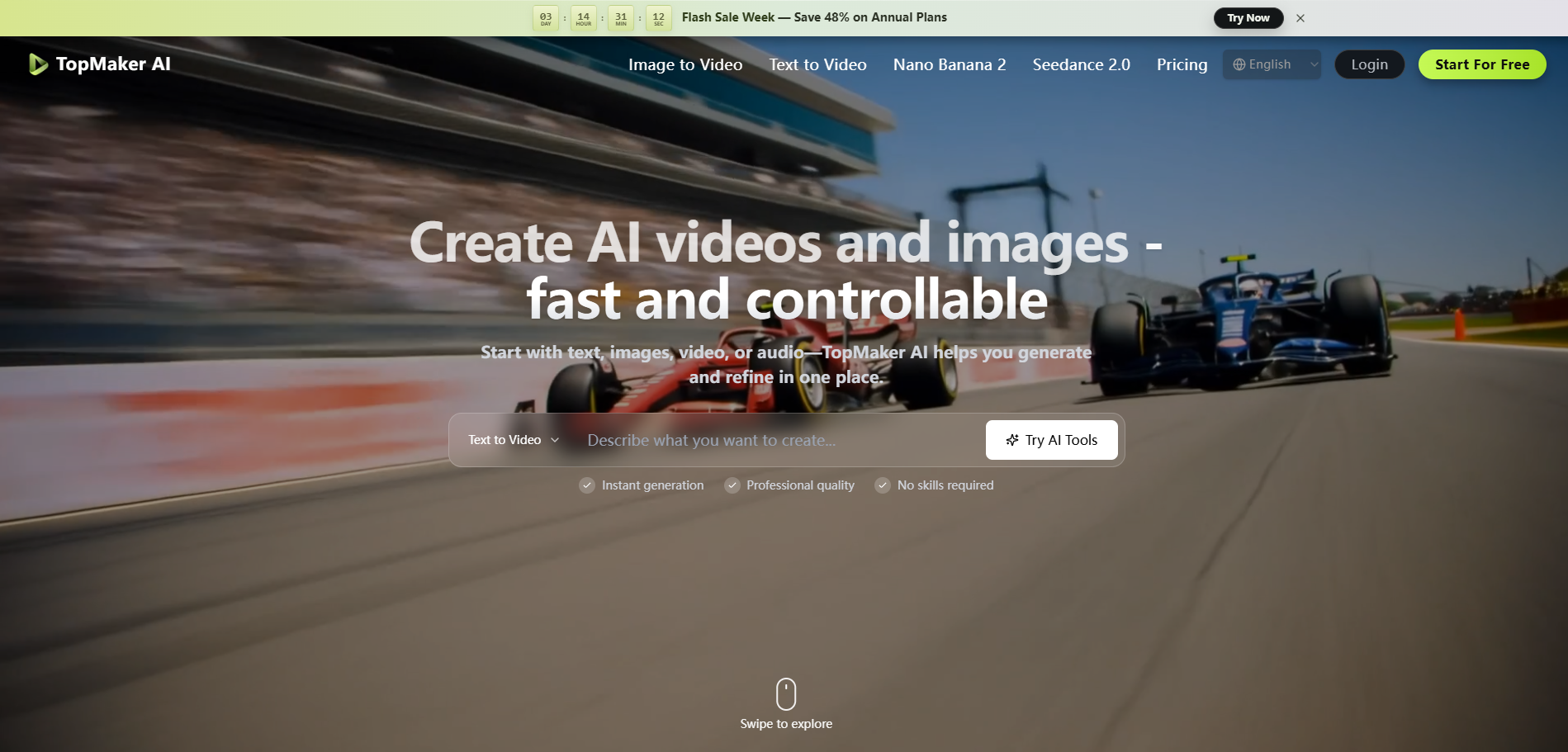
What is TopMaker AI
TopMaker AI is an all-in-one AI video and image creation platform designed for professional content generation. It utilizes top-tier AI models to help creators generate, enhance, and automate visual content.
How to use TopMaker AI
TopMaker AI offers a streamlined workflow with three main steps:
- Pick a workflow: Start with your existing input, whether it's text, an image, or a video. This allows you to begin with the assets you already have without needing to switch between different tools.
- Choose a model: Select the AI model that best suits your specific goal. You can compare different models based on visual quality, generation speed, and credit cost. The platform enables you to test the same concept across multiple models to find the optimal result.
- Generate, refine, download: Create your initial draft, then iterate quickly by adjusting prompts and settings. You can generate multiple variants and refine them until the output meets your requirements before downloading.
Features of TopMaker AI
- All-in-one platform: Integrates various AI video and image generation models into a single workspace.
- Multiple input types: Supports text-to-video, image-to-video, video-to-video, text-to-image, and image-to-image workflows.
- Diverse AI models: Offers access to over 20 AI models, including Seedance 2.0, Kling 2.6, Veo 3.1 Premium, Nano Banana Pro, and others.
- High-quality output: Capable of generating content in native 4K resolution.
- Fast inference speed: Provides industry-leading generation speeds.
- Controlled generation: Allows for refinement of motion, camera style, and visual details.
- Cross-model consistency: Enables testing the same concept across different models.
- Privacy-focused: Employs privacy-first defaults, with generations not being public unless explicitly shared.
- Commercial usage rights: Paid plans include rights for commercial use of generated content.
- Credit system: Generations consume credits based on model, quality, and duration.
Use Cases of TopMaker AI
TopMaker AI is suitable for various content creation needs:
- UGC Videos: Creating authentic, social media-ready clips.
- Performance Ads: Generating multiple ad variants quickly.
- Music Video Visuals: Producing stylized visuals for music tracks.
- Story Shorts: Developing cinematic scenes from ideas.
- Talking Characters: Creating character-driven content for explainers or dialogue.
- Vlog Videos: Generating casual lifestyle clips.
- Product Showcases: Producing clean visuals for e-commerce and promotions.
- Style Remixes: Transforming existing video clips with new aesthetics.
FAQ
- What is TopMaker AI? TopMaker AI is an all-in-one AI image and video creation platform that helps creators generate, enhance, and automate visual content using AI-powered tools and the latest AI models like Seedance 2.0, Sora 2, Veo 3, Kling, and more.
- How does the AI Video Generator work? TopMaker AI Video Generator turns your text, image, or video input into a draft clip using selected AI models. You can then refine motion, camera style, and visual details with follow-up prompts to get a production-ready result.
- What can I create with an AI Video Generator? You can create short ads, social media clips, product demos, cinematic scenes, talking-character videos, and style variations from existing footage. TopMaker supports text-to-video, image-to-video, and video-to-video workflows in one place.
- What's the difference between free and paid plans? Free users get limited generations per month with standard quality. Paid plans unlock higher generation limits, premium AI models, 4K resolution, priority processing, and commercial usage rights.
- How do credits work on TopMaker AI? Every generation uses credits based on model, quality, and duration. You can see the credit cost before generation and track usage in your account.
- Is my content safe and private? Yes. We take privacy seriously. Your uploads and generated content are encrypted and never shared. We don't use your content to train models without explicit consent. See our privacy policy for details.
- Can I use generated videos for commercial purposes? Yes. Paid plans include full commercial usage rights for all generated content. You can use videos in ads, social media, client work, and products. Check our pricing page for plan details.
- How long does it take to generate a video? Most videos are generated within 30 seconds to 3 minutes, depending on the complexity, duration, and selected AI model. Premium plans have priority processing for faster generation.