LogoTop AI Hubs
icon of Veo 3 AI: Generate Veo 3 AI Video With Realistic Sound

Veo 3 AI: Generate Veo 3 AI Video With Realistic Sound

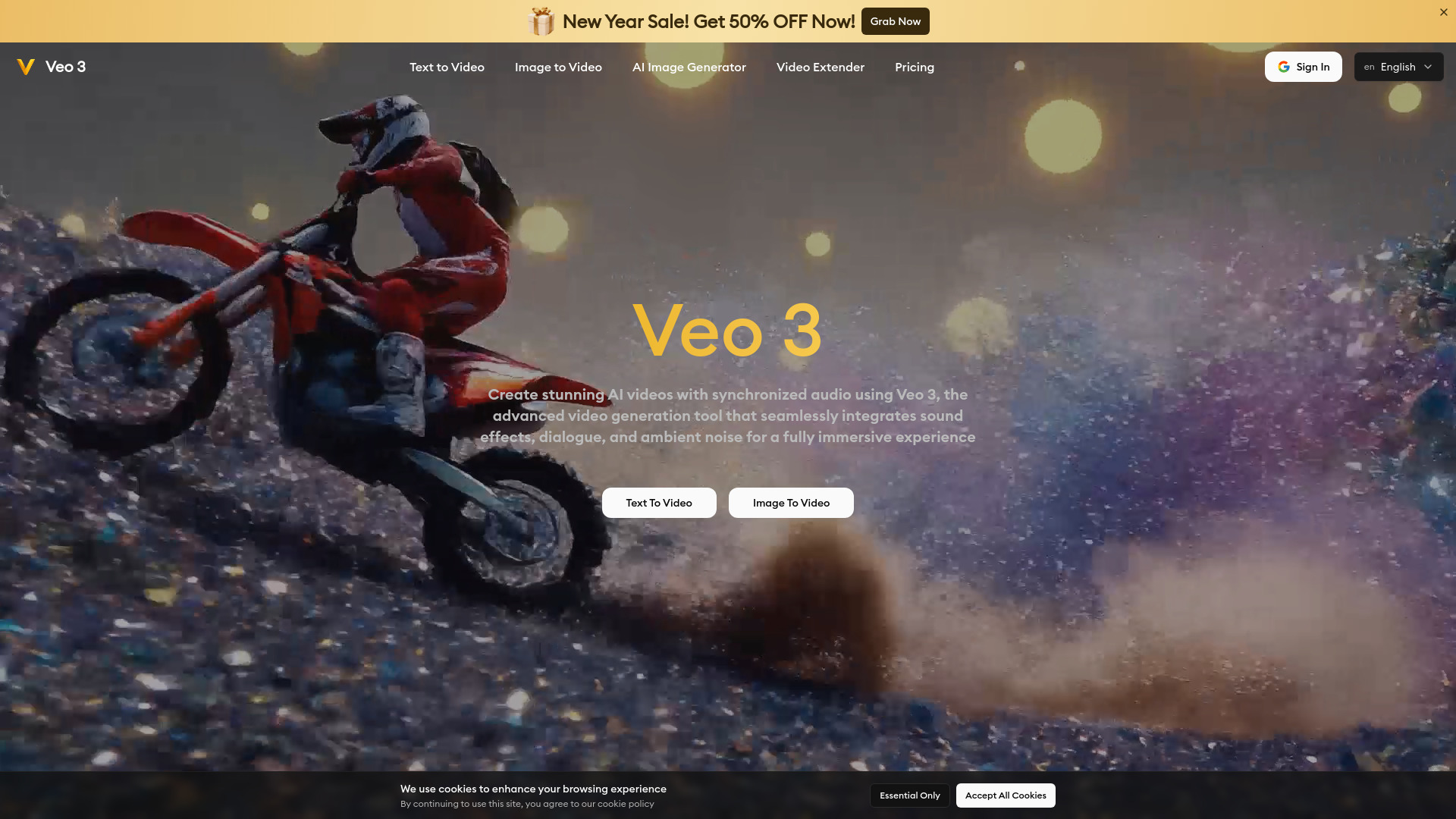
Veo 3 is an advanced AI video generation model developed by Google that transforms text or images into high-quality videos with realistic motion and synchronized audio. Create stunning AI videos. Start for free.

Introduction

What is Veo 3 AI: Generate Veo 3 AI Video With Realistic Sound

Veo 3 is an advanced AI video generation model that transforms text prompts into high-quality videos with synchronized audio. It offers a fast, ready-to-use REST API, reliable performance with zero cold starts, and cost-effective pricing—ideal for creators, developers, and businesses.

How to use Veo 3 AI: Generate Veo 3 AI Video With Realistic Sound
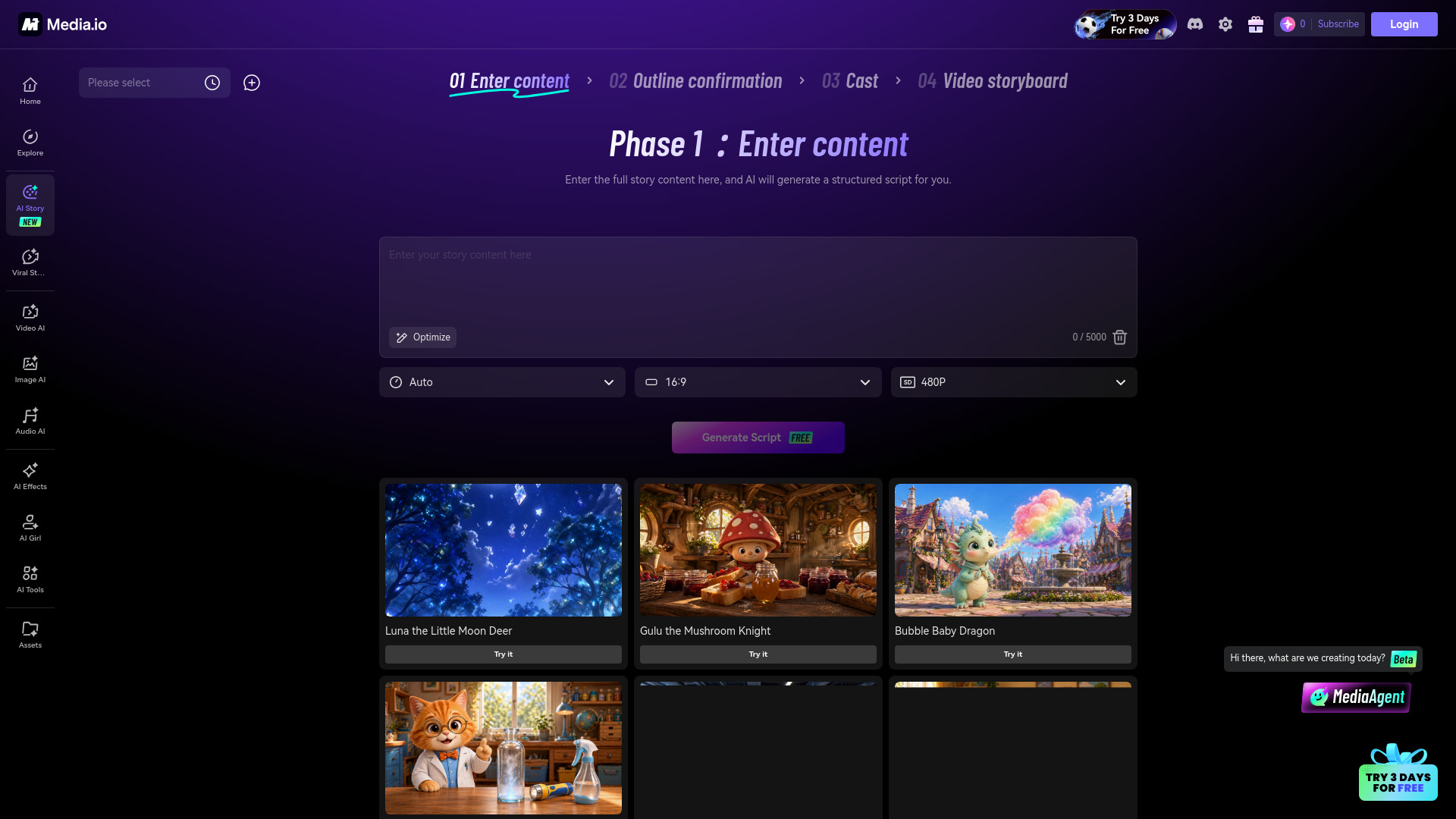
  1. Input Your Creative Vision: Describe your video concept or upload reference images. Veo 3 AI's advanced understanding capabilities process your creative requirements with precision.
  2. Veo 3 AI Generates Your Video: Watch as Veo 3 AI transforms your ideas into high-quality videos with realistic visuals and audio elements using state-of-the-art technology.
  3. Download and Enhance: Get your Veo 3 AI generated video with synchronized audio and optionally enhance it further using professional video editing tools for exceptional results.
Features of Veo 3 AI: Generate Veo 3 AI Video With Realistic Sound
  • High-Fidelity AI Video Creation: Produce visually stunning videos that match professional standards with ease and speed.
  • Authentic Movement & Audio Sync: Bring scenes to life with natural physics, expressive character motion, and accurately timed audio for truly immersive storytelling.
  • Flexible Prompt Input Options: Adapt seamlessly to text prompts or visual references.
  • Multiple Output Resolutions: Supports resolutions from 360p to native 1080p.
  • Short-Form Video Optimization: Generate videos up to 8 seconds long, ideal for social media and marketing clips.
  • Adaptive Aspect Ratio Support: Create videos in square, vertical, and widescreen formats.
Use Cases of Veo 3 AI: Generate Veo 3 AI Video With Realistic Sound
  • Content Creators & Filmmakers: Streamline creative workflow, storyboard, prototype, and generate cinematic-quality videos with realistic motion and native lip-synced audio.
  • Brands & Marketing Teams: Create personalized ads, explainers, and social videos at scale with unlimited visual variations and synchronized voiceovers.
  • Educators & Trainers: Engage learners with AI-generated video lessons, training modules, and visual explainers.
Pricing

Veo 3 offers various plans, including annual and monthly subscriptions, as well as one-time purchases. Plans include different credit allocations per year or month, with features like no monthly limits, access to advanced models, permanent data storage, faster generation speed, priority support, watermark-free downloads, and commercial use licenses. Specific pricing details are available on their pricing page.
FAQ
  • What is Veo 3? Veo 3 is a next-generation AI video generation model that transforms text prompts into high-quality videos with realistic motion, accurate context, and cinematic visuals.
  • How does Veo 3 work? Veo 3 uses advanced natural language processing and AI-powered visual interpretation to analyze text prompts and generate coherent, dynamic videos.
  • What types of videos can I create with Veo 3? You can create a wide variety of videos, including cinematic sequences, storytelling content, educational explainer videos, product showcases, nature scenes, or abstract concepts.
  • Is Veo 3 free to use? Yes, you can start using Veo 3 for free with credits provided upon registration. Subscription plans are available for more advanced features and extended usage.
  • How do I write effective prompts for Veo 3? Write prompts that are vivid and specific, mentioning setting, characters, actions, lighting, camera movement, and mood for the best results.
  • How does Veo 3 compare to other AI video generators? Veo 3 offers superior video quality, natural character motion, precise prompt interpretation, smoother transitions, realistic physics, and consistent visual storytelling.
  • Can I use Veo 3 for commercial purposes? Yes, commercial use licenses are available with Veo 3 plans.
  • How does Veo 3 ensure accessibility for all users? [Information not explicitly detailed in the provided content.]

Information

Newsletter

Join the Community

Subscribe to our newsletter for the latest news and updates