What is Vibe Architect for Cursor
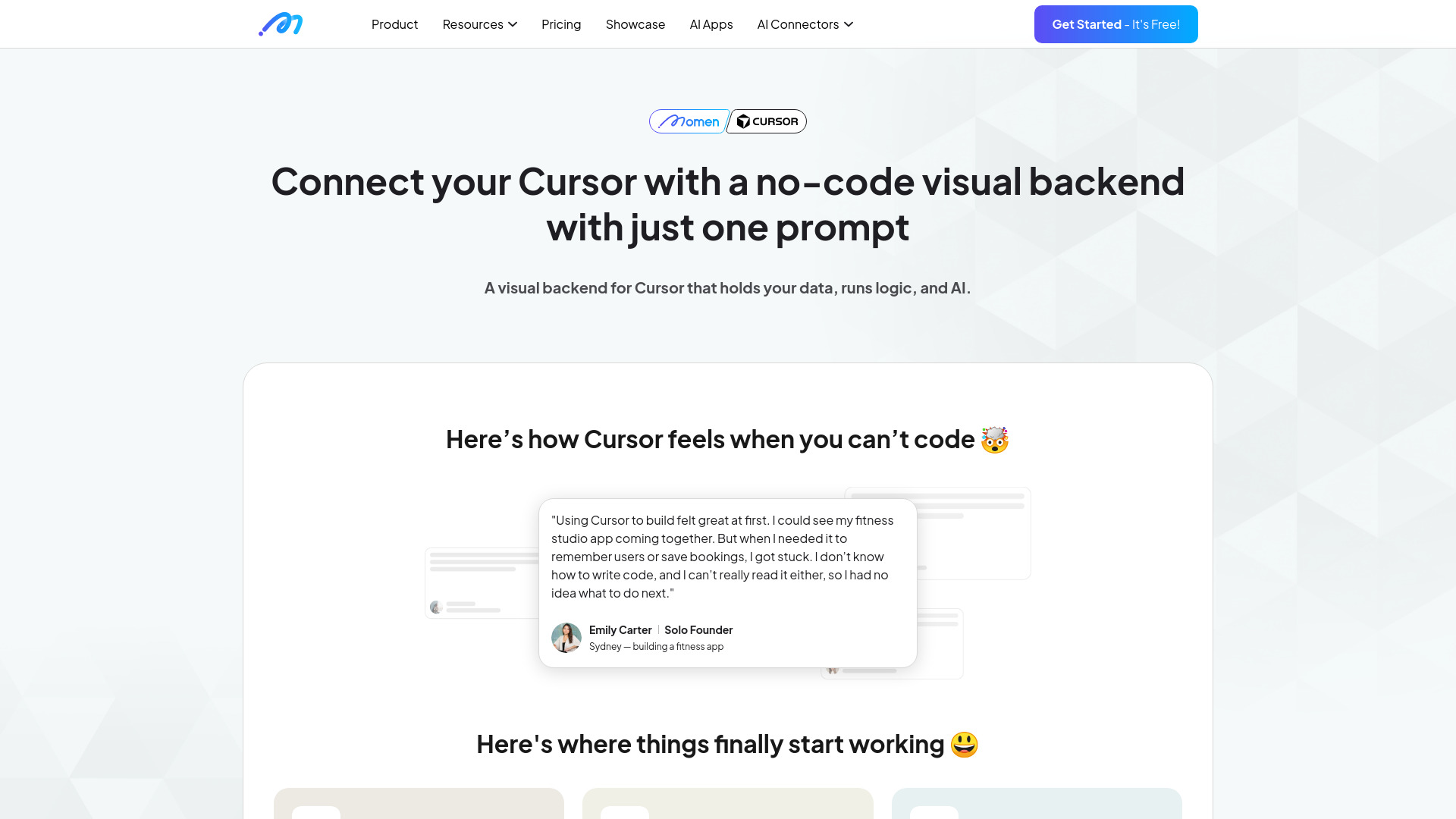
Vibe Architect is a visual, no-code backend designed specifically for Cursor. It allows users to see, understand, and control their data, logic, and AI components behind the scenes.
How to use Vibe Architect for Cursor
- Describe Your Idea: Enter your app idea and click 'Convert'. This generates a Product Requirements Document (PRD) and data model instructions.
- Set Up the Backend in Momen: Design your database, visually define tables, columns, and relations. Build backend workflows using Actionflows to handle creation, updates, and logic.
- Connect Cursor with Rules and MCP: Integrate Momen's backend with Cursor using Rules and MCP.
- Vibe Frontend in Cursor: Build beautiful, interactive frontends with pages, overlays, and interactions.
Features of Vibe Architect for Cursor
- Visual No-Code Backend: Design databases, workflows, AI agents, auth, and payments visually.
- Database Management: Visually define tables, columns, and relations.
- Actionflows: Build backend workflows for creation, updates, and logic.
- AI Agent Builder: Create multi-modal agents with RAG and tool calls.
- User System: Built-in authentication and permissions.
- Integrated Payments: Monetize with built-in Stripe payments and paywalls.
- Pre-built Apps: Start with templates like an AI trip planner.
Use Cases of Vibe Architect for Cursor
- Building a fitness studio app that remembers users and saves bookings.
- Creating an AI trip planner with multi-day routes, food, stay, and transport details.
- Developing apps with built-in authentication and permissions.
- Monetizing apps through one-time or subscription payments.
Pricing
Pricing information is not available in the provided content.
FAQ
FAQ information is not available in the provided content.