What is VibeKnow Studio
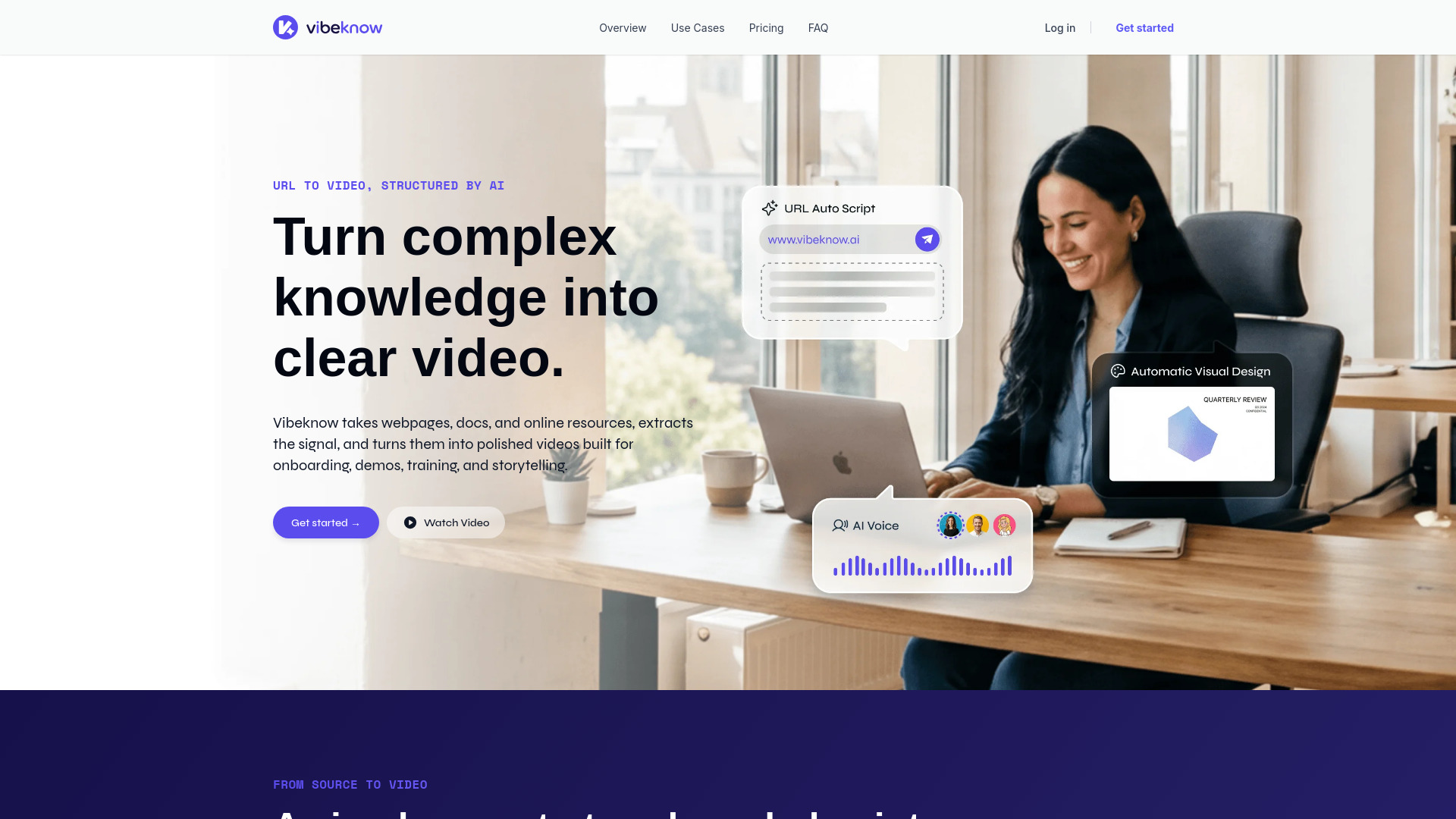
VibeKnow Studio is an AI platform that converts documents and URLs into structured knowledge videos. It transforms webpages, documents, and online resources into polished videos suitable for training, onboarding, demos, and storytelling.
How to use VibeKnow Studio
- Upload documents, articles, or paste URLs.
- The AI processes the content, extracts key information, and generates a video draft.
- Review and refine the draft.
- Publish the final video.
Features of VibeKnow Studio
- AI-Powered Conversion: Transforms documents (PDF, Word, PPT, TXT) and URLs into video drafts.
- Content Understanding: AI analyzes content to determine appropriate visuals, pacing, and structure.
- Automated Storyboarding: Generates storyboards based on the input content.
- Visual Generation: Creates relevant visuals, including charts from data and animations for workflows.
- Automated Narration & Music: Adds professional AI narration and background music that matches the video's mood.
- Batch Production: Capable of producing multiple videos efficiently, ideal for large-scale content needs.
- Specialized Content Handling: Designed to work with complex topics in fields like finance, healthcare, and AI.
- Customization Options: Allows for refinement of video drafts, including changing backgrounds and text size/color.
Use Cases of VibeKnow Studio
- Creators: Turn expertise and research into clear, publishable video drafts for content creation.
- Teams: Create clearer demos, training materials, and explainers by reusing existing documentation.
- Knowledge Explainers: Simplify complex concepts for broader understanding.
- Online Courses: Convert courseware into engaging video lessons.
- Corporate Training: Produce standardized training content quickly.
- Publishing: Create companion explanation videos for books.
- Product Showcases: Visualize product features and benefits.
- Social Media Content: Mass-produce short video content from articles or posts.
Pricing
VibeKnow offers a tiered pricing structure with different plans, including a free option to start. Plans vary in features such as concurrent video tasks, AI voice capabilities (official voices vs. voice cloning), input file size limits, generation speed, AI auto-dubbing, and video watermarks. There are also "Booster Packs" for purchasing additional credits.
FAQ
- What is VibeKnow Studio? VibeKnow Studio is an AI-powered platform that automatically generates knowledge videos from text, links, PDFs, or PPT files. It handles storyboarding, visuals, narration, and music.
- What input formats are supported? Supported formats include plain text, web links, PDF documents, and PPT presentations.
- How long does it take to generate a video? A typical 3-5 minute video takes a few minutes to generate, significantly faster than traditional production methods.
- What about video quality? Videos feature professional-grade visual design and AI narration, with AI creating content-aware visuals frame-by-frame.
- What scenarios is it suited for? It's suitable for knowledge explainers, book companion videos, educational courses, social media content, corporate training, and product showcases.
- How is it different from other AI video tools? VibeKnow focuses on "knowledge" videos, with AI understanding content structure to create specific visuals like charts from data or animations for workflows, acting as an "AI Producer" rather than just an editing assistant.
- Can it produce videos in batch? Yes, VibeKnow excels at batch production, enabling efficient creation of multiple videos for publishers, enterprises, and educators.
- Is there an API? Yes, VibeKnow offers API access for enterprises and platforms with batch video generation needs.