What is Video Cutter
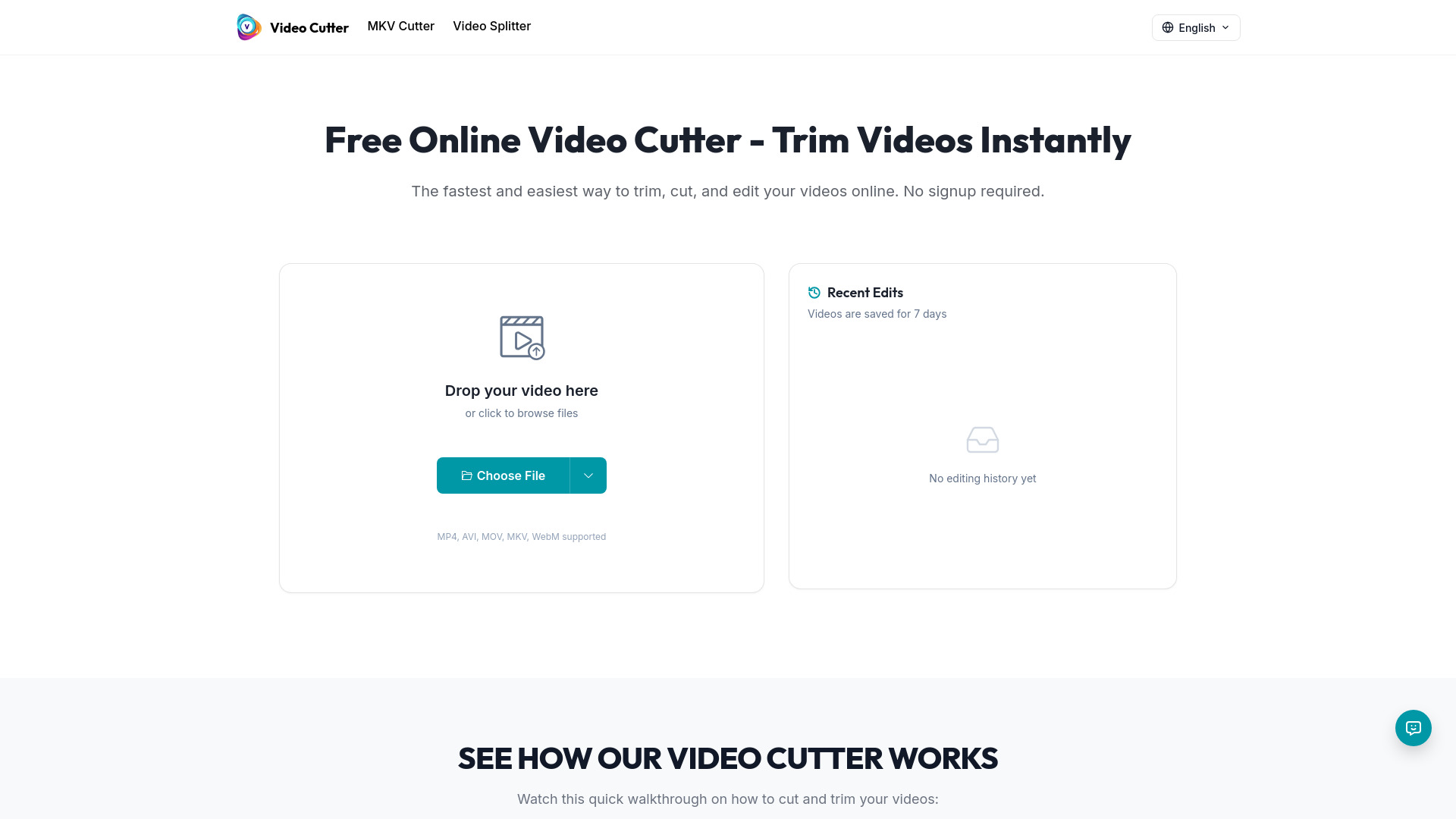
Video Cutter is a free, fast, and online tool designed to instantly cut and trim videos without requiring any login. It offers a user-friendly interface for editing video content directly in the browser.
How to use Video Cutter
- Upload Video: Upload the video you want to cut. The tool supports MP4, AVI, MOV, MKV, and WebM formats.
- Set Trim Points: Use the timeline to select the desired parts of your video by dragging the handles to set start and end points.
- Download Result: Once processing is complete, download your trimmed video. The original quality is preserved.
Features of Video Cutter
- Free to use with no ads or login required.
- Fast and instant video cutting and trimming.
- Supports major video formats including MP4, AVI, MOV, MKV, and WebM.
- Preserves original video quality.
- Secure processing with automatic deletion of videos after processing.
- No watermarks or restrictions on usage.
- Maximum upload size of 500MB and duration of 30 minutes.
Use Cases of Video Cutter
- Creating impactful video content by trimming unwanted sections.
- Producing short, shareable clips for social media platforms like TikTok, Instagram Reels, and YouTube Shorts.
- Repurposing long-form content into shorter, engaging clips.
- Editing videos for presentations and personal projects.
Pricing
Video Cutter is 100% free to use with no hidden fees. It is supported by non-intrusive ads.
FAQ
Is Video Cutter completely free to use? Yes, it is 100% free with no hidden fees, watermarks, or restrictions. It is supported by non-intrusive ads.
What video formats are supported? All major video formats are supported, including MP4, AVI, MOV, MKV, and WebM. Trimmed videos can also be exported in these formats.
Is my video data secure? Yes, videos are processed securely and automatically deleted from servers after processing. Content is never stored, shared, or analyzed.
What is the maximum file size I can upload? The maximum file size is 500MB, and the maximum duration is 30 minutes. For larger files, users are advised to split them into smaller segments.
Do I need to create an account to use Video Cutter? No account is required. Users can start cutting videos immediately by uploading their video, making cuts, and downloading the result.