What is Wan 2.7
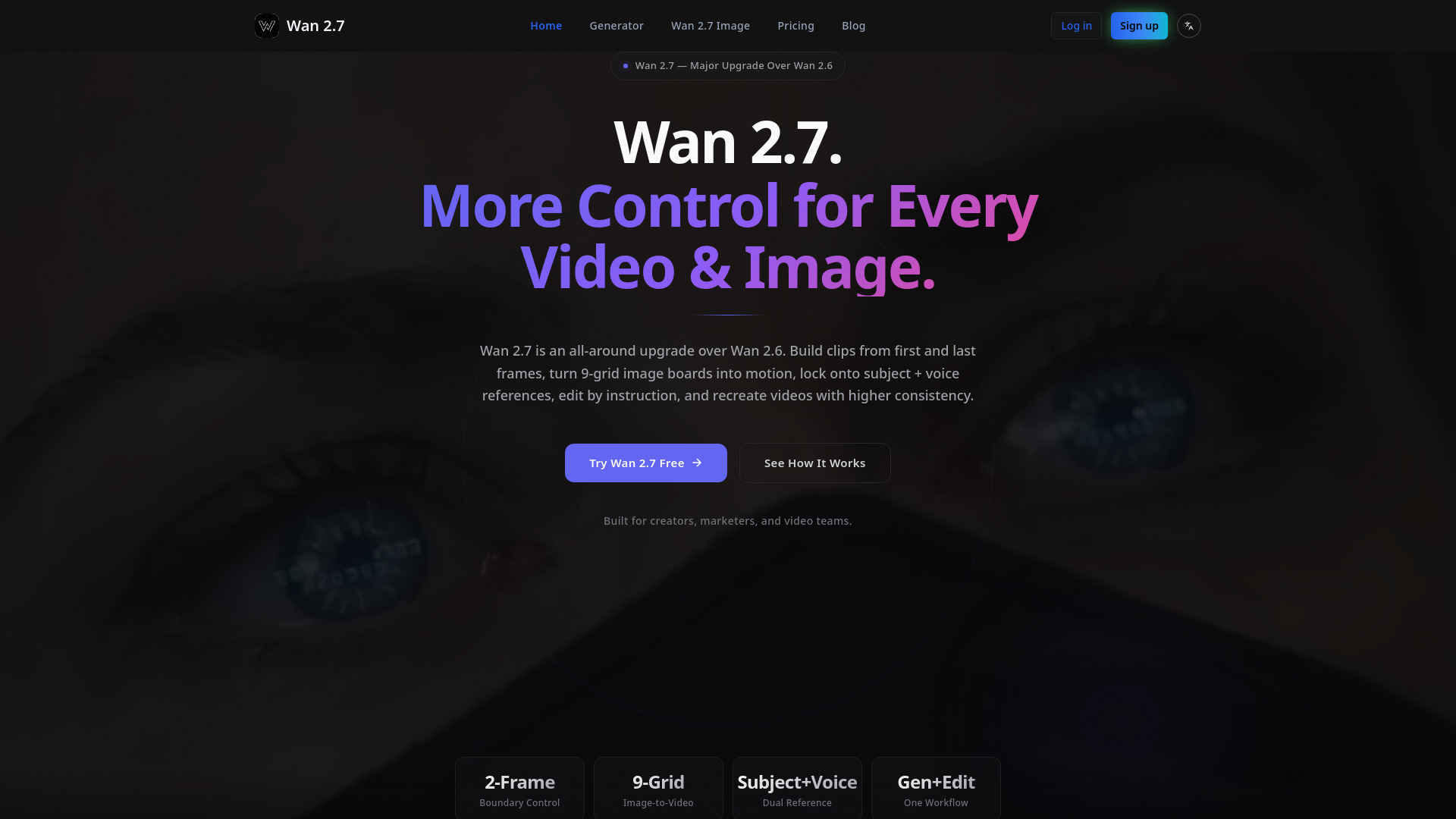
Wan 2.7 is a powerful all-in-one AI platform that serves as both an advanced image generator and a controllable video generator & editor. It delivers high-quality images and videos with precise creative control in a single workflow. It is a major upgrade over Wan 2.6, offering more control across generation, reference conditioning, editing, and recreation.
How to use Wan 2.7
- Set Frames and References: Start with text, a first frame, a last frame, or a 9-grid image board. Add subject references to preserve identity and voice references for matching speech or tone.
- Generate or Edit by Instruction: Ask Wan 2.7 to create a new clip, animate a structured image board, or revise an existing video with natural-language instructions.
- Recreate, Refine, and Export: Use recreation or replication workflows to rebuild a clip with stronger consistency, then iterate until framing, performance, and voice feel right.
Features of Wan 2.7
- First-Frame & Last-Frame Control: Define where a clip starts and ends for tighter motion planning and clearer shot intent.
- 9-Grid Image-to-Video: Turn structured image boards into motion for storyboard-driven video creation and concept testing.
- Subject Reference: Keep the same character, person, or object more stable across new generations and revisions.
- Subject + Voice Reference: Supports both visual subject references and voice references for guiding performance-driven clips.
- Instruction-Based Video Editing: Revise an existing clip with direct instructions (e.g., changes to motion, framing, styling, or timing) without rebuilding from scratch.
- Video Recreation / Replication: Use an existing clip or idea as the basis for a rebuilt version with better consistency or different variations.
- Wan 2.7 Image Support: Integrated AI image generation capabilities.
Use Cases of Wan 2.7
- Storyboarding: Use first and last frames to previsualize how a shot begins and resolves.
- Creator Series: Produce episodic content with recurring characters and consistent voice without resetting identity each time.
- Performance Marketing: Regenerate versions for different hooks, offers, and calls to action from a single setup for campaign testing.
- Game Cinematics: Turn multi-panel concept art or image grids into moving trailers and cutscene drafts.
- Post-Production: Edit, recreate, and localize videos faster by revising motion, tone, or language direction while preserving the original idea.
- Training & Explainers: Convert structured image boards into motion and update lessons with simple edit instructions for tutorials and demos.
Pricing
Wan 2.7 offers various pricing plans and credit packages:
Subscription Plans:
- Free: Basic features, limited projects, 1 GB storage, basic analytics, community support.
- Basic: 360 credits/month (~180 standard videos), $0.044 per video, native 1080p resolution, standard generation speed, email support, credits refresh monthly. No commercial license or priority processing.
- Pro: 1,320 credits/month (~660 standard videos), $0.039 per video, native 1080p resolution, priority processing, 16-bit HDR & EXR Export, priority support, commercial video license.
- Max: 3,600 credits/month (~1,800 standard videos), $0.033 per video, native 1080p resolution, fastest generation speed, permanent video storage, dedicated account manager.
Credit Packages (One-time purchase, credits never expire):
- Starter Pack: 200 credits ($0.049 per video)
- Basic Pack: 800 credits ($0.044 per video)
- Pro Pack: 1,800 credits ($0.038 per video)
- Max Pack: 3,600 credits ($0.035 per video)
- Super Pack: 10,500 credits ($0.032 per video)
- Ultra Pack: 28,000 credits ($0.028 per video)
Image Generation:
- Image generation uses credits (e.g., 2 credits per image).
FAQ
- What is Wan 2.7? Wan 2.7 is a controllable AI video workflow and a major upgrade over Wan 2.6. It supports first-frame and last-frame generation, 9-grid image-to-video, subject + voice reference, instruction-based editing, and video recreation.
- How is Wan 2.7 different from Wan 2.6? Wan 2.7 offers broader control across the workflow, including boundary-frame control, structured image input, dual subject + voice reference, editing by instruction, and recreation workflows.
- Does Wan 2.7 support first-frame and last-frame video generation? Yes, you can guide how a clip starts and ends for better transitions, timing, and shot planning.
- What is 9-grid image-to-video useful for? It's useful for turning storyboards, moodboards, product sequences, and multi-panel concept boards into motion, providing a more structured starting point than text alone.
- Can Wan 2.7 use subject and voice references together? Yes, Wan 2.7 supports subject + voice reference to guide visual identity and vocal style in the same workflow.
- How does instruction-based video editing work? You can apply natural-language instructions to revise an existing result (e.g., changes to framing, style, action, tone, or timing) without regenerating from scratch.
- What does video recreation or replication mean in Wan 2.7? It means using an existing clip or idea as the basis for a rebuilt version with better consistency or different variations, useful for localization and A/B testing.
- Who should use Wan 2.7? Wan 2.7 is suitable for creators, marketers, studios, educators, and teams needing repeatable video production, especially those who rely on references, revisions, and multiple output versions.