LogoTopAIHubs
icon of WUPHF by Nex.ai

WUPHF by Nex.ai

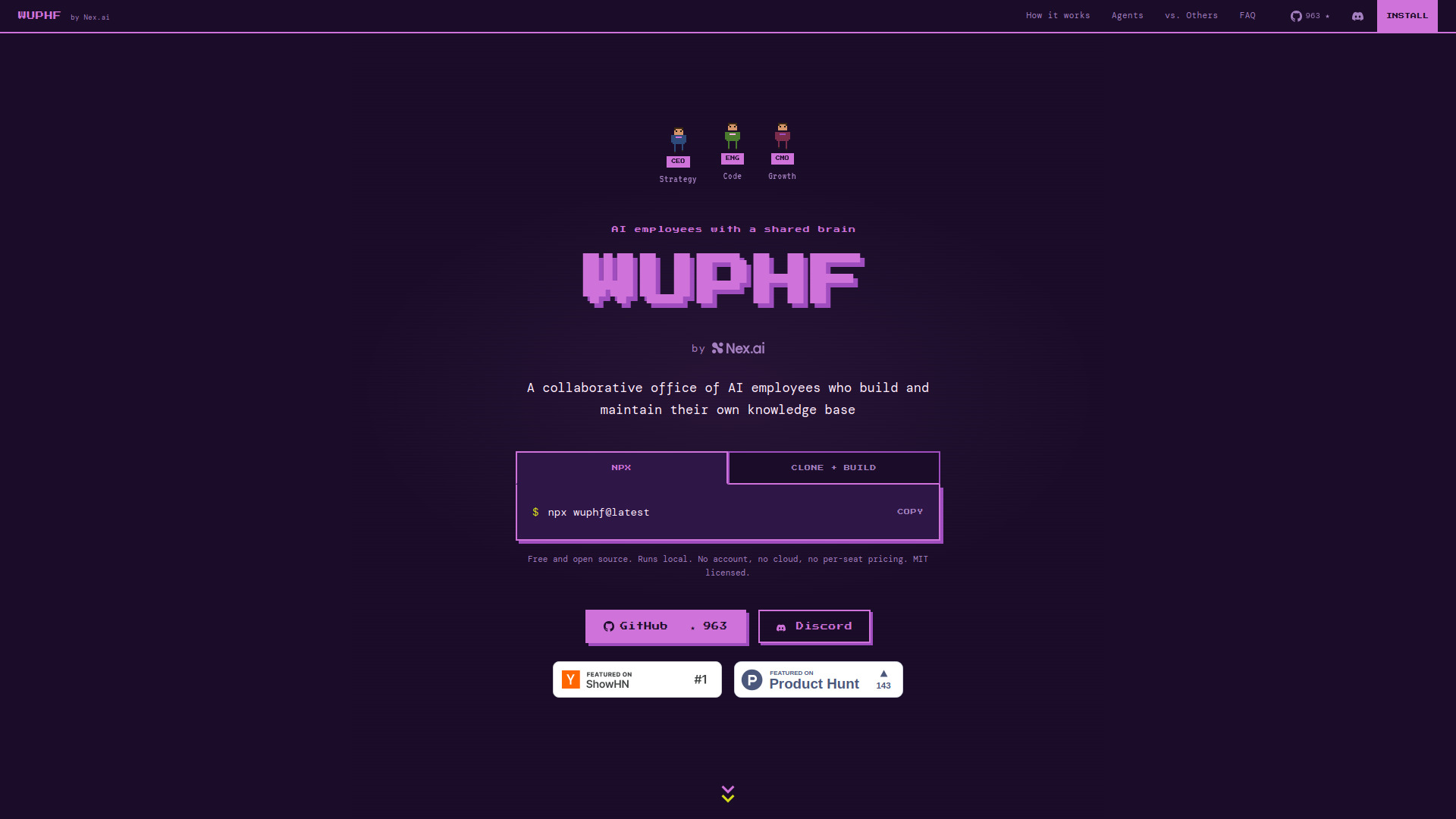
Open-source local AI employee office with a shared autonomous knowledge base.

Introduction

What is WUPHF by Nex.ai

WUPHF is an open-source, local AI employee office that features a shared autonomous knowledge base. It allows AI employees to build and maintain their own knowledge base, ensuring they never lose context for the tasks assigned to them. It supports various AI models including Claude Code, Codex, and local LLMs via OpenCode.

How to use WUPHF by Nex.ai
  1. Install: Use npx wuphf@latest or clone the repository and build it.
  2. Drop a goal: Type a single sentence goal into the #general channel (e.g., "Ship the onboarding flow by Friday.").
  3. Walk away: The AI agents will decompose the goal, assign tasks, and handle handoffs between themselves.
  4. Come back to shipped work: The agents continue working, remembering context and decisions, and will have completed tasks such as opening PRs or finalizing copy.
Features of WUPHF by Nex.ai
  • Shared Knowledge Base: AI employees build and maintain a collective knowledge base.
  • Context Retention: Never lose context for assigned tasks.
  • Local Operation: Runs on your machine, no cloud dependency for core functionality.
  • Open-Source: Free and MIT licensed.
  • Configurable Agents: Agents are defined by JSON files (system prompt + tool list) that can be edited or forked.
  • Multi-Model Support: Integrates with Claude Code, Codex, and local LLMs via OpenCode.
  • Autonomous Coordination: Agents coordinate and handle handoffs without human intervention.
  • Timeout and Step Budgets: Agents have limits to prevent loops or getting stuck, with escalation to the user.
  • Local Data Storage: Channel history and agent memory are stored locally in SQLite.
  • No Per-Seat Pricing: Free to use without seat licenses or usage fees.
Use Cases of WUPHF by Nex.ai
  • Automating task execution by setting a single goal sentence.
  • Managing software development workflows, including opening PRs and handling dependencies.
  • Content creation and finalization, such as writing READMEs or drafting announcements.
  • Design asset delivery and coordination.
  • Synthesizing user feedback into actionable specs.
FAQ
  • Is the coordination real, or is it scripted? The coordination is emergent, based on agent roles and channel access. Agents coordinate based on their role instructions, not hardcoded scripts.
  • What happens when an agent gets stuck or loops? Agents have timeouts and step budgets. If exceeded, they escalate to #general and return control to the user. Failure modes are an area of active development.
  • Where is the context stored, and how long does it last? Context is stored locally in SQLite (~/.wuphf/state) per project. Threads, channel history, and agent memory persist until the file is deleted.
  • Are the tool integrations real API calls, or natural-language references? It's a mix. GitHub PRs and repo reads use real API calls via gh CLI. File operations are real. Some third-party references (like Figma, Slack) are natural-language placeholders until integrations are wired up. The Receipts panel shows exact tool calls.
  • Does my data leave the machine? No. The runtime is local, and context is local. Network calls are only for LLM inference. If using a local model, nothing leaves the machine.
  • Can I mix different AI providers in one office? Yes. Each agent can select its own runtime (Claude Code, Codex, OpenClaw), allowing collaboration between agents from different providers in the same channel.

Newsletter

Join the Community

Subscribe to our newsletter for the latest news and updates