What is Crop.photo - Bulk Image Resizer
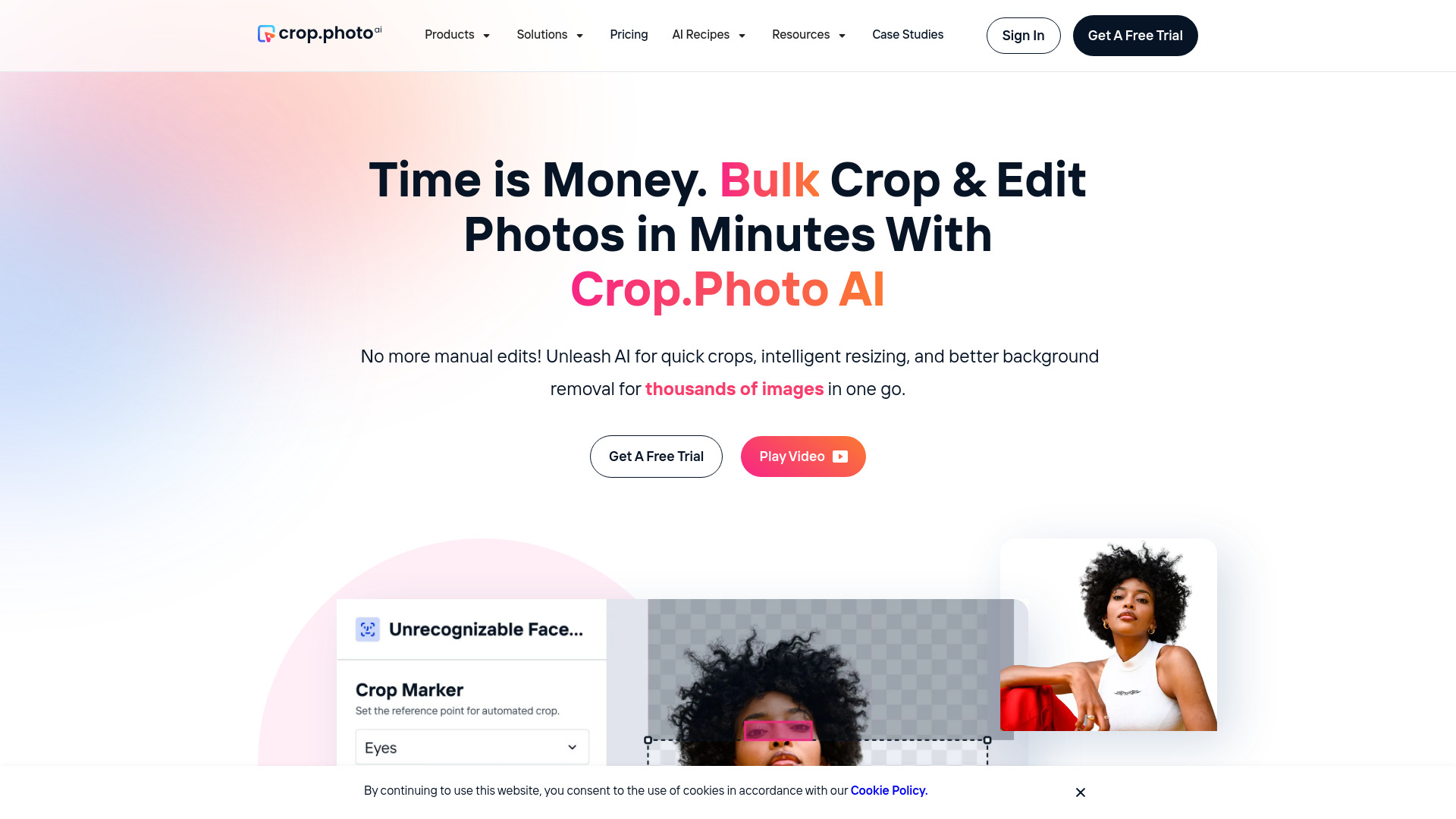
Crop.photo is an AI-powered bulk image editing platform that enables users to crop, resize, retouch, and remove backgrounds from thousands of images in seconds. It supports products, faces, on-model shots, and lifestyle images, offering automated workflows for e-commerce, fashion, and personal use.
How to use Crop.photo - Bulk Image Resizer
- Sign up for a free trial at app.crop.photo.
- Upload your images in bulk.
- Choose an AI recipe or create a custom workflow for cropping, resizing, background removal, or enhancement.
- Apply the edits automatically across all images.
- Download the processed images or integrate via API for automated pipelines.
Features of Crop.photo - Bulk Image Resizer
- AI Bulk Cropping & Resizing: Automatically crop and resize thousands of images to match marketplace or channel specs.
- Background Removal & Replacement: Remove, replace, or generate backgrounds for any image type.
- Smart Resizer: Auto-resize images to fit specific dimensions while preserving content.
- Custom Cropper: Build smart recipes to control cropping, backgrounds, and layouts.
- Lifestyle Cropper: Auto-crop lifestyle images for ads, social media, and websites.
- Headless Face Cropper: Remove faces from on-model images for wholesale and model-rights use.
- AI Fashion Model Generator: Create lifelike on-model fashion images from flat-lays and packshots.
- AI Product Photography: Generate studio-quality product photos in seconds.
- AI Product Video Generation: Turn static product images into studio-quality videos in bulk.
- Banner Automation: Generate brand-aware banners across channels, sizes, and layouts.
- Listing Analyzer: Analyze PDP images and optimize them for marketplace performance.
- Shopify Integration: Dedicated Shopify app for bulk editing product images.
- API Access: Automate bulk image editing with AI-powered APIs.
Use Cases of Crop.photo - Bulk Image Resizer
- E-commerce & Marketplaces: Optimize product images for Amazon, eBay, Shopify, and other platforms with correct sizing and clean backgrounds.
- Fashion & Apparel: Ensure consistent on-brand apparel photos, create on-model images from flat-lays, and remove faces for wholesale use.
- D2C Brands: Optimize product images for direct-to-consumer stores with AI-powered cropping, upscaling, and enhancements.
- Photo Studios: Streamline high-volume shoots with quick, professional cropping and editing.
- School & Sports Photography: Capture and deliver team and class photos faster with automated cropping and editing.
- Personal Use: Get pixel-perfect personal photos instantly with AI enhancements and cropping.
Pricing
Crop.photo offers a free trial. Detailed pricing plans are available on the pricing page at crop.photo/pricing.
FAQ
Q: What types of images can I edit with Crop.photo?
A: You can edit product photos, fashion images, lifestyle shots, faces, and any other image type. The AI handles bulk cropping, resizing, background removal, and retouching.
Q: Can I integrate Crop.photo with my existing workflow?
A: Yes, Crop.photo provides an API for automation and a dedicated Shopify app for seamless integration with your e-commerce store.
Q: Is there a free trial?
A: Yes, you can sign up for a free trial at app.crop.photo.
Q: How many images can I process at once?
A: The platform is designed for bulk processing, handling thousands of images in one go.