Newsletter
Join the Community
Subscribe to our newsletter for the latest news and updates

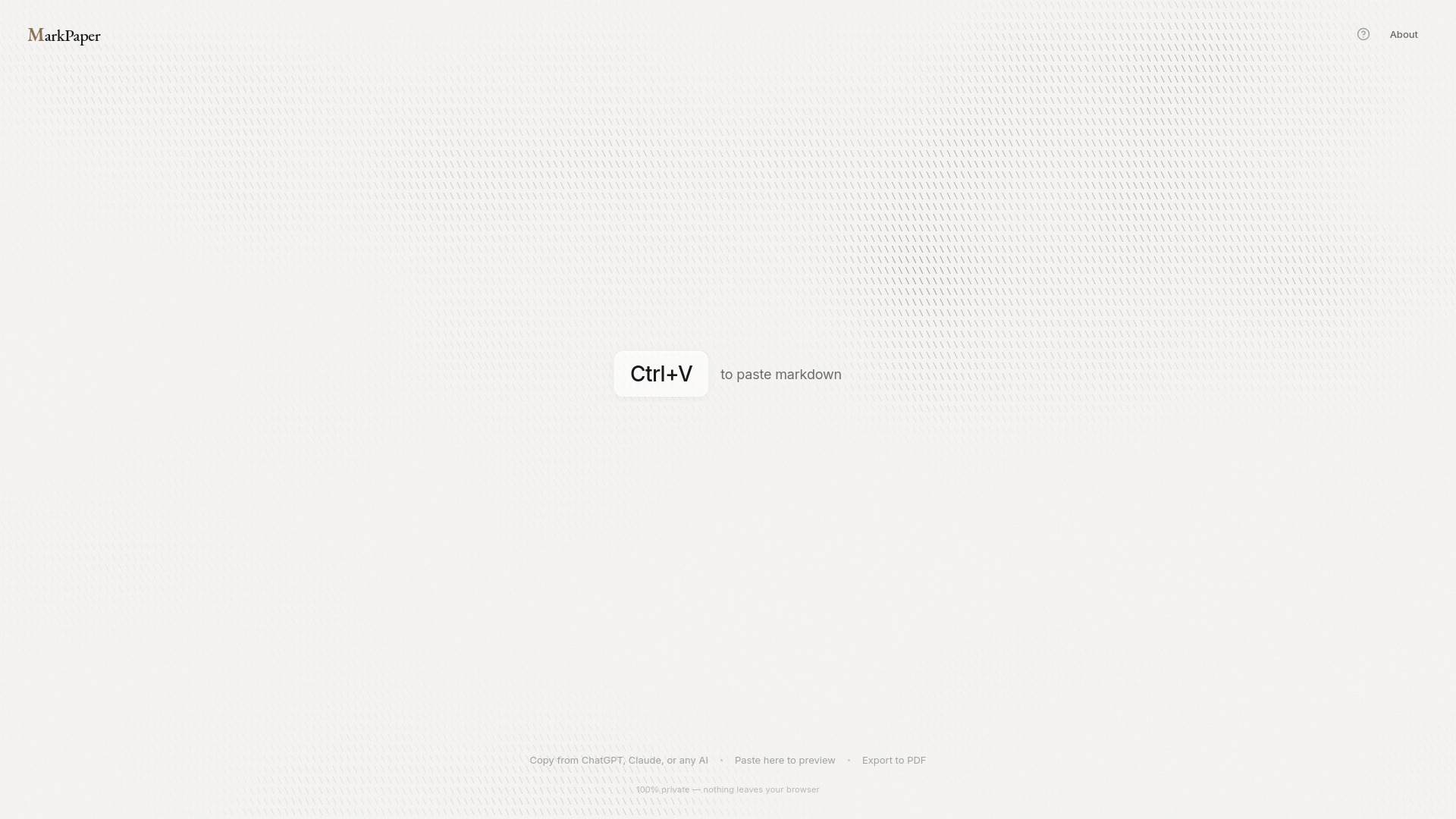
Fast, private, browser-based Markdown to PDF converter with zero installation and professional themes.
MarkPaper is a fast, private, browser-based tool for converting Markdown content into beautifully typeset PDF documents. It requires zero installation and runs entirely within your web browser, ensuring your content never leaves your device.
MarkPaper is free forever. There are no accounts, limits, or catches.
How do I convert markdown to PDF? Paste your markdown into MarkPaper, choose a typography theme, then click Print/PDF. Your browser's print dialog opens where you can save as PDF. No command line tools, pandoc, or LaTeX installation needed.
Can I convert ChatGPT or Claude output to PDF? Yes. Copy markdown from ChatGPT, Claude, Gemini, or any AI assistant and paste directly into MarkPaper. Code blocks, tables, and formatting are preserved with proper syntax highlighting.
Is my content private and secure? Yes. MarkPaper runs entirely in your browser—your content is never sent to any server unless you explicitly choose to share a document. Ideal for confidential reports, proposals, and sensitive documents.
What document types can I create? Any document that uses markdown: investor reports, project proposals, technical documentation, meeting notes, research papers, blog posts, resumes, and more. Choose from multiple professional themes to match your purpose.
Do I need to install anything? No. MarkPaper is a web app that works entirely in your browser. Open markpaper.app, paste your markdown, and export. No downloads, no dependencies, no account required.